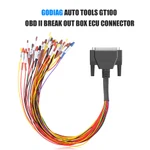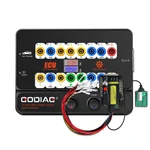

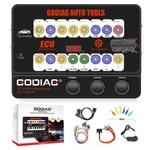
GODIAG
GT100
€73View details
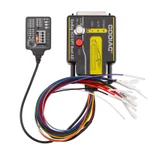
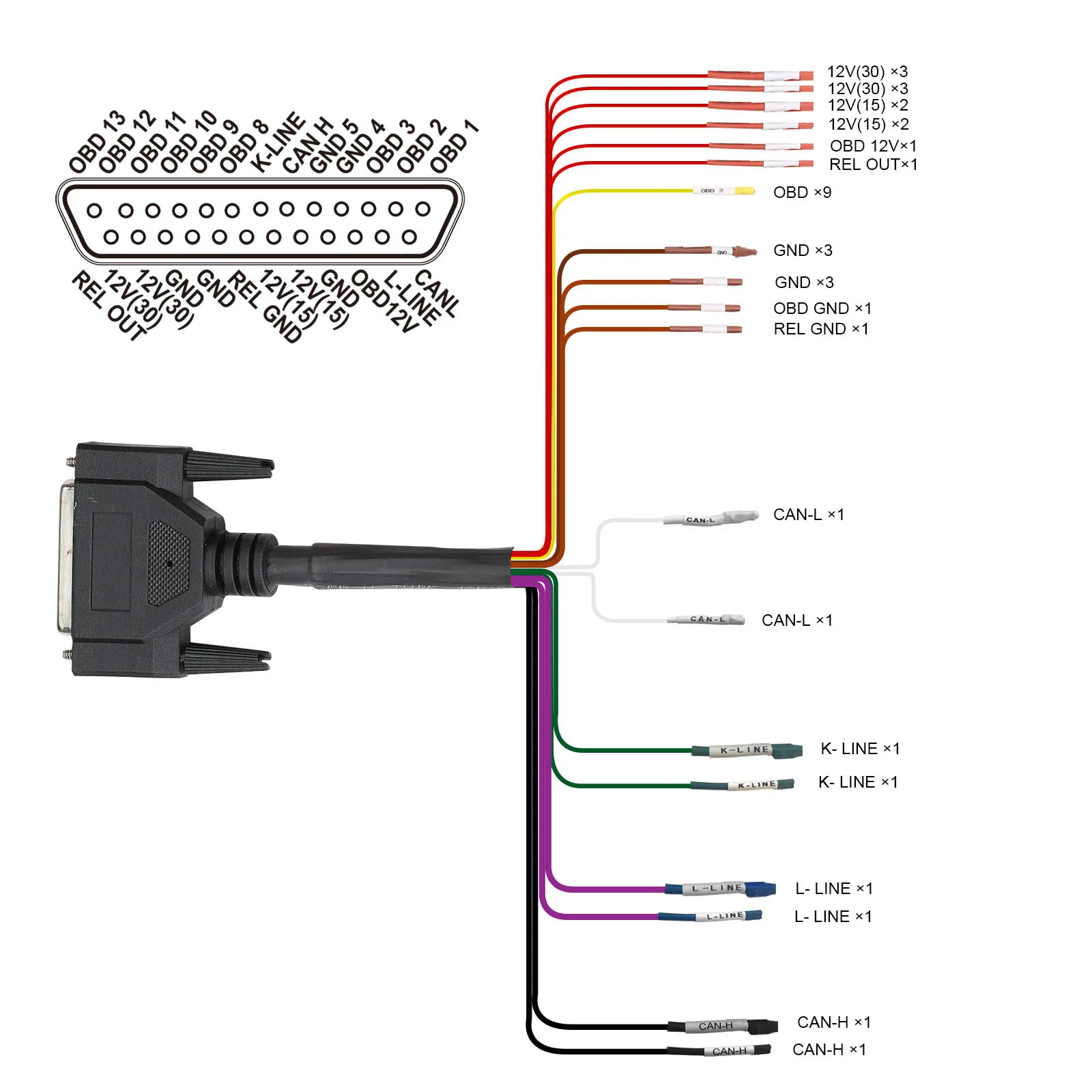
GODIAG GT100 with the BMW CAS4/CAS4+ Test Platform provides bench connections, module communication checks and key synchronization testing for supported add-key, all-keys-lost and module-replacement procedures using a compatible external key programmer.
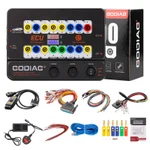
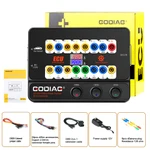
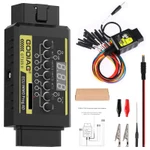
This bundle combines the GODIAG GT100 OBDII Breakout Box and the GODIAG BMW CAS4/CAS4+ Programming Test Platform. GT100 provides 16-pin breakout access, voltage display, protocol LED indication, single- or multiple-ECU connections, diagnostic extension, and an auxiliary power connection for supported battery-replacement procedures. The CAS4/CAS4+ platform provides bench connections, module communication checks, and key synchronization testing before reinstallation. With compatible external programming equipment, it supports applicable add-key, all-keys-lost, data backup after preprocessing, and CAS4/CAS4+ module replacement workflows.
| Diagnostic port | OBDII |
|---|---|
| Working voltage | DC 9–24V |
| Power consumption | 0.5–0.6W |
| Power adapter input | AC 100–240V |
| Power adapter output | DC 12V / 1A |
|---|---|
| Operating temperature | −20°C to 70°C (−4°F to 158°F) |
| Storage temperature | −40°C to 85°C (−40°F to 185°F) |
| Dimensions stated in the specification | 23 × 18 × 7 cm |
Showing 8 of 12 specifications
| Item | Qty |
|---|---|
| GODIAG GT100 Host | 1 |
| OBD 2-in-1 extension cable | 1 |
| Colored jumper cable | 1 |
| Power supply 12V | 1 |
| Item | Qty |
|---|---|
| Resistance 120 ohm | 1 |
| Banana plug | 6 |
| Wire accessories Dupont 2.54mm connector female pins | 24 |
| BMW CAS4 CAS4+ Test Platorm | 1 |
Note: GT100 and the CAS4/CAS4+ test platform provide connection, indication, and testing support. Available programming and data functions depend on the connected equipment, software, and module.
GT100 provides OBDII protocol communication detection and ECU connection support for maintenance, diagnosis, programming, and coding with compatible external equipment.
Voltage & Communication Indication
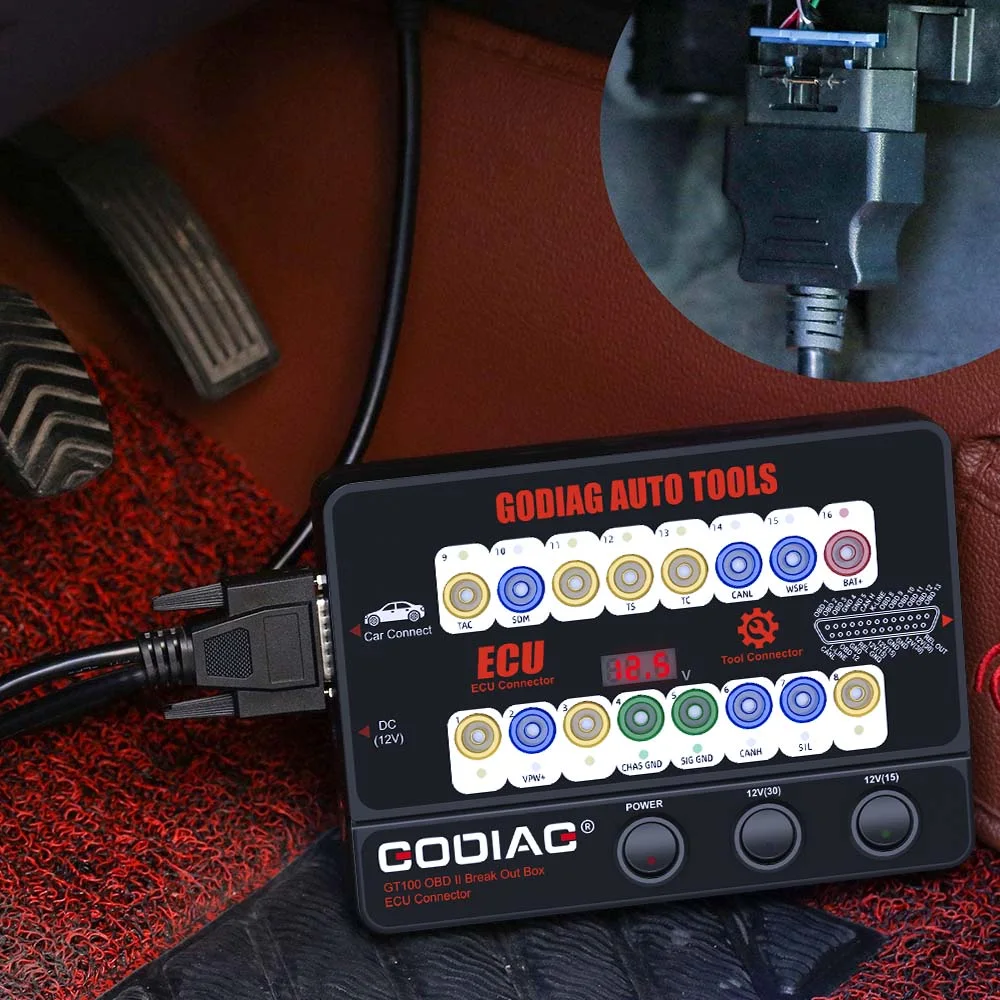
Connect GT100 between the vehicle and diagnostic tool to monitor vehicle OBDII voltage and protocol LED activity.
Notice: Stop diagnosis/programming if the displayed vehicle voltage is below 11V, as instructed in the supplied guide.
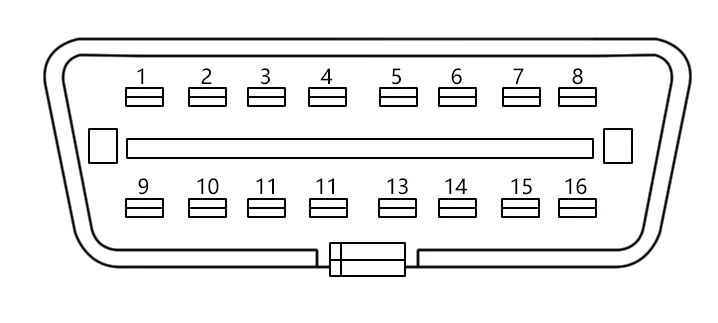
Note: Match the vehicle/module wiring and the intended protocol. Not every vehicle uses every pin.
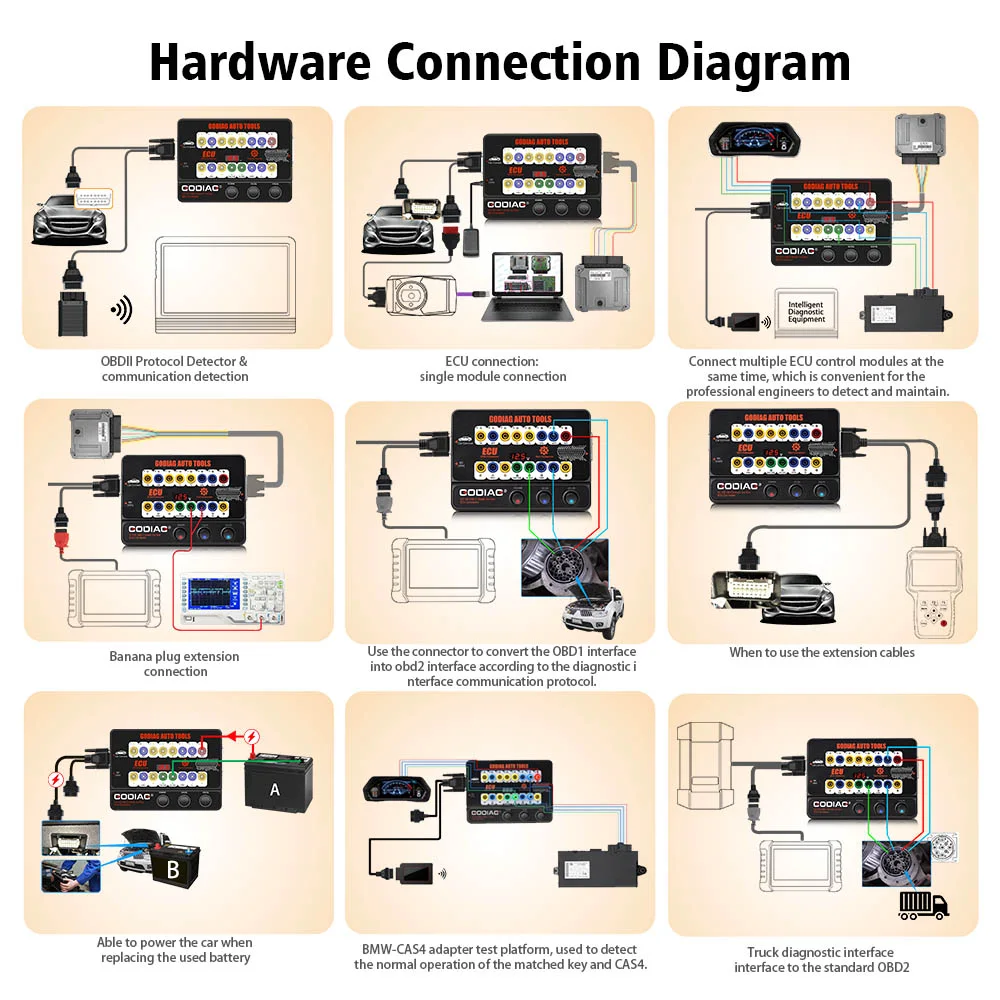
1. OBDII Protocol Detector & Communication Detection
The supplied guide describes bright CAN indication during detection and dim or weakly flashing CAN-H/CAN-L indication during successful communication.
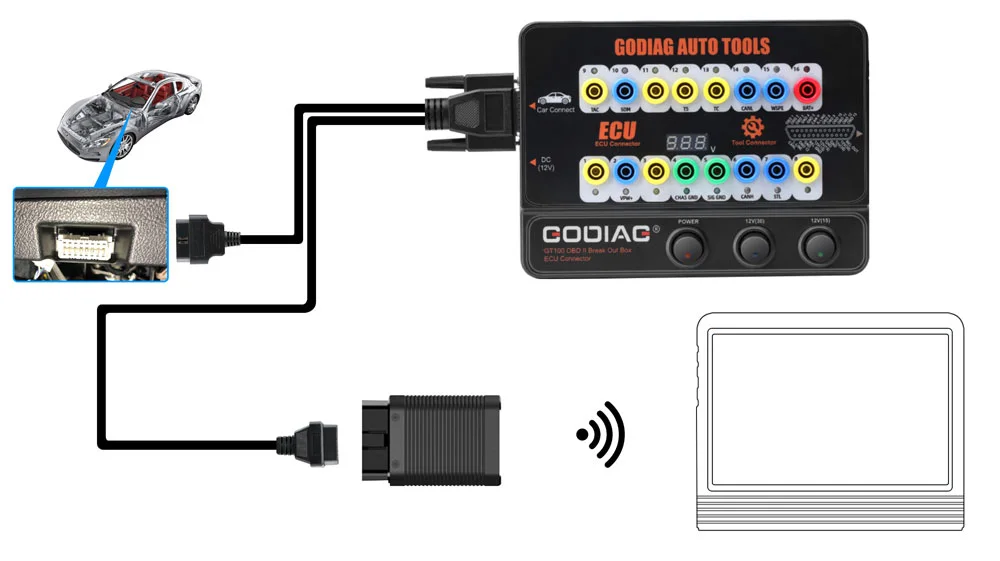
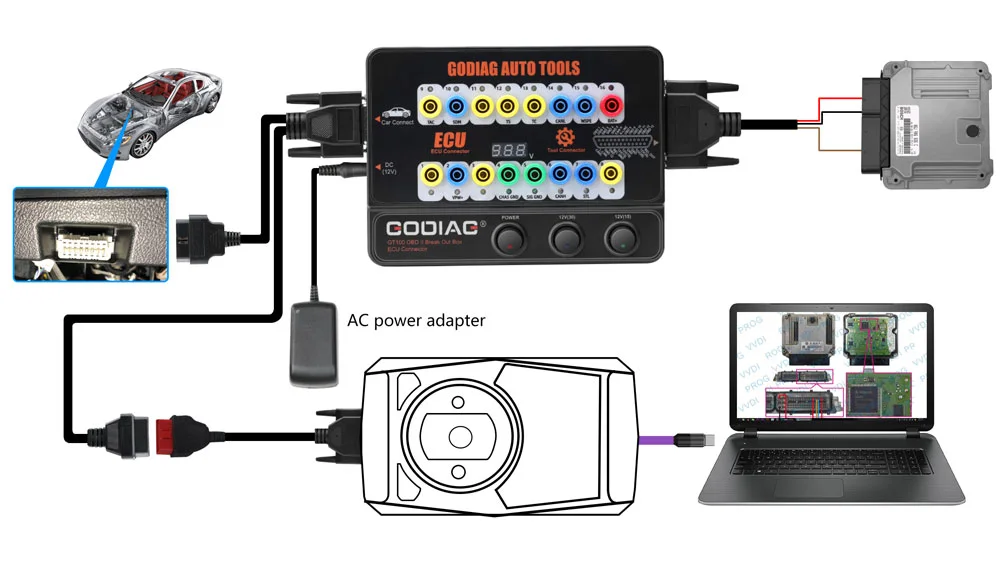
2. ECU Connection — Single Module
Connect a single ECU for supported diagnosis or programming with compatible equipment.
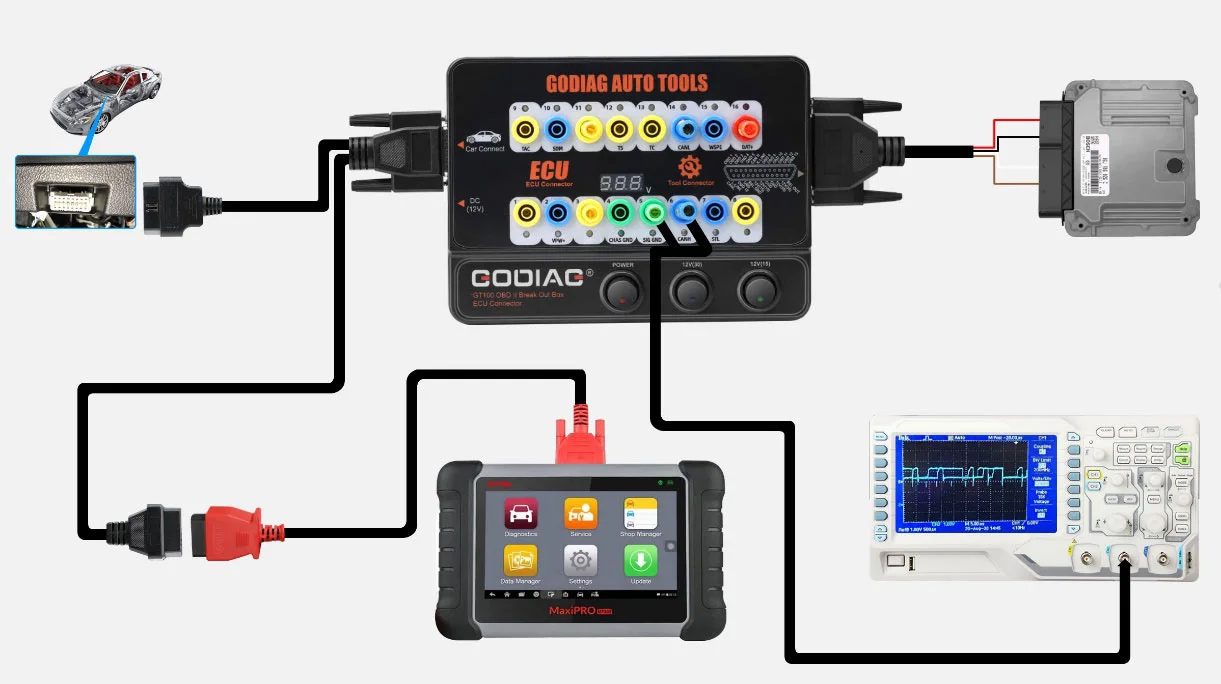
3. Banana Plug Extension Connection
Extend access to the OBDII 16-pin interface through the banana connections for connection checks and voltage waveform testing with suitable external test equipment.
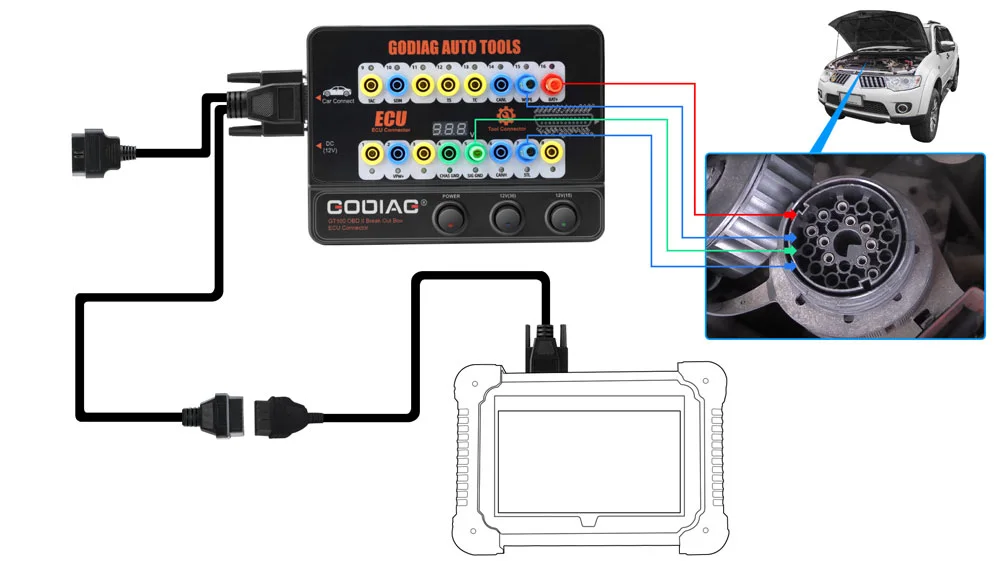
4. OBD1 to OBD2 Connection Adaptation
Use the appropriate connector to adapt an OBD1 or manufacturer-specific connection to an OBD2 tool connection according to the matching communication protocol.
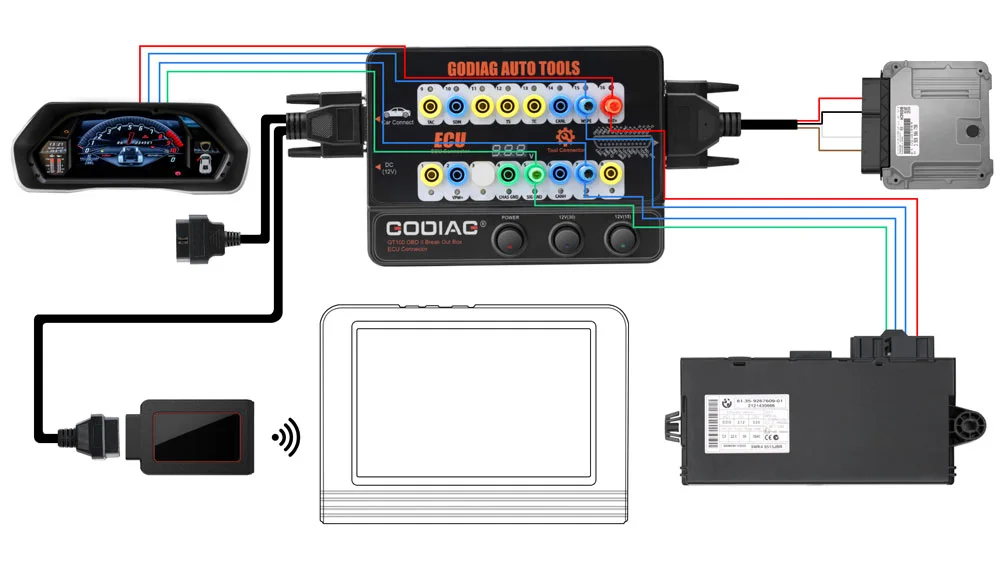
5. Multiple ECU Module Connections
Connect multiple ECU control modules when required for the supported diagnostic, maintenance, or programming workflow.
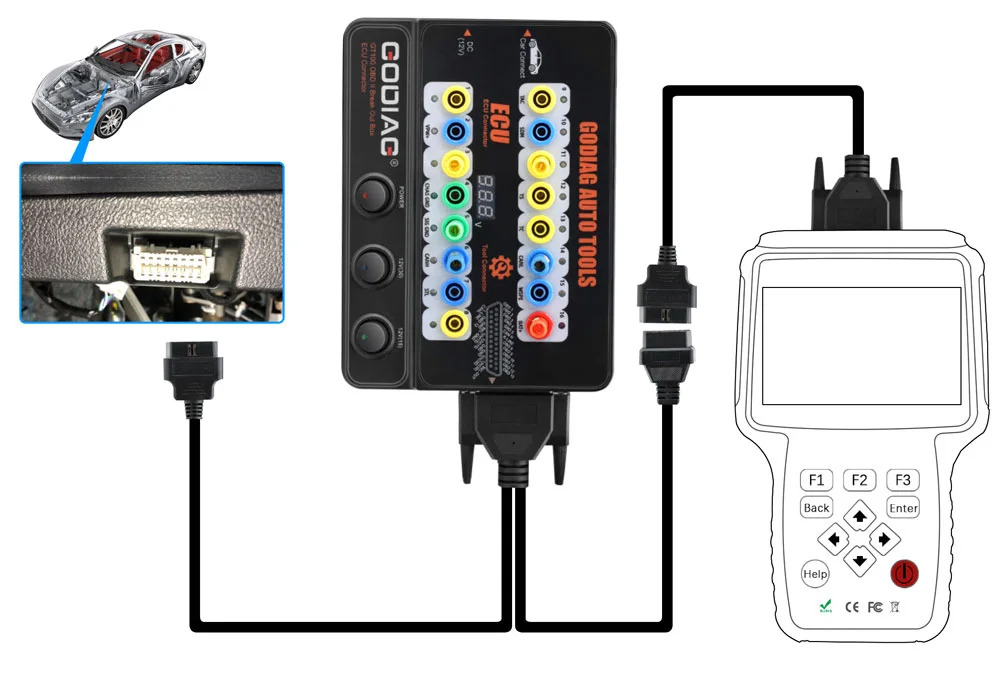
6. Diagnostic Extension Cable
Use the 1.2 m diagnostic extension when the vehicle port is difficult to access or the existing tool cable is too short.
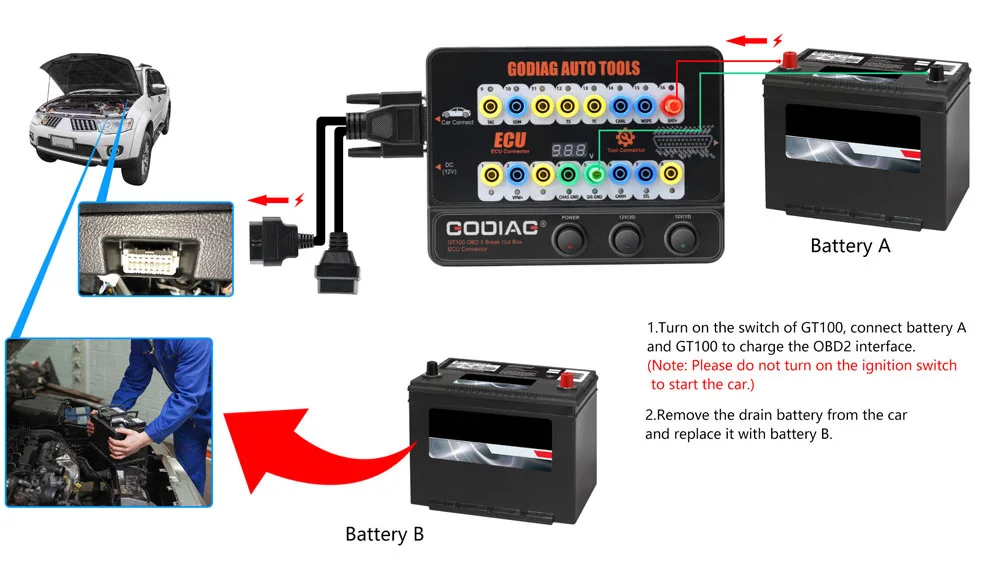
7. Auxiliary Power During Battery Replacement
Provide an auxiliary vehicle power connection during a supported battery-service procedure using the appropriate external battery or power adapter.
Notice: Do not turn on the ignition or start the vehicle during this auxiliary battery-replacement procedure. Follow the appropriate vehicle procedure and use a suitable power source.
Note: DC 9–24V is the operating-voltage specification, not a claim of 24V-to-12V conversion.
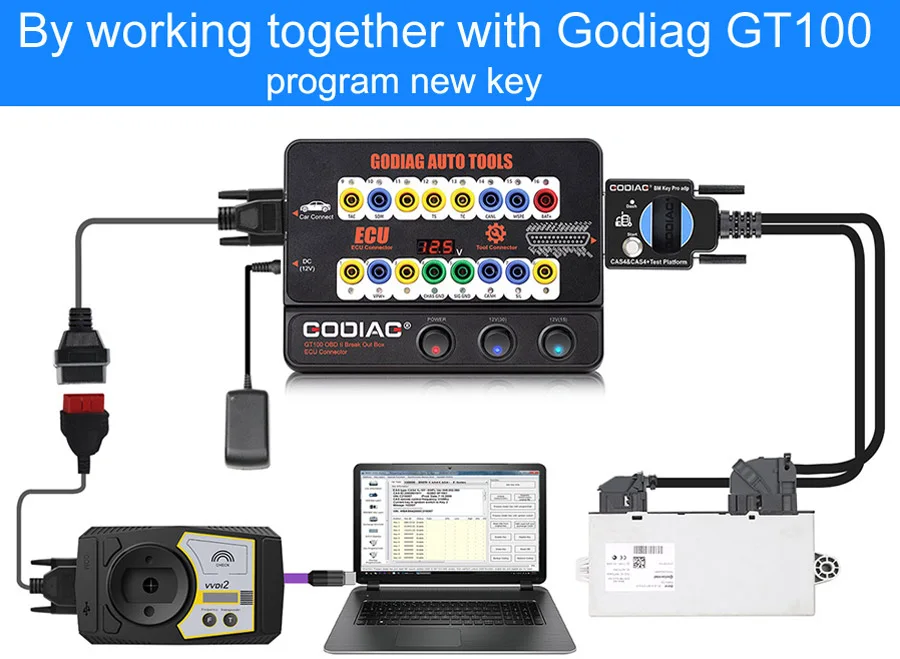
Designed for BMW locksmiths, maintenance engineers, and CAS4/CAS4+ programming specialists. The supplied compatibility examples include GODIAG GT100, CGDI, VVDI2, BMW VVDI BIM Tool, Autel IM608, Yanhua ACDP, and Tango.
1. Bench Key Programming & Module Replacement
Use GT100 and compatible programming equipment for supported add-key, all-keys-lost, and CAS4/CAS4+ module replacement workflows.
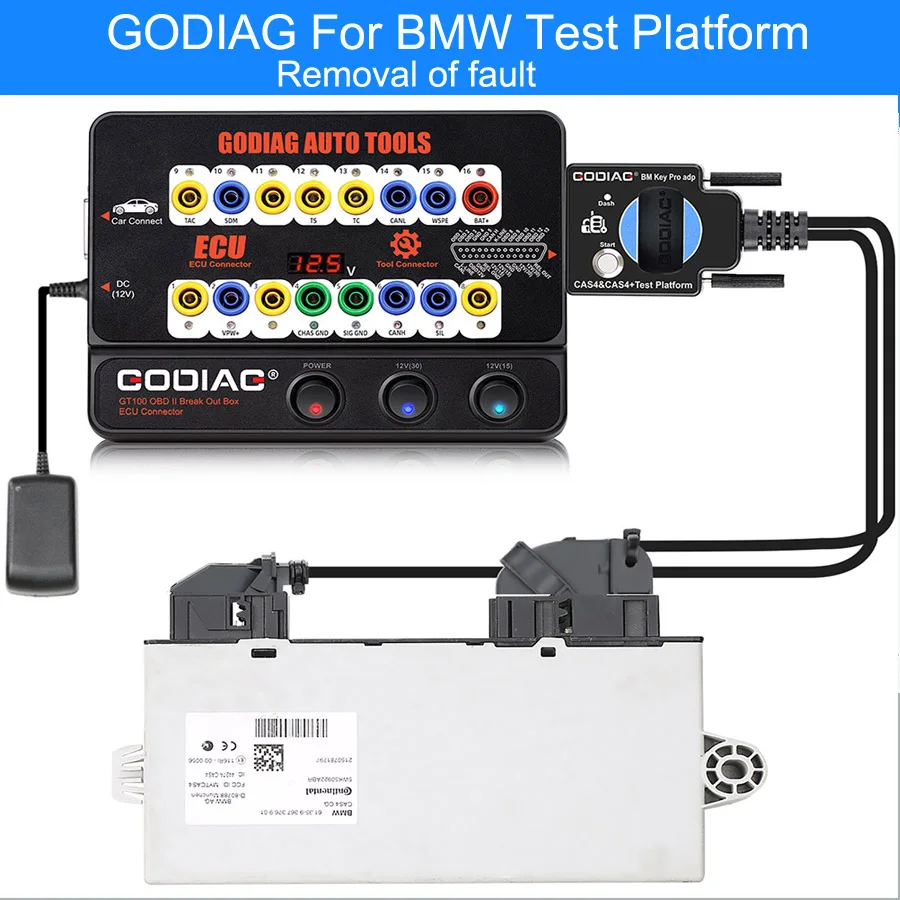
2. Communication Checks Before Reinstallation
Connect the CAS4/CAS4+ module before reinstalling it in the vehicle to check communication and investigate possible faults using compatible equipment.
3. Data Backup & Module Replacement
Provide connection support for data reading and backup after preprocessing. The supplied replacement example is a two-port CAS4 replaced by a three-port immobilizer system with Comfort Access.
Note: This is a specific compatible replacement workflow, not a statement that all CAS4/CAS4+ modules are interchangeable.
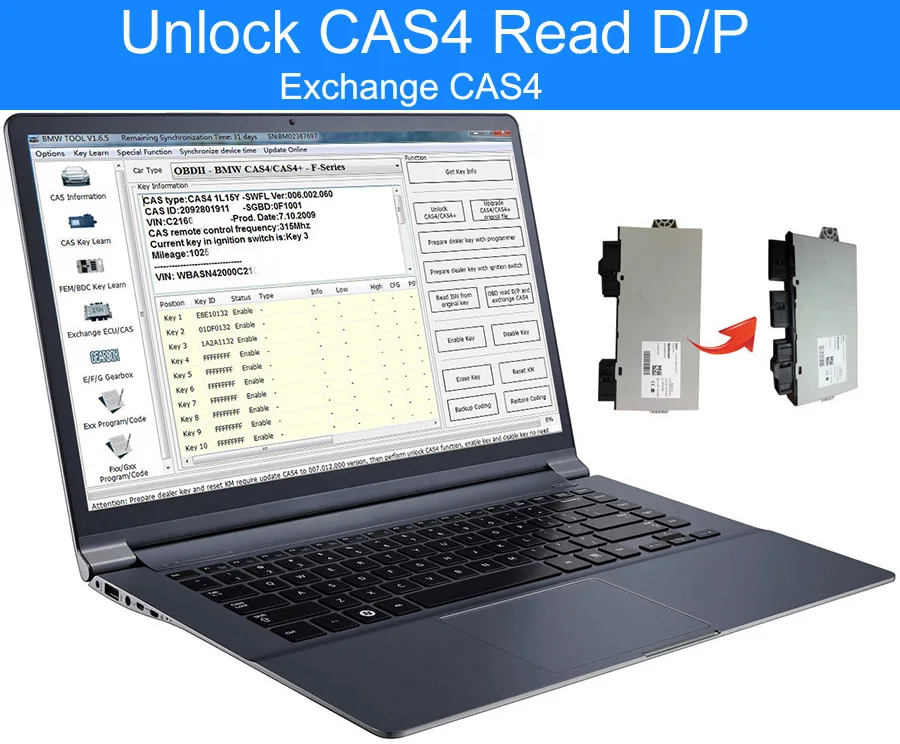
4. Key Synchronization Before Reinstallation
Test whether the programmed key synchronizes with CAS4/CAS4+ before reinstalling the module.
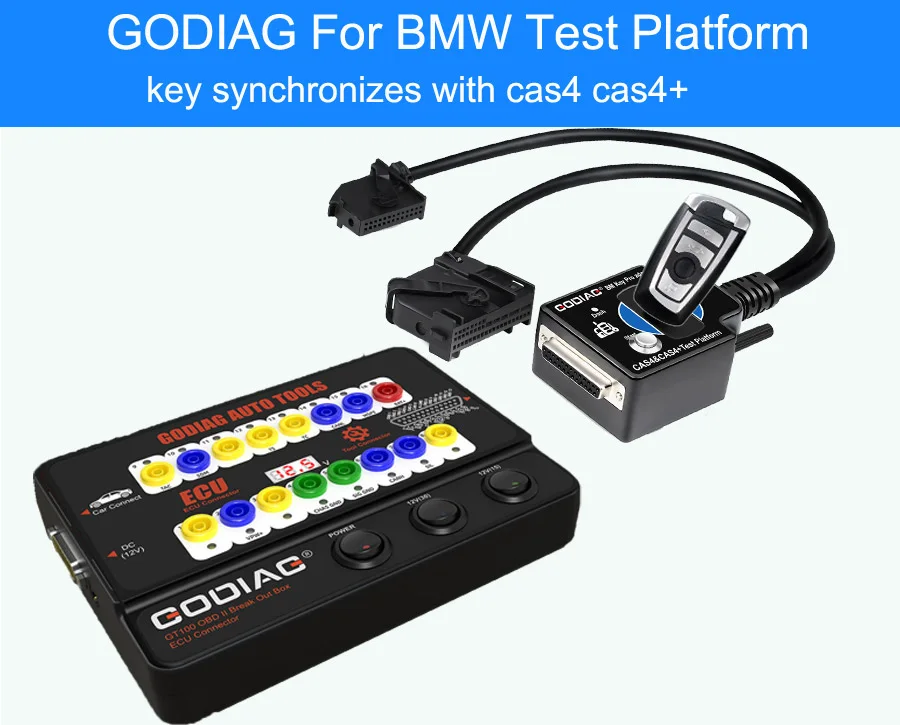
5. Remote Bench-Service Scenario
For supported key-loss service, the CAS4 module and corresponding ECU can be sent to a locksmith for key programming and synchronization testing.
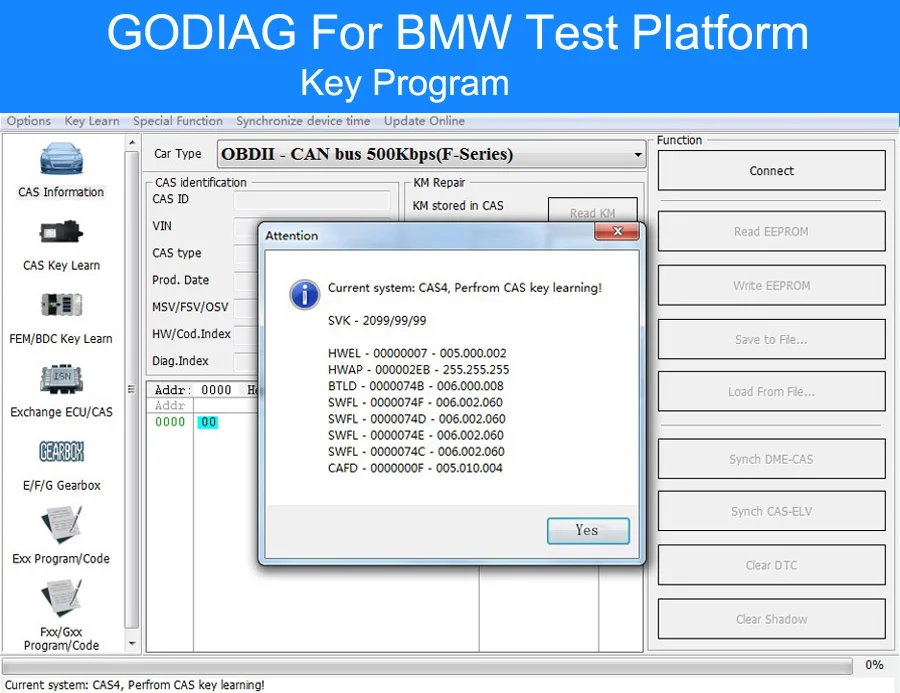
6. Mismatch Troubleshooting
Help check whether a key/module mismatch is related to a no-start condition.
7. Dedicated Fast Connector
The dedicated OEM-style CAS4/CAS4+ fast connector provides convenient module connection.
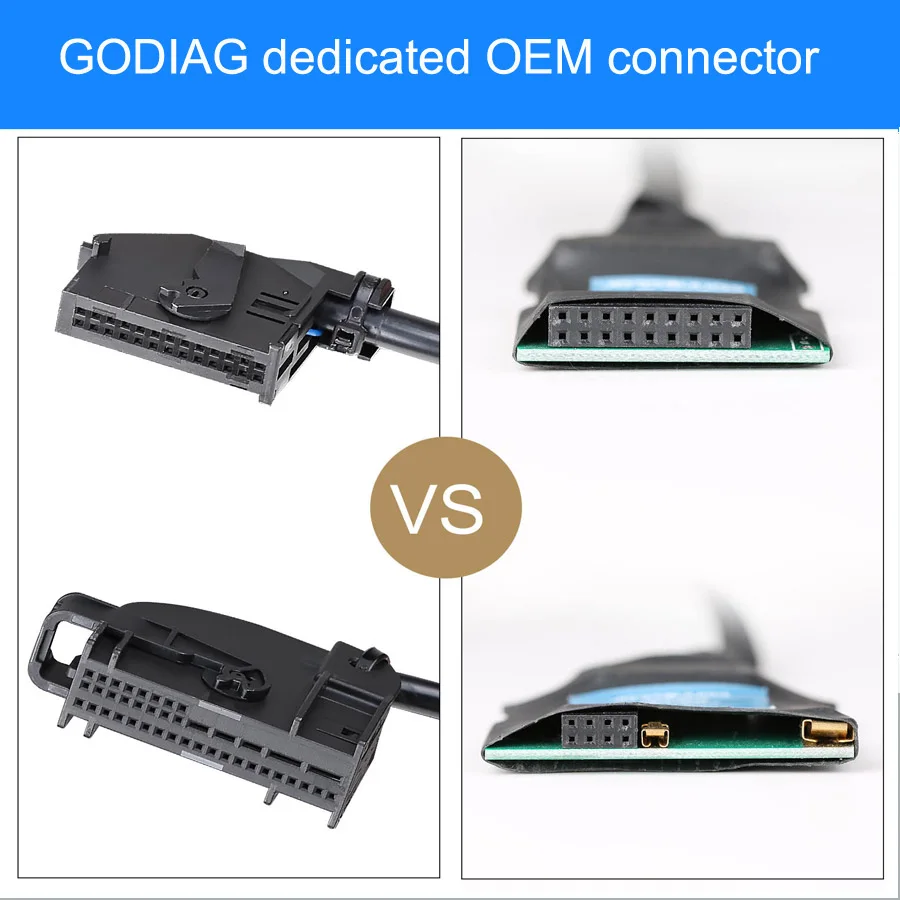
8. Platform Structure
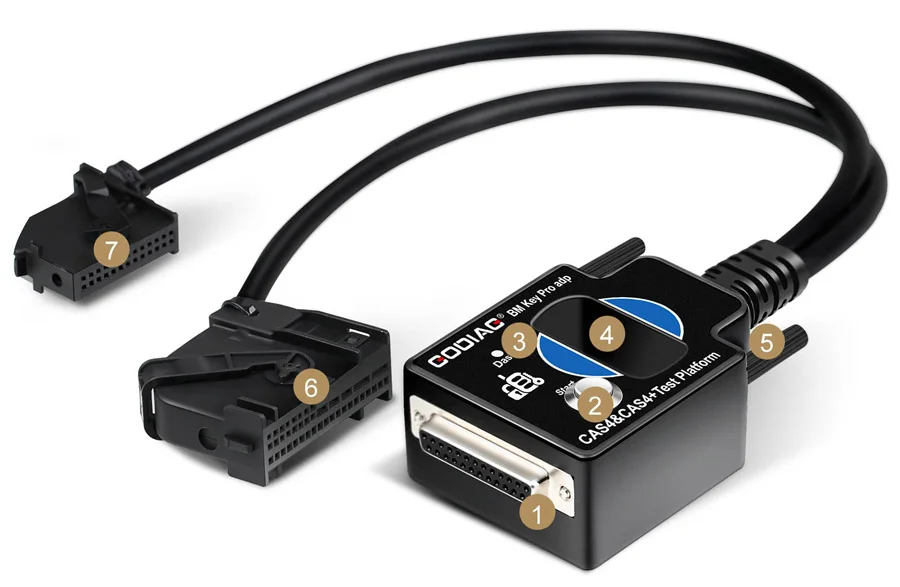
CAS4/CAS4+ Programming Equipment
The CAS4/CAS4+ description references GODIAG GT100, CGDI, VVDI2, BMW VVDI BIM Tool, Autel IM608, Yanhua ACDP, and Tango for their applicable workflows.
Note: Match the selected equipment, software, and CAS4/CAS4+ module to the required operation. Connection compatibility does not mean every listed tool performs every programming function.
GT100 warranty: one year.
| Parameter | Details |
|---|---|
| Diagnostic port | OBDII |
| Working voltage | DC 9–24V |
| Power consumption | 0.5–0.6W |
| Power adapter input | AC 100–240V |
| Power adapter output | DC 12V / 1A |
| Operating temperature | −20°C to 70°C (−4°F to 158°F) |
| Storage temperature | −40°C to 85°C (−40°F to 185°F) |
| Dimensions stated in the specification | 23 × 18 × 7 cm |
| Diagnostic extension | 1.2 m |
| Banana sockets | 4 mm safety type |
| Display function described | Vehicle OBDII voltage |
| Warranty | One year |
BMW CAS4/CAS4+ bench key programming requires a compatible external key programmer and the appropriate software, keys and module-specific procedure. GODIAG GT100 and the BMW CAS4/CAS4+ Test Platform provide connection and testing support. The manufacturer lists tools including Xhorse VVDI2, BMW VVDI BIM Tool and Autel IM608; confirm that your chosen tool supports the exact module and operation.
Yes. The GODIAG BMW CAS4/CAS4+ Test Platform supports a CAS4 key synchronization test before the module is reinstalled. Its key sensing area, simulated ignition switch and immobilizer indicator help check recognition between the programmed key and CAS module. A successful bench test does not verify every vehicle-side condition required for engine starting.
Yes, as part of a supported workflow using compatible programming equipment. For BMW CAS4 all-keys-lost bench programming, the manufacturer describes working with the CAS module and corresponding engine ECU. Confirm the required modules, key, software and programmer support before starting. The test platform does not independently generate or program replacement keys.
When a BMW key unlocks the doors but will not start the engine, the platform can help check whether the key synchronizes with the CAS4/CAS4+ module. Remote locking operation alone does not establish successful start authorization. Use the bench result alongside further vehicle diagnosis; the kit does not automatically repair every immobilizer or no-start fault.
The manufacturer lists CAS4/CAS4+ data backup after preprocessing and supported module-replacement workflows with compatible external equipment. GODIAG GT100 and the test platform provide the connections for the applicable procedure. Confirm your programmer's reading, backup and replacement requirements; a replacement CAS module should not be assumed to be interchangeable or ready to use without programming.
This product is specified as a BMW CAS4/CAS4+ test platform. Do not assume CAS3, FEM or BDC bench-testing compatibility from the vehicle year or connector appearance. Identify the installed immobilizer module before purchase and select the matching platform. GODIAG GT100 breakout connections do not make the CAS4/CAS4+ platform universal.
No reviews yet.