
1 / 19
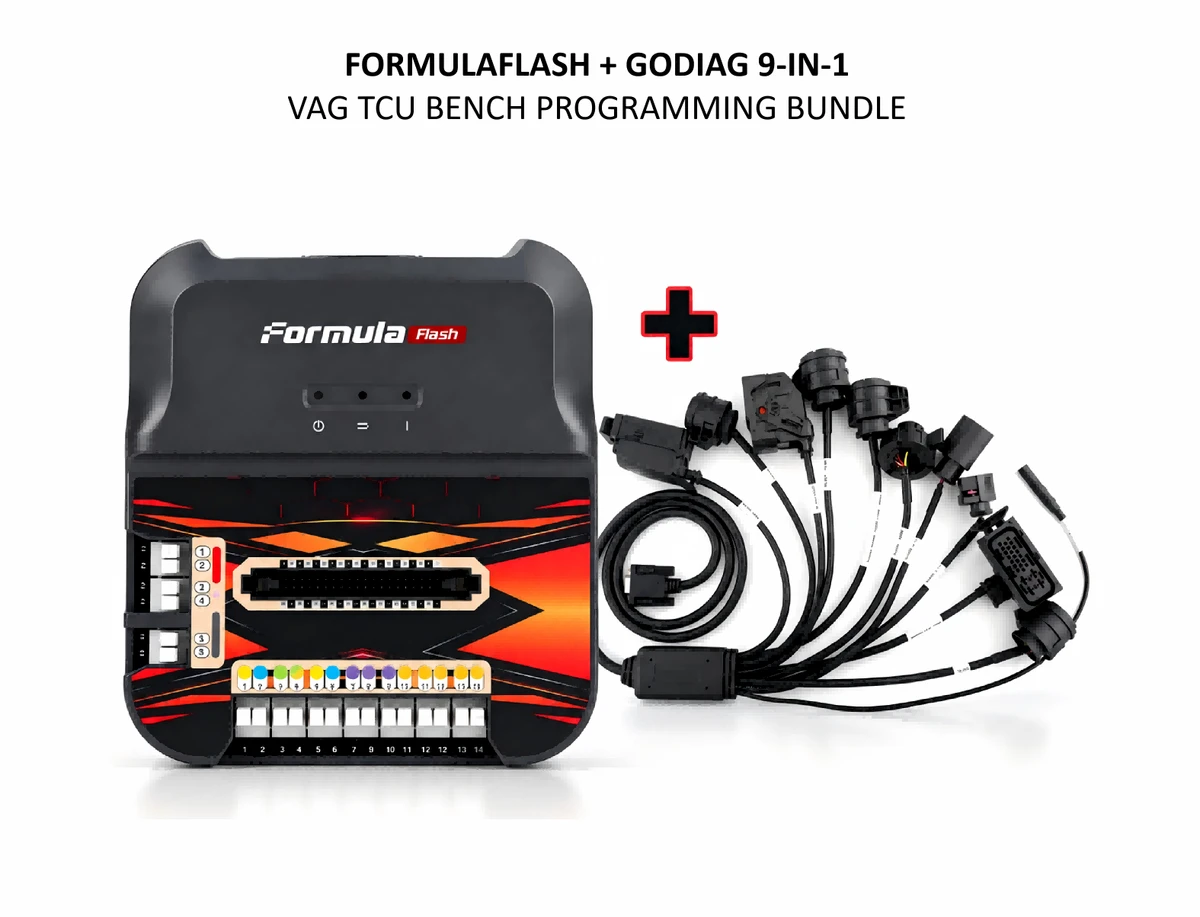
FormulaFlash ECU TCU Programmer with GODIAG 9-in-1 Gearbox Cable for VAG DQ200 DQ250 DQ500 DL501 DL382 Bench Read Write
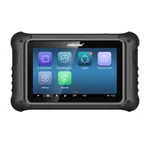
FormulaFlash ECU/TCU programmer bundled with GODIAG VAG gearbox cables for supported bench reading, writing and cloning.
€779€859
Quantity
Delivery & shipping options
- Standard delivery
- Free
- Dispatch from
- EU
- Total incl. shipping:
- €779
- Estimated delivery
- 8–15 Working Days
- Returns
- 30 days from delivery
Frequently Bought Together
FormulaFlash with 1 year Software
Overview
Overview
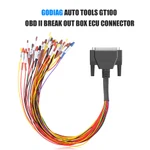
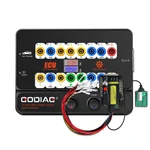
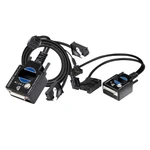
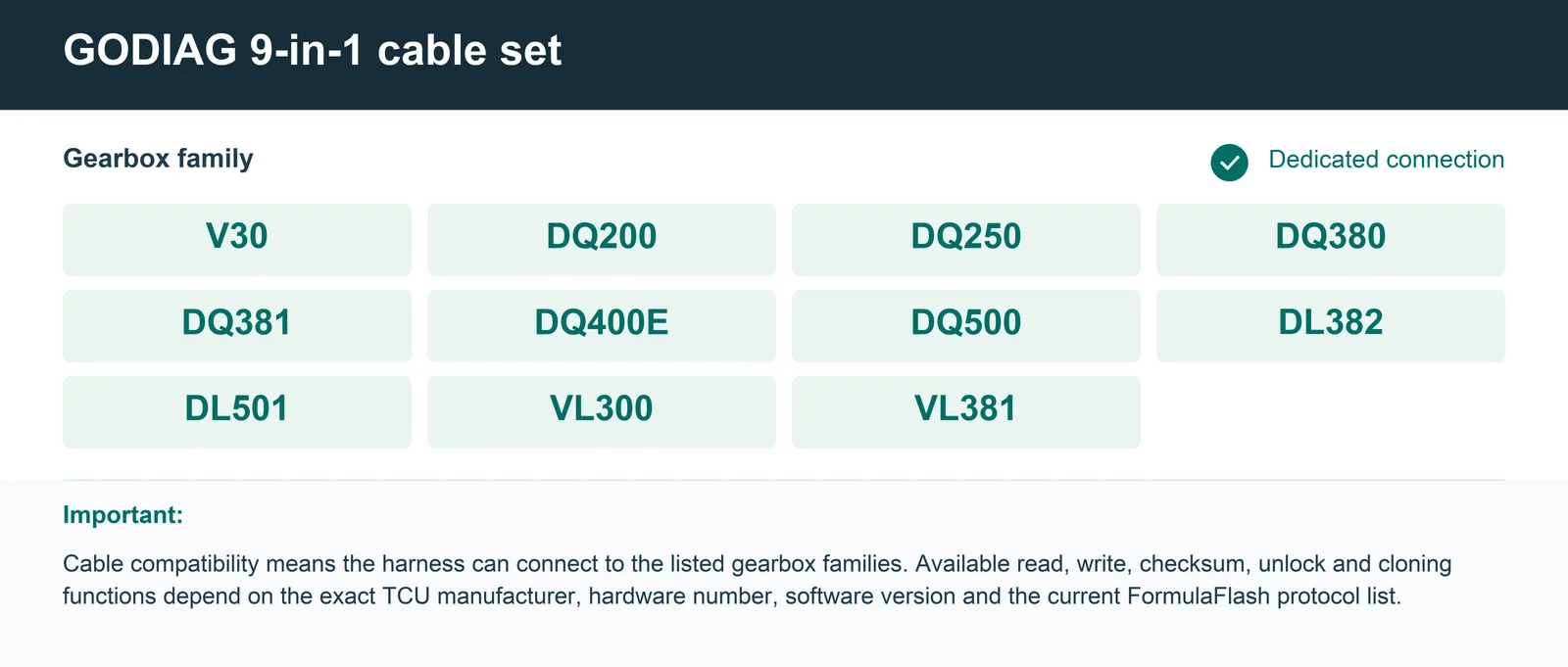
Complete programmer-and-cable package for professional ECU/TCU bench work. Proven DQ200 MQB bench-reading workflow with a step-by-step video tutorial. Dedicated gearbox connectors reduce manual pin-by-pin wiring and help minimize connection mistakes. Cable set covers V30, DQ200, DQ250, DQ380, DQ381, DQ400E, DQ500, DL382, DL501, VL300 and VL381 connections. Suitable for TCU data reading, writing and cloning when the selected control unit and operation are supported by FormulaFlash. OBD2 Bench adapter provides a convenient link between the FormulaFlash interface and the dedicated gearbox harness.
Specifications
| Supported Vehicles | 4,664+ models, 199+ brands; subject to the latest compatibility list |
|---|---|
| Read/Write Modes | OBD, BENCH, BOOT |
| Languages | English, Spanish, Russian, French, Korean; availability varies by software version |
| Checksum | Automatic checksum correction on supported protocols |
| Internet | Required for operation |
|---|---|
| Connection | USB to PC |
| Power Supply | DC 14V 6A adapter included |
| OS Compatibility | Windows 10 / 11 |
Package list
| Item | Qty |
|---|---|
| FormulaFlash ECU/TCU Programmer standard package | 1 |
| Item | Qty |
|---|---|
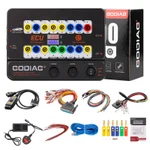
| GODIAG Geabox Cable 9-in-1 Set | 1 |
Description
Description
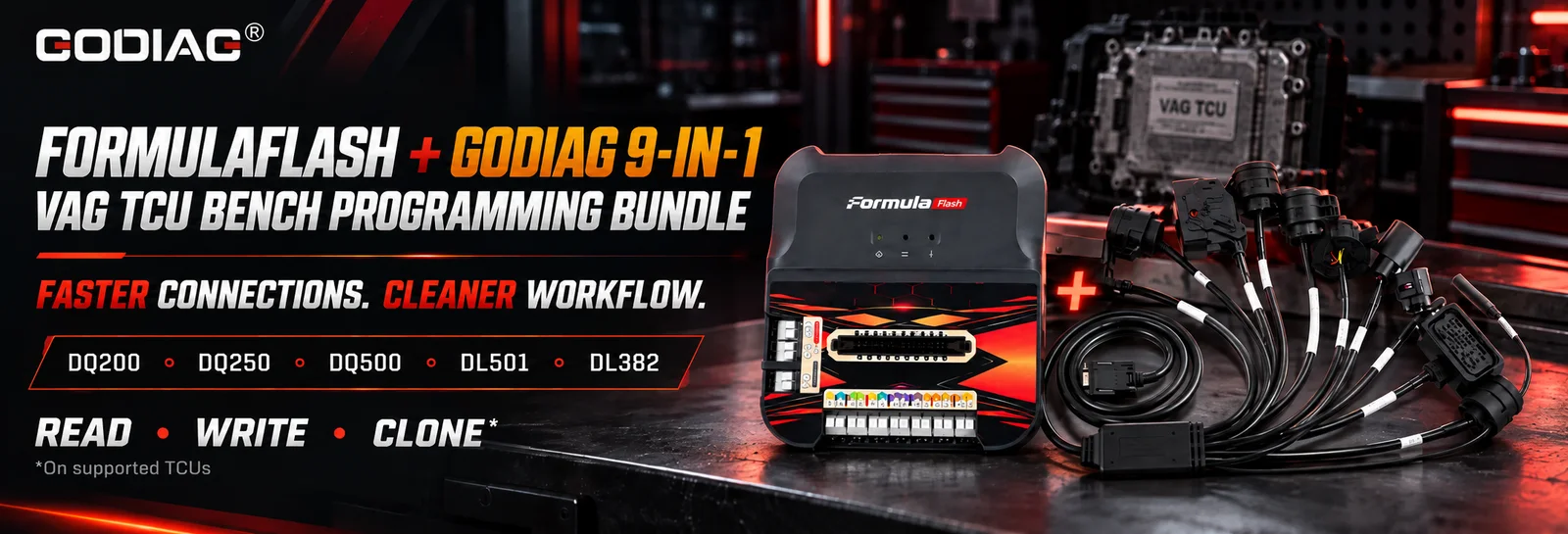
One Bundle. Faster VAG Gearbox Bench Work.
FormulaFlash ECU TCU Programmer with GODIAG 9-in-1 Gearbox Cable for VAG DQ200 DQ250 DQ500 DL501 DL382 Bench Read Write
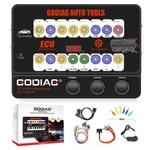
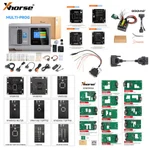
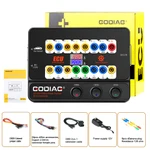
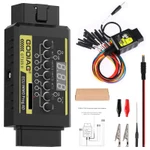
The FormulaFlash ECU/TCU Programmer + GODIAG Gearbox Cable 9-in-1 Bundle combines a professional ECU/TCU programming tool with dedicated VAG transmission connection cables.
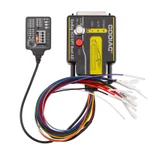
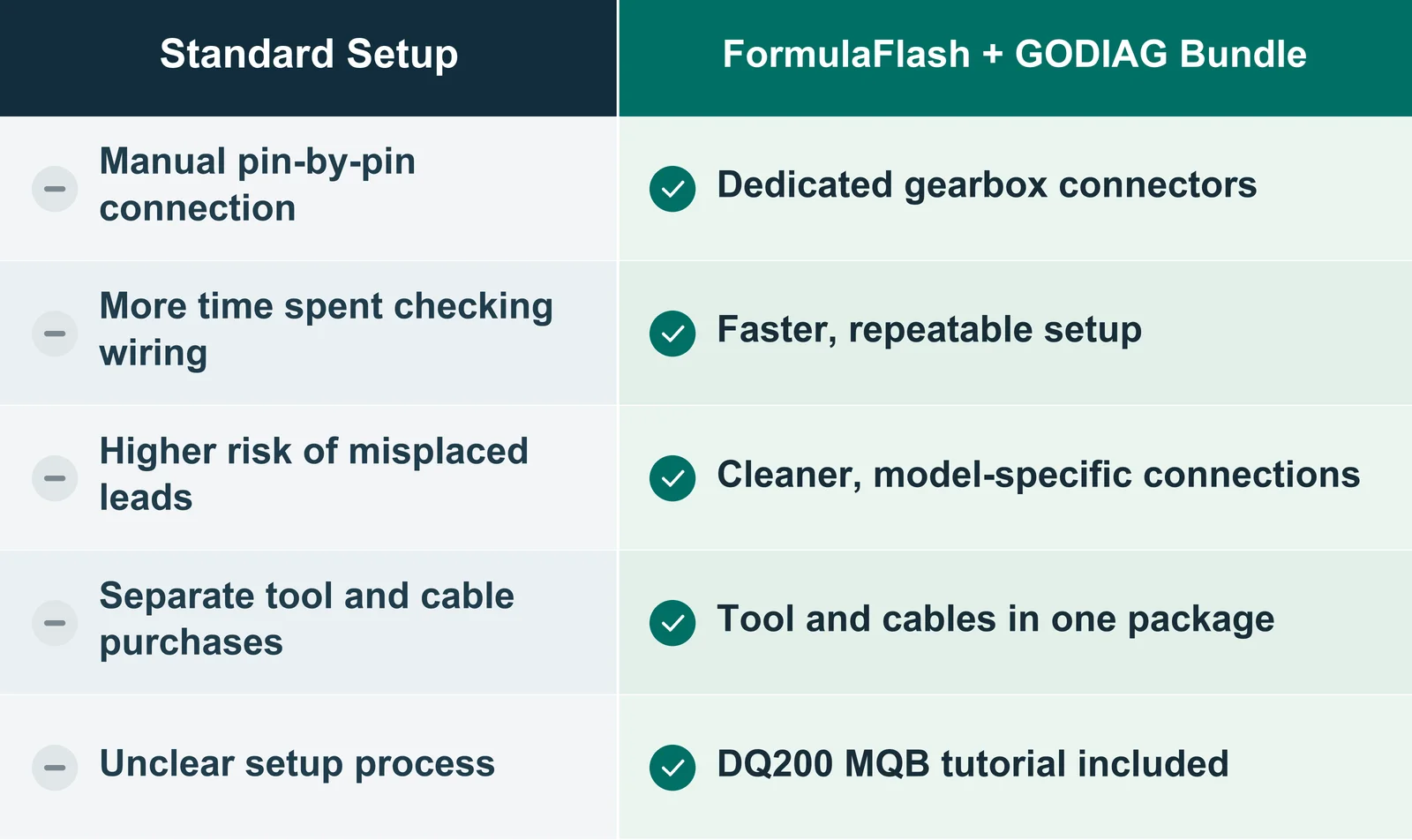
Instead of preparing individual wires for every gearbox control unit, technicians can use the matching GODIAG harness to build a faster and more organized bench connection. This helps save setup time, reduce wiring errors and improve repeatability when working with supported DSG and TCU modules.
Why Buy the Bundle?
FormulaFlash + GODIAG Gearbox Cable in Action
FormulaFlash DQ200 MQB Bench Read Tutorial
- FormulaFlash DQ200 MQB Bench Read with GODIAG 9-in-1 Gearbox Cable
- Read DQ200 DSG TCU In Bench Mode with GODIAG 9‑in‑1 Cable + GT107+
- Read DQ250 DSG TCU In Bench Mode with GODIAG 9‑in‑1 Cable + GT107+
- Read DQ200 DSG TCU In Bench Mode with GODIAG 9‑in‑1 Gearbox Cable
- Read DQ250 DSG TCU In Bench Mode wiht GODIAG 9‑in‑1 Gearbox Cable
- How to Read DQ250 DSG TCU Data in Bench Mode with FormulaFlash + GODIAG 9-in-1 Cable
See the complete bench workflow using FormulaFlash together with the GODIAG 9-in-1 VAG Gearbox Cable.
Instead of manually locating and connecting multiple TCU pins, the dedicated GODIAG gearbox adapter provides a clearer and faster connection workflow for professional transmission ECU work.
FormulaFlash handles the ECU/TCU read and write operation, while the GODIAG gearbox cable simplifies the physical bench connection. This makes the bundle especially useful for workshops that regularly work with VAG DSG transmission control units.
Why Use the Gearbox Adapter
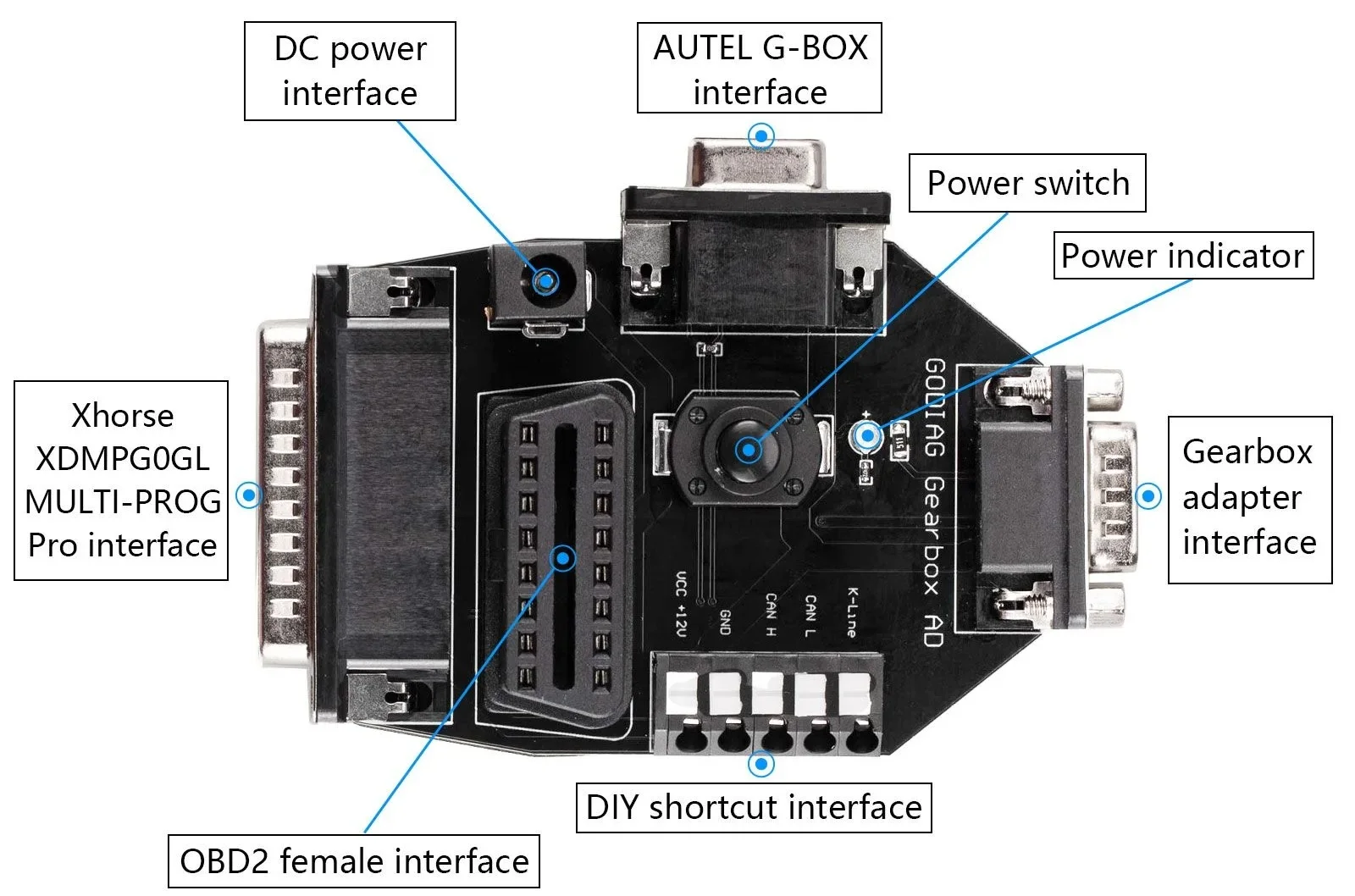
Gearbox ECUs/TCUs usually have multi-pin connectors and require the correct pin definition for power, ground, CAN and other communication lines. The GODIAG Gearbox Cable 9-in-1 Set adapter boards clearly mark the connection definitions, making it easier for technicians to identify the correct terminals and build a cleaner, more reliable bench connection.
This is especially useful because some ECU/TCU programmers do not include dedicated gearbox connector terminals. Even when terminals are supplied, technicians may need several adapters and extension leads, making the setup slower and more complicated. this process with clearly labelled, gearbox-specific connections, helping reduce setup time and the risk of incorrect wiring.
GODIAG Gearbox Cable 9-in-1 Set Use with PCMFlash and GT107+
- PCMFlash without GODIAG GT107+: select the manual connection method and connect the required lines according to the clearly marked pin definitions.
- PCMFlash with GODIAG GT107+: select the automatic connection method supported by the GT107+ workflow for a faster and more convenient setup.
note: PCMFlash and GODIAG GT107+ are mentioned here as an additional GODIAG Gearbox Cable 9-in-1 Set application example and are not included in this FormulaFlash bundle. Always follow the wiring diagram and operating instructions for the selected programmer and TCU protocol.
Main Applications
- Read supported TCU data before repair or replacement.
- Write modified or repaired files to supported transmission controllers.
- Back up gearbox data before programming.
- Clone supported TCU data when the FormulaFlash protocol provides the required read/write or clone function.
- Perform professional Bench-mode work without installing the TCU in the vehicle.
Supported Gearbox Cable Connections
FormulaFlash Programming Functions
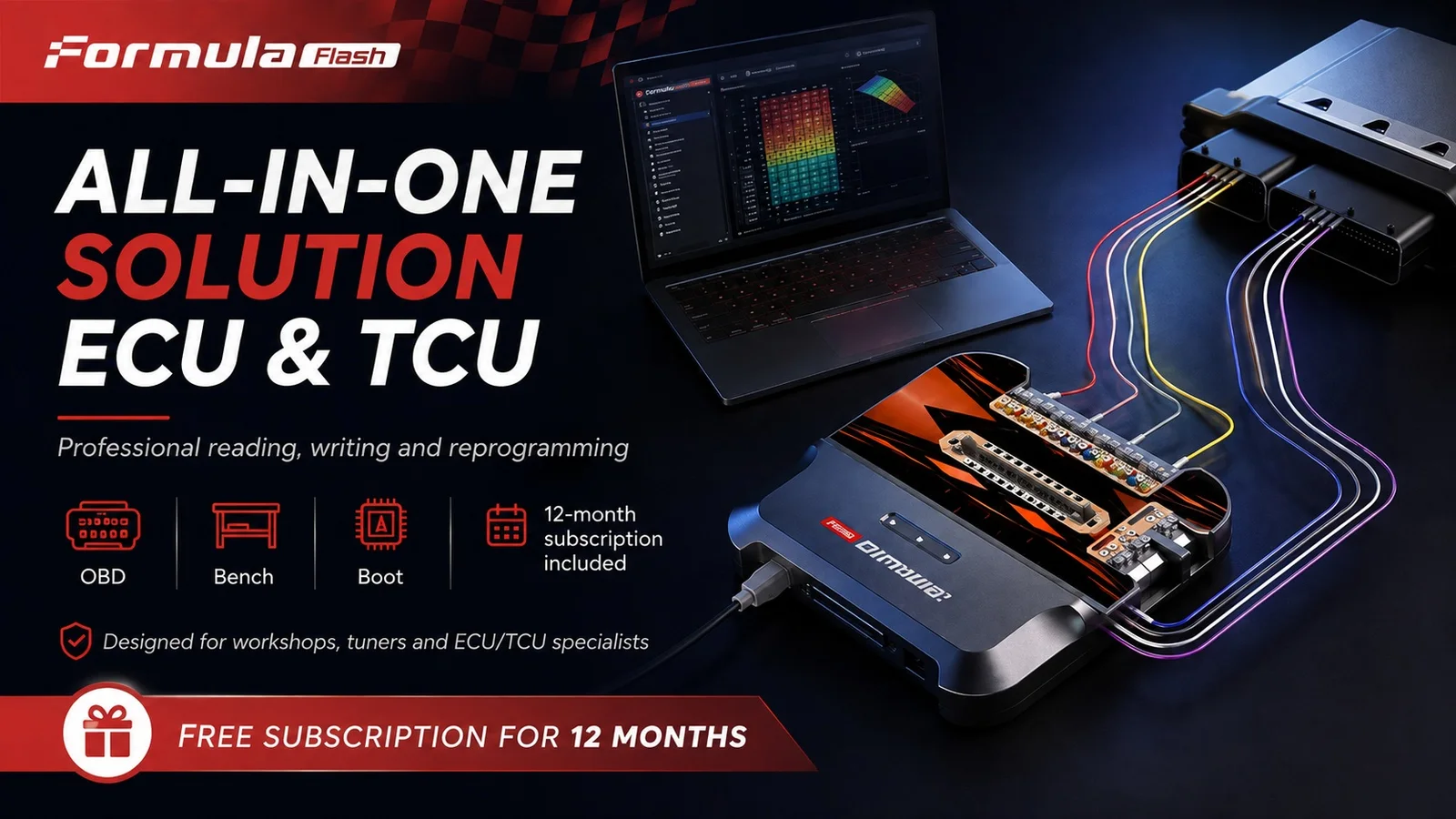
Depending on the selected ECU/TCU protocol, FormulaFlash supports professional operations such as:
- ECU and TCU data reading
- ECU and TCU data writing
- Backup and recovery workflows
- Cloning on supported control units
- OBD, Bench and Boot programming methods
- Checksum processing where supported by the selected protocol
Always identify the module and check the current FormulaFlash protocol list before starting a job.
Basic DQ200 MQB Bench Workflow
- Confirm the TCU part number and select the matching FormulaFlash protocol.
- Connect the DQ200 cable from the GODIAG 9-in-1 set to the TCU.
- Connect the harness to FormulaFlash through the required OBD2 Bench connection.
- Use a stable regulated power supply and verify the wiring before powering the module.
- Open FormulaFlash, select the correct TCU and connection mode, and follow the software instructions.
- Read and save the original data before any write or modification operation.
note: Compatibility depends on the exact TCU hardware and software version, not only on the gearbox model.
Specifications
Specifications
| Parameter | Details |
|---|---|
| Supported Vehicles | 4,664+ models, 199+ brands; subject to the latest compatibility list |
| Read/Write Modes | OBD, BENCH, BOOT |
| Languages | English, Spanish, Russian, French, Korean; availability varies by software version |
| Checksum | Automatic checksum correction on supported protocols |
| Internet | Required for operation |
| Connection | USB to PC |
| Power Supply | DC 14V 6A adapter included |
| OS Compatibility | Windows 10 / 11 |
Product FAQ
Ask a questionCan this bundle read a DQ200 MQB TCU on the bench?
Yes. The included tutorial demonstrates a DQ200 MQB Bench read using FormulaFlash and the GODIAG 9-in-1 Gearbox Cable. Exact support must still be confirmed by the TCU hardware/software identification and the current FormulaFlash protocol list.
Does the cable set support DQ250 and DQ500?
Yes. Dedicated DQ250 and DQ500 connections are included. The available programming operation depends on FormulaFlash support for the exact TCU version.
Can I clone every gearbox TCU listed on the cable set?
No. The cable provides the physical connection. Cloning is available only when FormulaFlash supports the required data areas and procedure for that exact TCU.
Does this package work by OBD in the vehicle?
FormulaFlash supports different working modes depending on the protocol, but the GODIAG gearbox cables in this bundle are primarily designed to simplify direct Bench connection to removed gearbox control units.
Is soldering required?
For supported Bench connections using the correct dedicated plug, soldering is normally not required. Some Boot-mode or special procedures may require opening the module and additional connections.
Is a power supply included?
No professional regulated power supply is included unless it is explicitly added as an option. Stable voltage is essential for safe reading and writing.
How can I confirm compatibility before buying?
Send a clear photo of the TCU label and provide the full part number, hardware number and vehicle information. We will check the applicable FormulaFlash protocol and cable connection.
Can the 9-in-1 cable be used with other programmers?
The cable set uses an OBD2 Bench adapter and is designed to work with multiple OBD2-connectable Bench devices. This bundle, however, is configured and promoted specifically for use with FormulaFlash. Always verify pinout and tool compatibility before applying power.
Need Help Confirming Compatibility?
Before ordering, please send us a clear photo of the TCU label or provide the complete part number. We will help check the gearbox type, suitable cable and current FormulaFlash protocol support.
Customer reviews
Highest rated firstNo reviews yet.