
GODIAG
GT100 PLUS GPT
€116View details
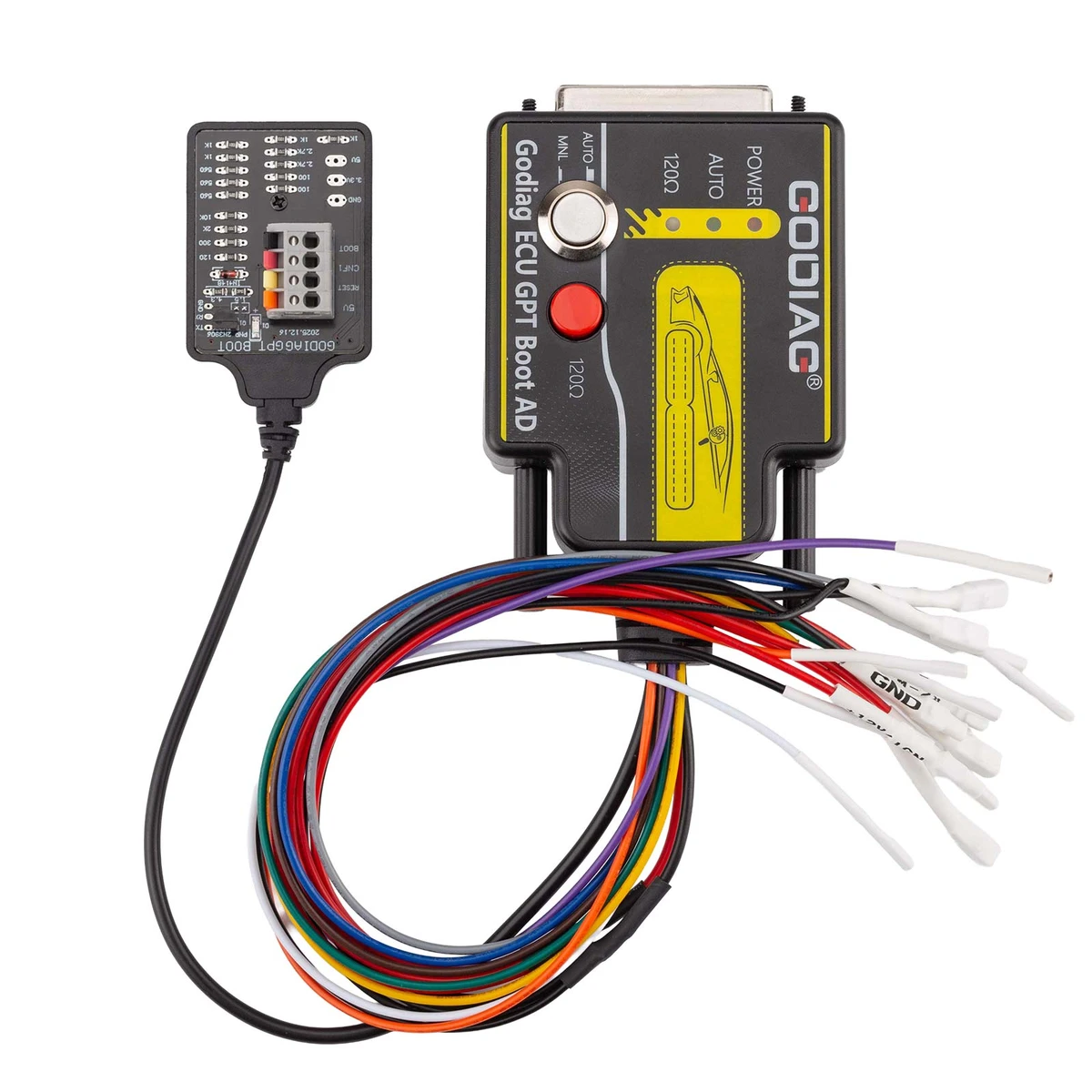
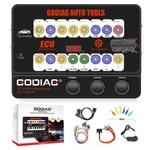
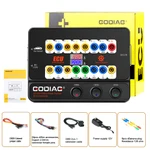
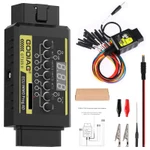
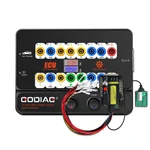
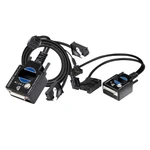
The GODIAG ECU GPT Boot AD programming adapter provides OBD2 Bench, GPT Bench, and Boot connection options for supported ECU data reading and writing. Bench methods allow supported work without opening the ECU housing, while Boot operation requires opening it. It is used with compatible ECU tools, including supported J2534 devices and PCMFlash configurations.
The adapter combines labeled ECU leads, dedicated connection terminals, manual ignition-power control, PCMFlash-controlled ignition power, and switchable 120Ω CAN-bus termination. It provides RESET, BOOT, CNF1, GPT1, GPT2, 5V, 3.3V, VPP, and GND connections, plus a BOOT resistor-board connecting cable. It cannot operate as a standalone ECU programmer; the tool, software, selected module, and wiring must match the ECU application.
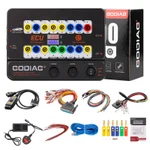
| Item | Qty |
|---|---|
| GODIAG ECU GPT Boot AD Programming Adapter | 1 |
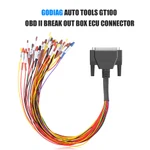
| OBD2 to DB25 Cable | 1 |
| Item | Qty |
|---|---|
| Soft Silicone Wires | 8 |
The GODIAG ECU GPT Boot AD programming adapter provides OBD2 Bench, GPT Bench, and Boot connection options for supported ECU data reading and writing. Bench methods allow supported work without opening the ECU housing, while Boot operation requires opening it. It is used with compatible ECU tools, including supported J2534 devices and PCMFlash configurations.
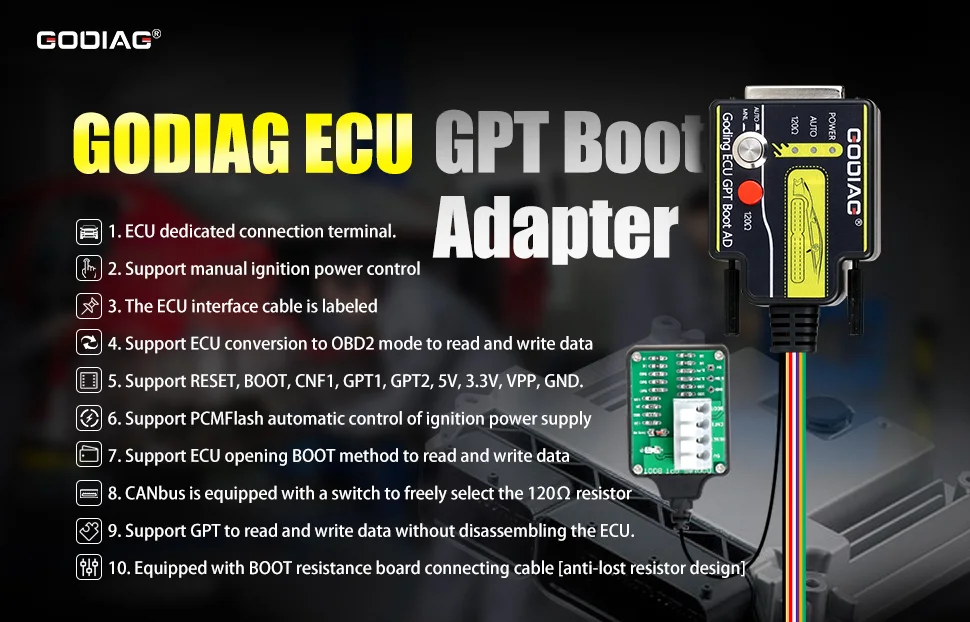
Note: This adapter cannot be used alone. A compatible ECU tool and the required software configuration are needed.
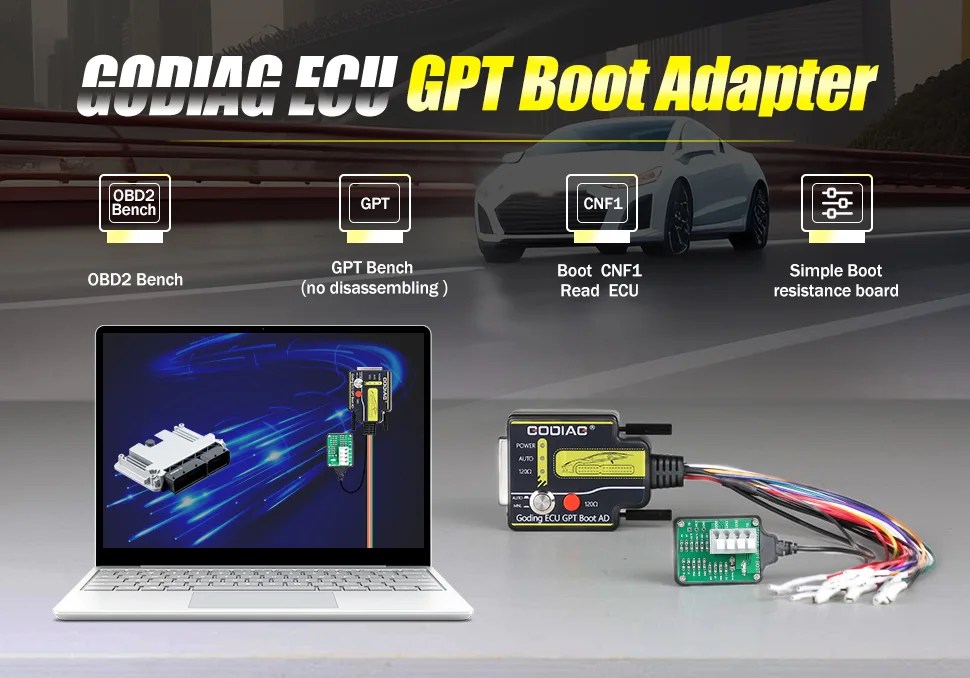
Note: The available method depends on the ECU and programming tool/software support. “Without opening” refers to the ECU housing; it does not mean every operation is performed through the vehicle’s diagnostic socket.
The supplied description includes a BOOT resistor-board connecting cable with an anti-lost resistor design and describes short-circuit protection intended to help protect the ECU.
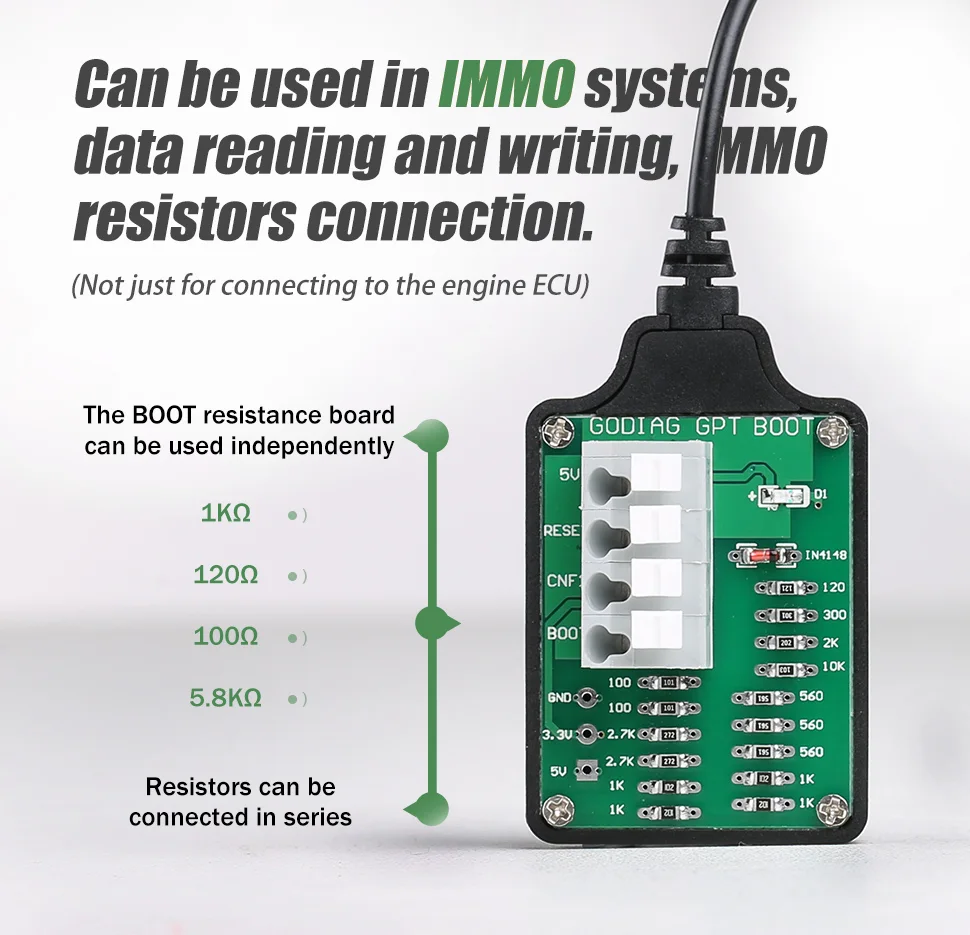
Note: The supplied material does not specify a protection rating or guarantee against every wiring fault. Use the resistor connection and terminal assignment required by the selected ECU diagram.
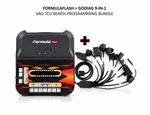
The supplied description identifies supported standard OBD2-protocol equipment for diagnostics and J2534 devices with PCMFlash for supported ECU data reading/writing.
Scanmatik 2 Pro is the GPT-capable device named in the supplied setup. For PCMFlash Module 71, confirm the required GPT signals, interface, software version, and connection diagram before use.
Note: The source statement that only Scanmatik 2 Pro can provide GPT for Module 71 is not retained as a current universal limitation. Scanmatik’s current documentation also discusses Module 71 operation with Scanmatik 3. This does not independently establish Scanmatik 3 compatibility with this particular GODIAG adapter.
Other interfaces named in the supplied OBD2 / Boot description are OpenPort 2.0, Mongoose JLR, MongoosePro JLR, Teradyne GNA600 (VCM 1), and Mazda VCM 2.
Note: These are source-listed interface examples, not confirmation of every mode or ECU. OpenPort 2.0 is identified as Tactrix in current PCMFlash documentation; it is not a Scanmatik model. Confirm the selected PCMFlash module and interface requirements rather than assuming all J2534 devices provide GPT signals.
The supplied diagram illustrates a MED17.5 ECU with the GODIAG adapter, an external interface, a computer, and a 12V power connection. The diagram identifies the ECU connector points and signal leads for that example.
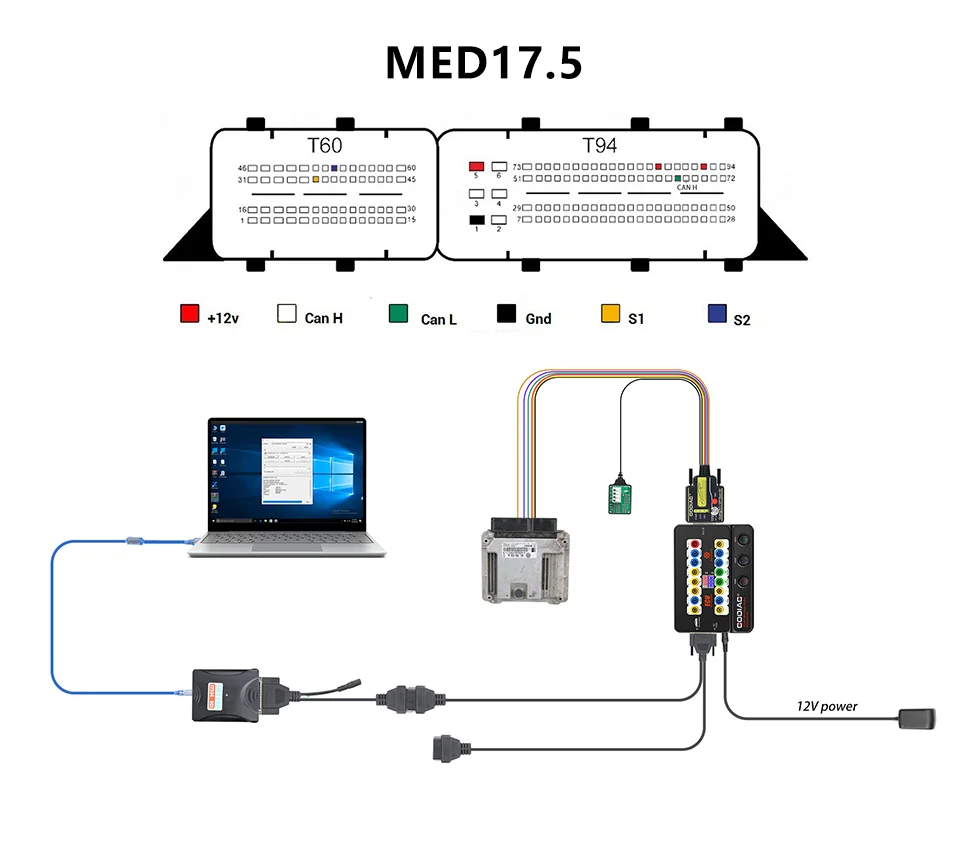
Note: This is an application-specific reference, not a universal ECU pinout. Follow the matching ECU and software diagram.
Connection Method of GODIAG ECU GPT Boot AD programming adapter, J2534 device and PCMFlash dongle software

GODIAG ECU GPT Boot AD ECU Connector Comparison


No product questions have been published yet. Need to check something before buying? Ask our team.
No reviews yet.