
1 / 11
CAS2 CAS3 SER Semi Smart Test Platform Detect CAS & Key Synchronization Solder-free Matching CAS Data Read Write and Program
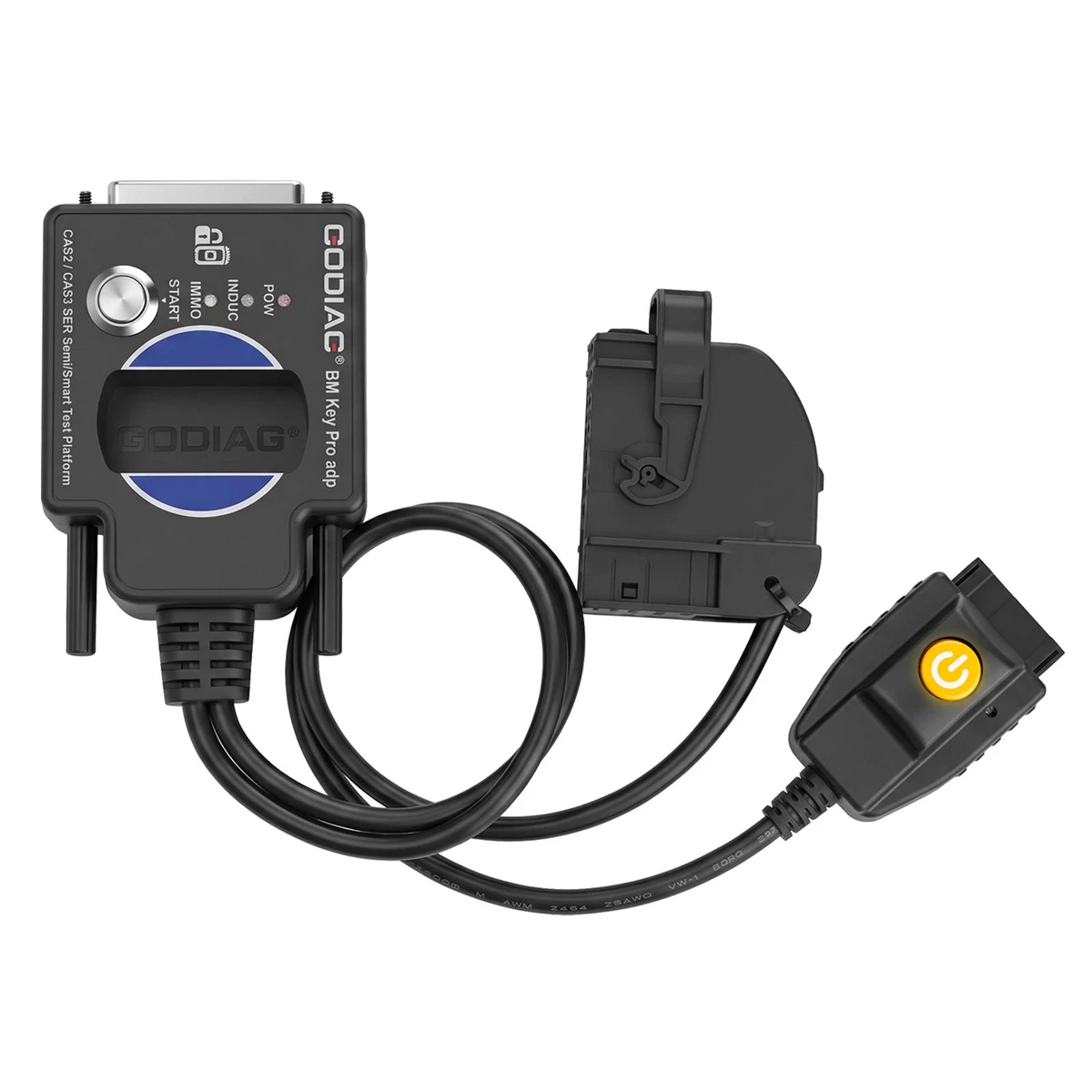
Check BMW CAS2/CAS3 semi-smart key synchronisation on the bench with the GODIAG SER platform. For magnetic keys; mechanical-key CAS2 is excluded.
€54€60
Quantity
Delivery & shipping options
- Standard delivery
- Free
- Dispatch from
- EU
- Total incl. shipping:
- €54
- Estimated delivery
- 8–15 Working Days
- Returns
- 30 days from delivery
Frequently Bought Together
Full Kit-GT100+ BMW PLatform
GODIAG BMW Test Platforms
Overview
Overview
The SER platform connects CAS2, CAS3, CAS3+ and CAS3++ modules using the specified semi-smart or smart magnetic-key arrangement. Its key sensing and synchronisation feedback support checking after an external key preparation procedure.
Specifications
| Module family | CAS2; CAS3; CAS3+; CAS3++ |
|---|---|
| Key arrangement | Magnetic semi smart or smart key |
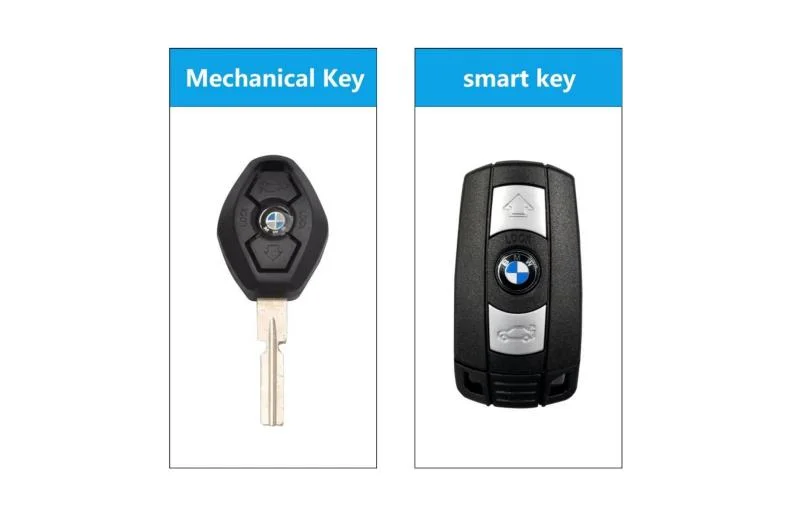
| Excluded key type | Mechanical key CAS2 |
| Excluded equipment | GT100; GT100+; Autel; OBDSTAR |
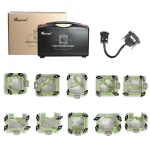
Package list
| Item | Qty |
|---|---|
| GODIAG CAS2 CAS3 SER Semi Smart Test Platform | 1 |
| Item | Qty |
|---|---|
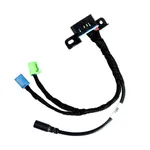
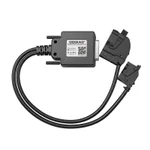
| OBD2 to DB25 Cable | 1 |
Description
Description
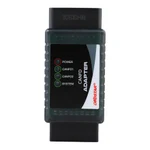
GODIAG CAS2 CAS3 SER Semi Smart Test Platform
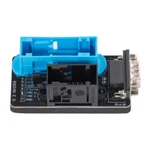
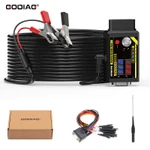
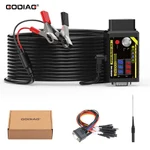
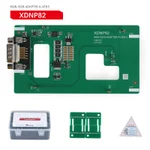
The GODIAG CAS2 CAS3 SER Semi Smart Test Platform checks synchronization between BMW CAS2 / CAS3 / CAS3+ / CAS3++ modules and magnetic semi-intelligent or smart keys. It provides a connection platform for supported CAS data, backup, and key-matching operations with compatible external programmers. Mechanical-key CAS2 is not supported.
Applications and Functions
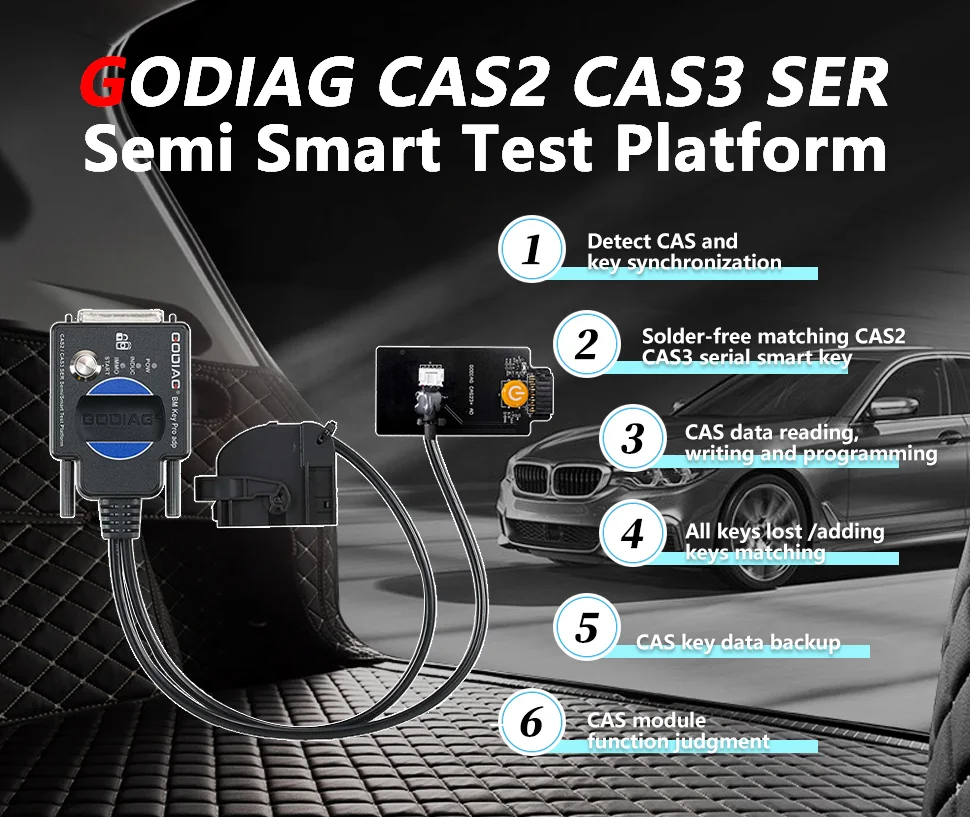
- Synchronization detection for CAS2, CAS3, CAS3+, and CAS3++ modules with magnetic semi-intelligent / smart keys.
- Solder-free connection for supported CAS2/CAS3-series key matching with compatible external equipment.
- CAS data reading, writing, programming, and key-data backup through supported programmer connections.
- Supported all-keys-lost and add-key operations using compatible key-programming equipment.
- CAS module function assessment and supported module diagnostic/programming operations.
Key and Equipment Compatibility
The supplied material names Xhorse Key Tool Plus Pad, Xhorse VVDI2, BMW VVDI BIM Tool, and CGDI BMW for supported key-programming applications.
Note: For magnetic semi-intelligent / smart keys only. Mechanical-key CAS2 is not supported. The supplied setup excludes general diagnostic equipment and GT100 / GT100+.
Autel / OBDSTAR: do not treat these as supported direct programming connections to this platform.
Lonsdor: CAS data reading and writing through the described OBD2 bench method is not supported.
Note: The supplied limitation states that Autel, Lonsdor, and OBDSTAR cannot perform the required independent 100 kb CAN-bus communication for this OBD2 bench setup. For the described alternative workflow, use a suitable external programmer to read CAS2 semi-intelligent / CAS3 / CAS3+ data and complete key matching separately, then use this platform to check synchronization. This does not establish direct programming compatibility with those devices or extend that workflow to unlisted modules.
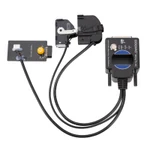
Product Structure
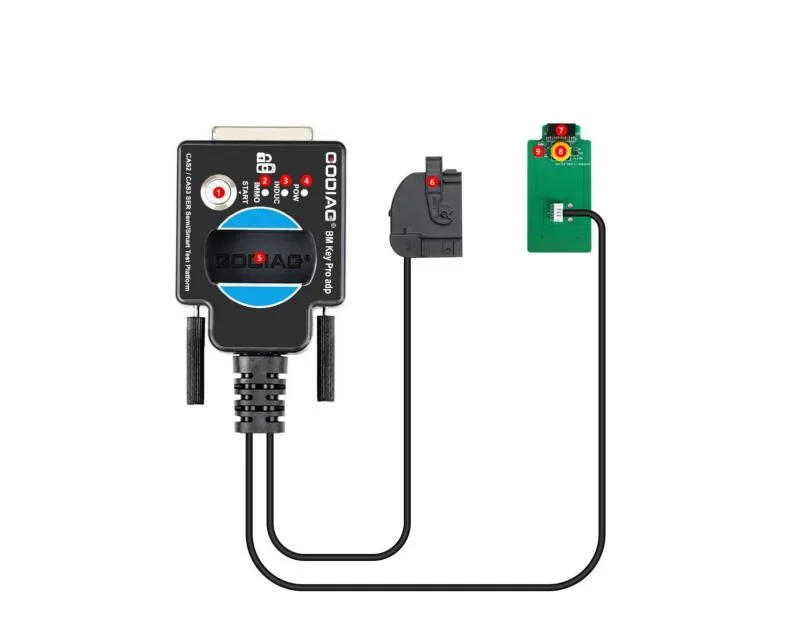
- Synchronization-check start switch.
- IMMO synchronization detection indicator light.
- CAS module key induction-coil indicator light.
- Power indicator light.
- Key identification port.
- CAS module 41-pin connector.
- CAS module 14-pin connector.
- Simulated start/stop switch.
- Start/stop button light.
Module and Key Synchronization Detection
Use the connection diagram for the selected CAS2 / CAS3 / CAS3+ / CAS3++ module and compatible semi-intelligent / smart key.
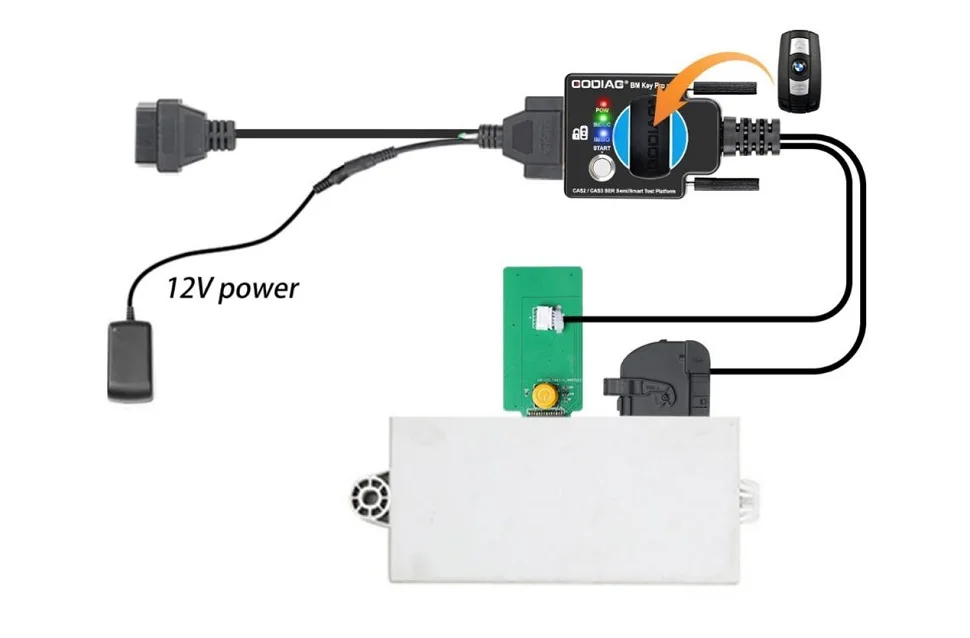
- Connect the module according to the applicable diagram.
- Place the key in the platform key sensing area.
- Connect the power supply. The power indicator and start/stop button light illuminate, and the coil sensor light flashes.
- Press the synchronization-check start switch.
Coil-signal reference: regular flashing or a steady light is described for a synchronized key; irregular flashing that stops after approximately one minute is described for an unsynchronized key.
Synchronization result: an illuminated IMMO indicator with a buzzer prompt indicates synchronization. If the IMMO indicator remains off and no buzzer sounds, synchronization has not been confirmed.
]The supplied procedure describes pressing the simulated start/stop button: the IMMO indicator goes out after approximately three seconds. Pressing it again lights the IMMO indicator.
VVDI2 Example: Connection and Key Information
Connect the module, platform, VVDI2, and computer according to the example diagram. The diagram shows a 12V power input.
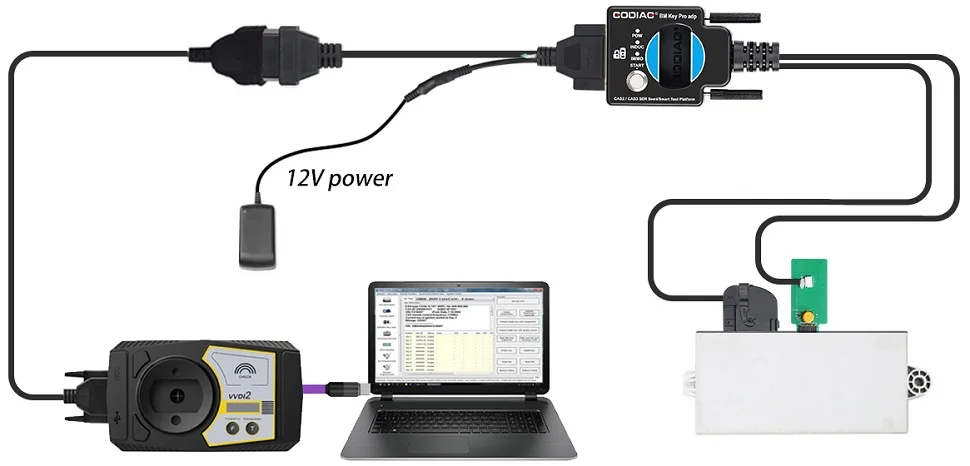
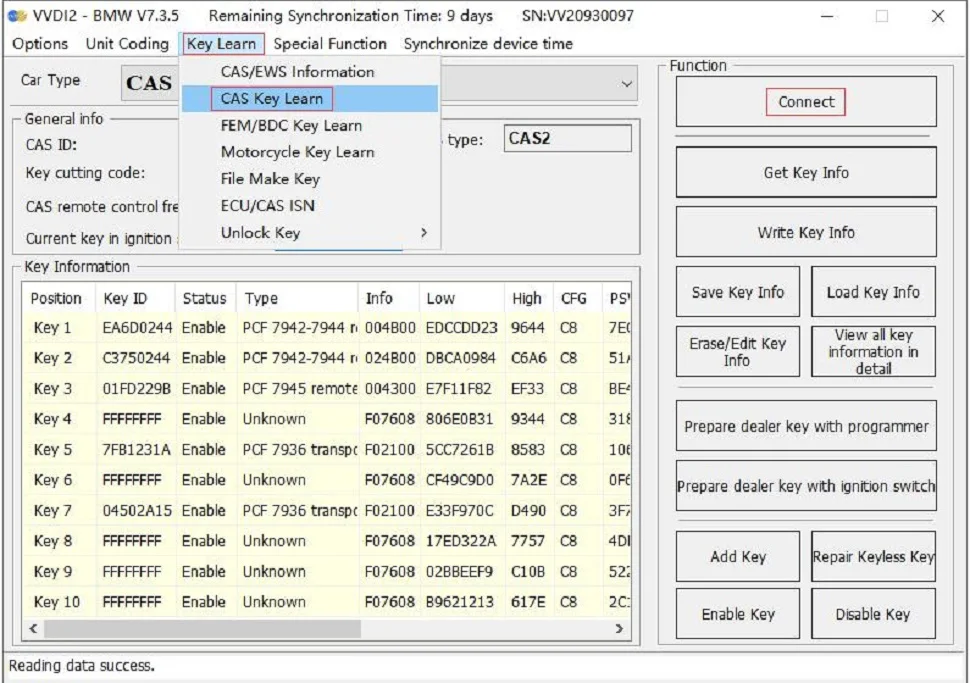
Select Key Learn → CAS Key Learn → Connect.
After the CAS information is identified, select Get Key Info and Save Key Info.
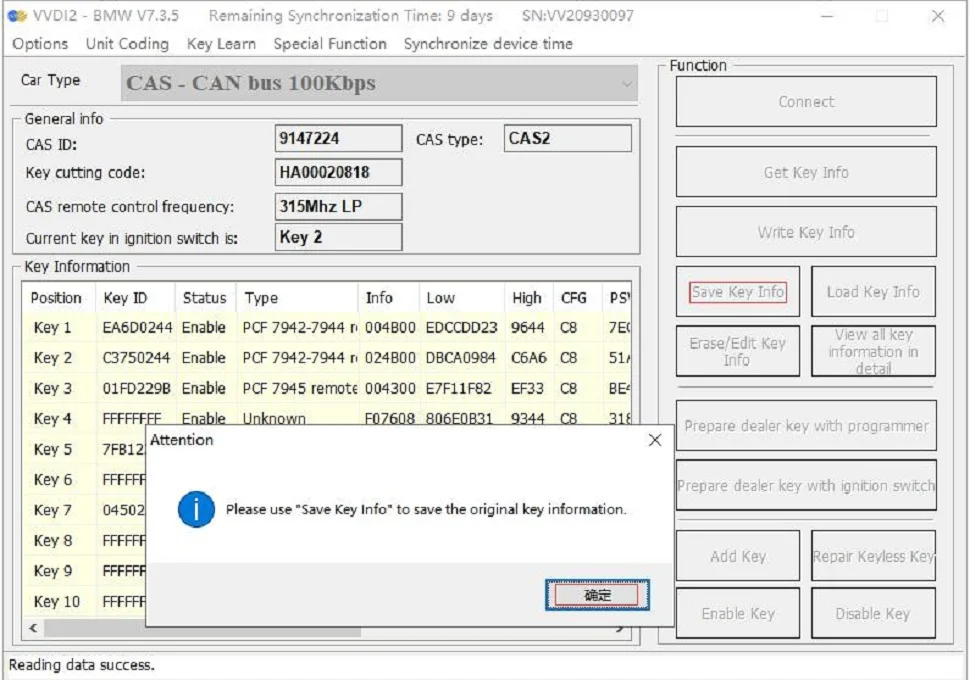
VVDI2 Example: Prepare the Dealer Key
Select an unused key position and choose Prepare dealer key with programmer. Use the VVDI2 key-programming area to generate the key.
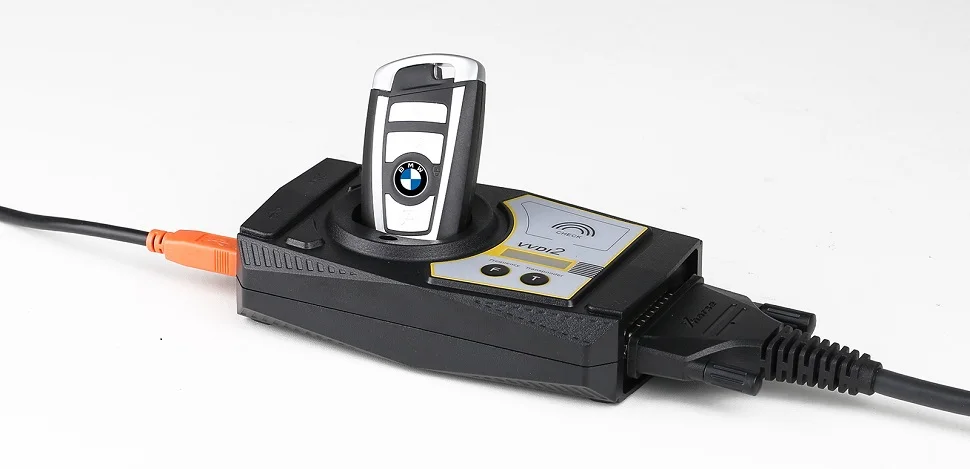
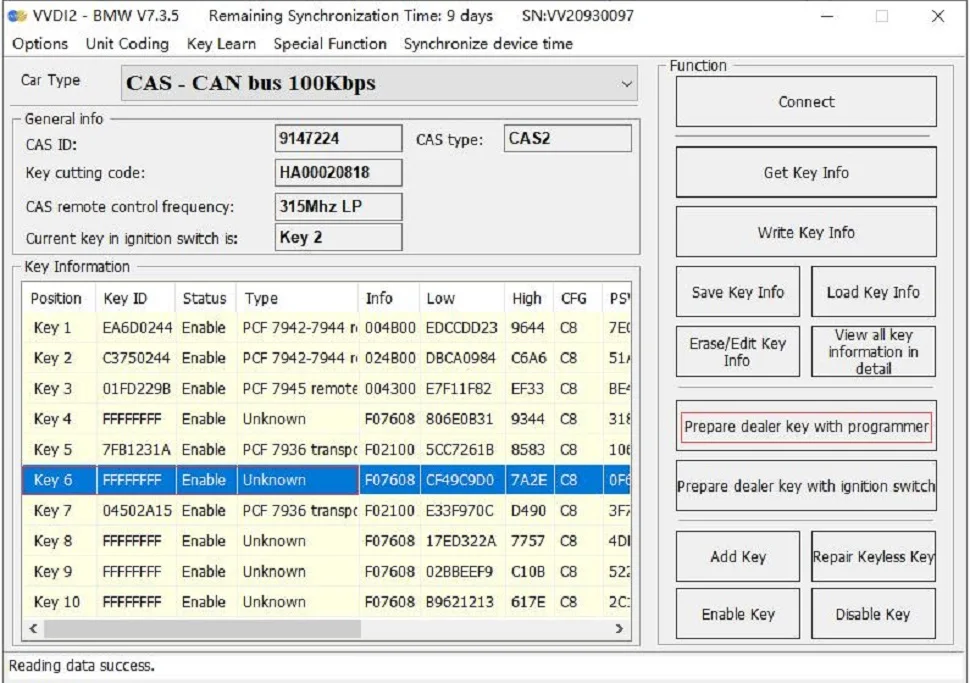
Note: The GODIAG platform key sensing area cannot generate a dealer key. Use the VVDI2 programmer for key generation.
VVDI2 Example: Test and Synchronization
After programming the dealer key, place it in the GODIAG platform identification port and perform the module/key synchronization test described above.
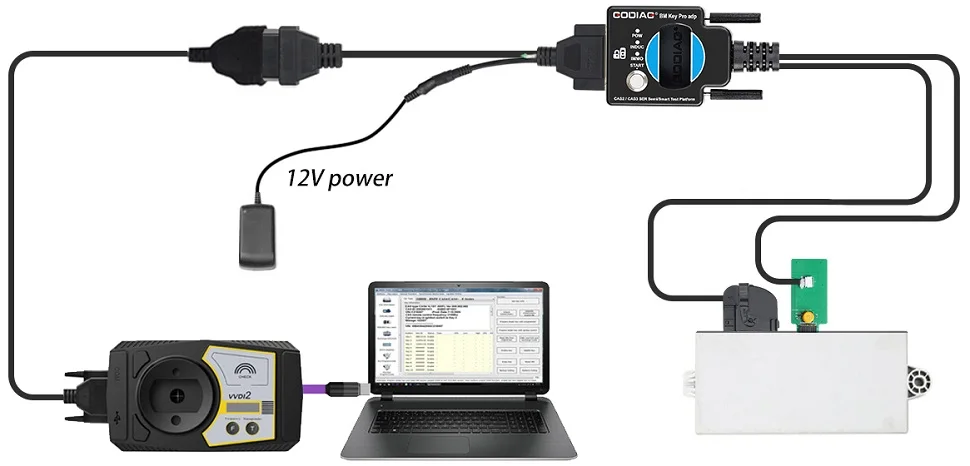
If the IMMO indicator does not light, the supplied example directs the user to Key Learn → CAS/EWS Information → Connect → Synch DME-CAS or Synch CAS-ELV, as applicable to the module and programmer instructions.
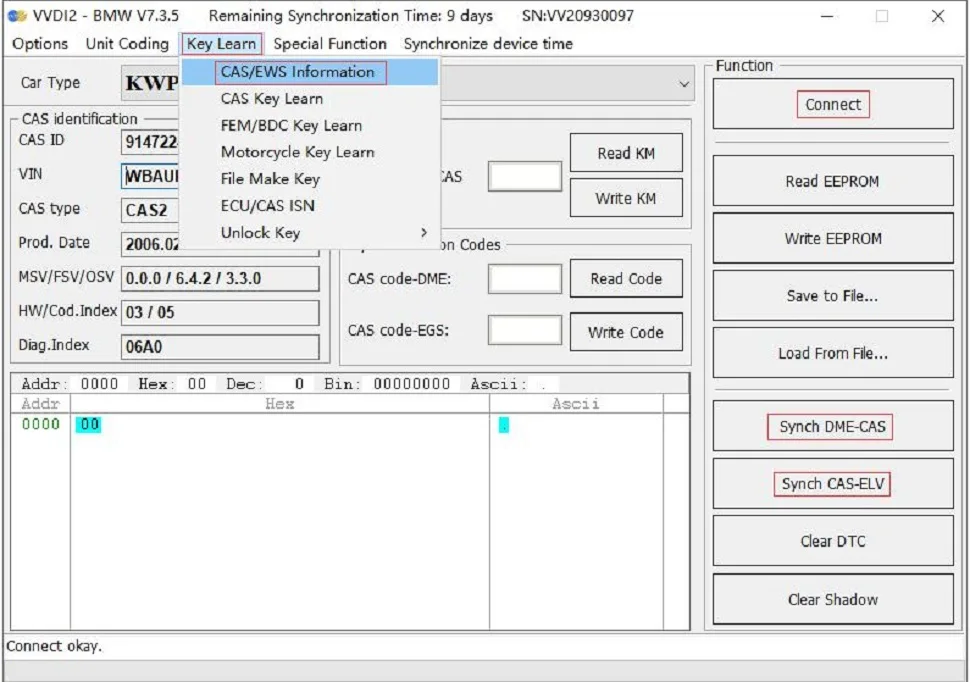
Note: During synchronization through VVDI2, the key must be placed in the VVDI2 device’s key sensing area.
Specifications
Specifications
| Parameter | Details |
|---|---|
| Module family | CAS2; CAS3; CAS3+; CAS3++ |
| Key arrangement | Magnetic semi smart or smart key |
| Excluded key type | Mechanical key CAS2 |
| Excluded equipment | GT100; GT100+; Autel; OBDSTAR |
Product FAQ
Ask a questionDoes the GODIAG CAS2 CAS3 platform support mechanical CAS2 keys?
No. This CAS2 CAS3 SER semi smart key platform is for magnetic semi-smart or smart-key arrangements, not mechanical-key CAS2.
Can I connect the CAS2 CAS3 test platform to GT100 or Autel?
The current manufacturer restrictions exclude GT100/GT100+, Autel and OBDSTAR for this CAS2 CAS3 semi smart bench platform. A different platform listing is not proof of compatibility.
Can I prepare a BMW dealer key in the platform sensing coil?
No. For CAS2 CAS3 dealer key preparation, use the supported external programmer sensing position. The GODIAG platform coil is used to test the prepared key with the module.
Does a synchronisation light mean every CAS3 programming job is supported?
No. A CAS3 key synchronisation test checks the module and key relationship. Data reading, writing and key preparation depend on the external programmer and exact CAS variant.
Customer reviews
Highest rated firstNo reviews yet.