
1 / 5
GODIAG GT107+ DSG Plus Gearbox Data Adapter with Voltage and Current Display
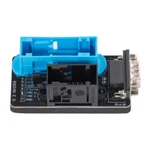
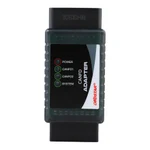
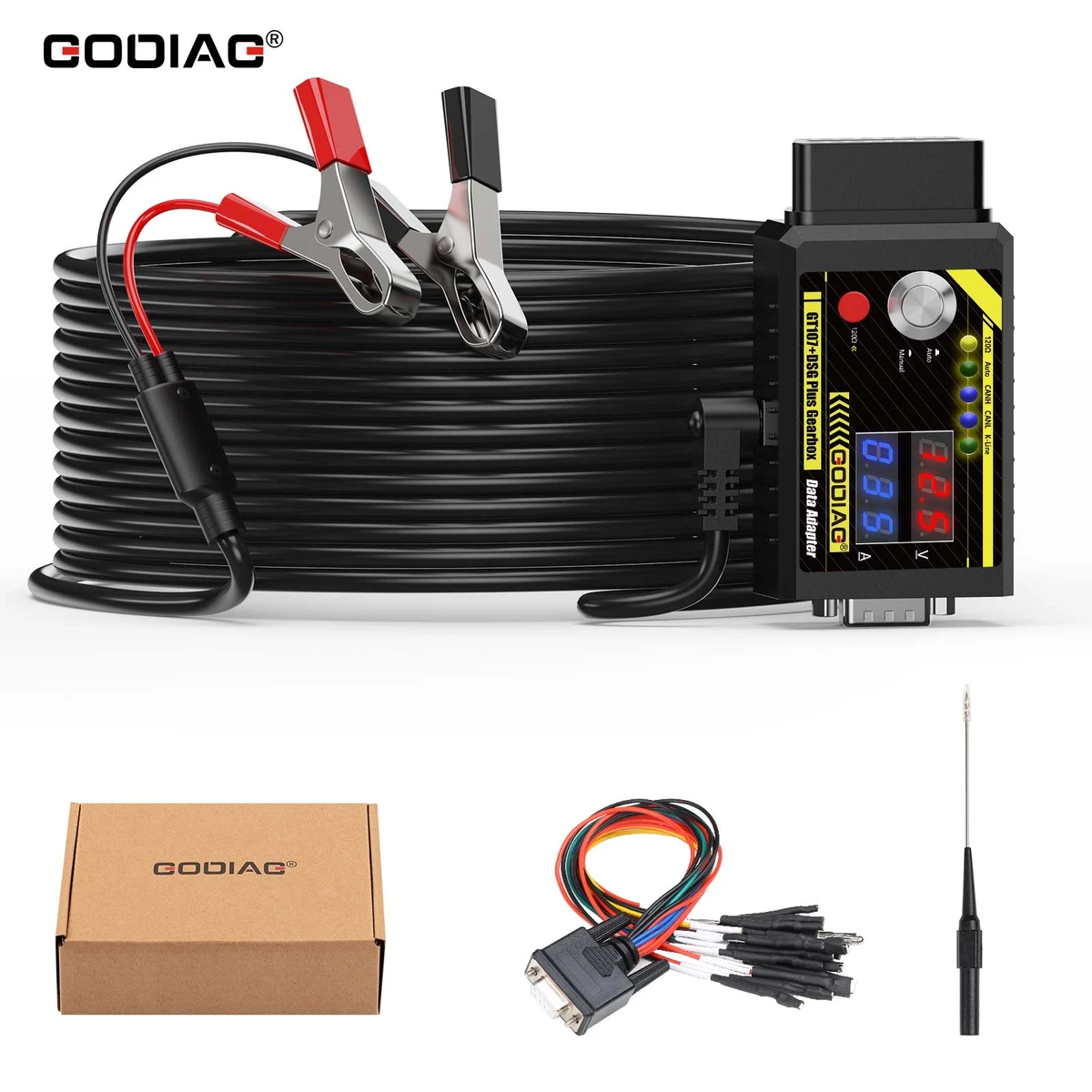
GODIAG GT107+ is a DSG/TCU connection adapter with voltage/current monitoring and ignition-power controls. It requires compatible external programming or diagnostic equipment.
€53€60
Quantity
Delivery & shipping options
- Standard delivery
- Free
- Dispatch from
- EU
- Total incl. shipping:
- €53
- Estimated delivery
- 8–15 Working Days
- Returns
- 30 days from delivery
Frequently Bought Together
Overview
Overview
Connect a supported gearbox control unit to the appropriate external interface and software using ECU-specific wiring. The GT107+ combines an OBD2 connection, detachable DB9 jumper interface, power controls and communication indicators; it is the single-adapter version, without the separate 7-in-1, 9-in-1, ISM or GPT cable bundles.
Specifications
| Brand / model | GODIAG / GT107+ |
|---|---|
| Product type | DSG / transmission-control-unit connection adapter |
| Displays | Voltage and current; accuracy and ranges not established |
| Communication indicators | CAN-bus / K-Line |
| Ignition-power selection | Auto / Manual; procedure-dependent |
|---|---|
| CAN termination switch | 120 ohms |
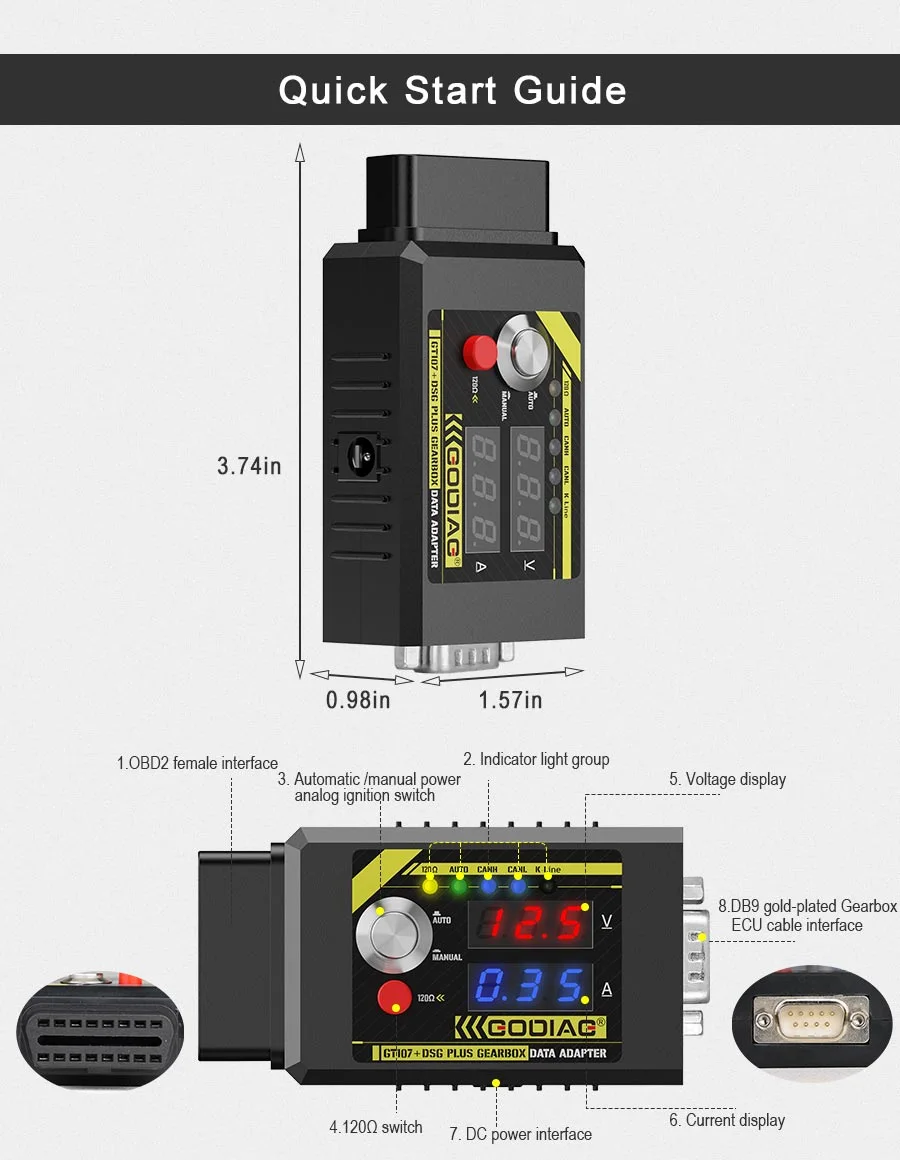
| Interfaces | OBD2 female; detachable DB9 gearbox connection; DC power input |
| Source-listed gross package weight | 0.4 kg; not a logistics billable-weight instruction |
Showing 8 of 10 specifications
Package list
| Item | Qty |
|---|---|
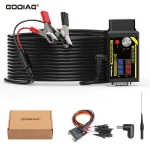
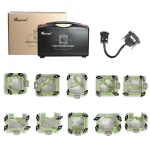
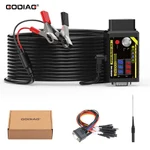
| GODIAG GT107+ ECU Prog AD | 1 |
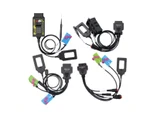
| DB9 DSG Gearbox Universal Conversion Jumper | 2 |
| Power Cord with Battery Clips | 1 |
| Item | Qty |
|---|---|
| Probe | 1 |
| Manual | 1 |
Software & licences
- Included entitlement
- Hardware connection adapter; no external programming software or license is listed in the five-item standard kit.
- Renewal
- External software and interface license/update charges follow their respective providers; no paid or free renewal period is assumed.
- After expiry
- Do not infer external software expiry behaviour from possession of this hardware adapter.
Description
Description
GODIAG GT107+ DSG Plus Gearbox Data Adapter
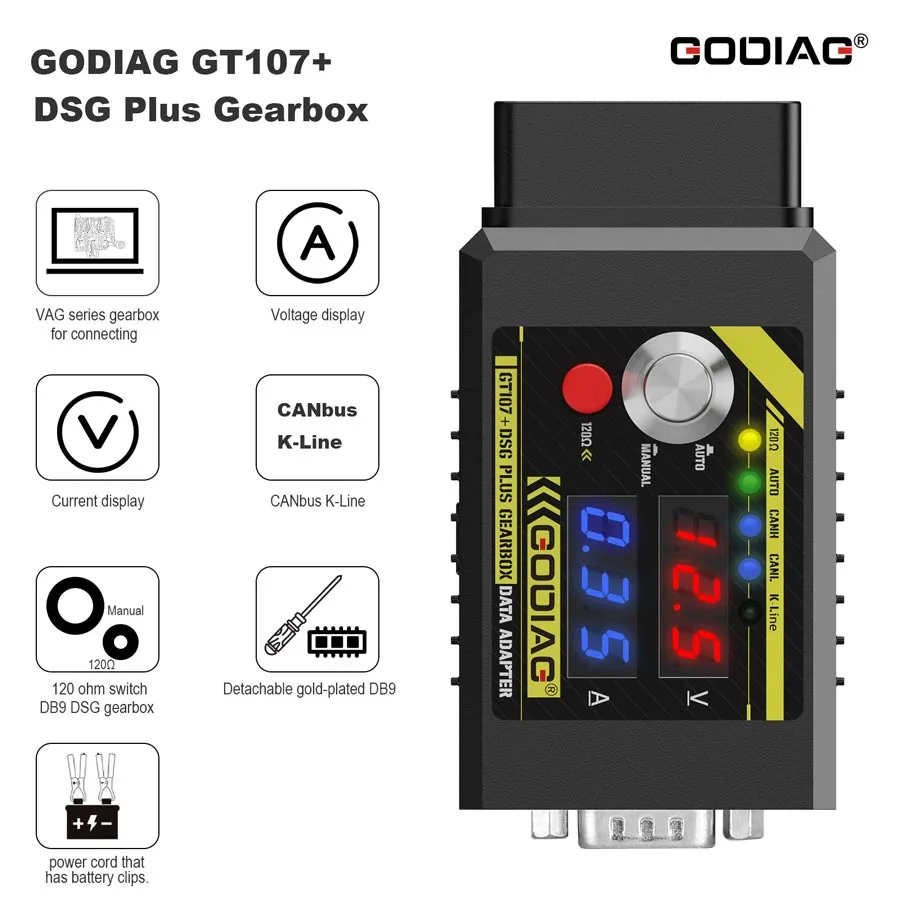
The GODIAG GT107+ DSG Plus Gearbox Data Adapter is an upgraded GT107 connection adapter with voltage and current displays, CAN-bus/K-line communication indicators, Auto/Manual ignition-power control, and switchable 120Ω CAN termination. With compatible external tools, it supports gearbox ECU data reading, writing, adjustment, cloning, diagnosis, and repair workflows.
Gearbox Applications and External Tools
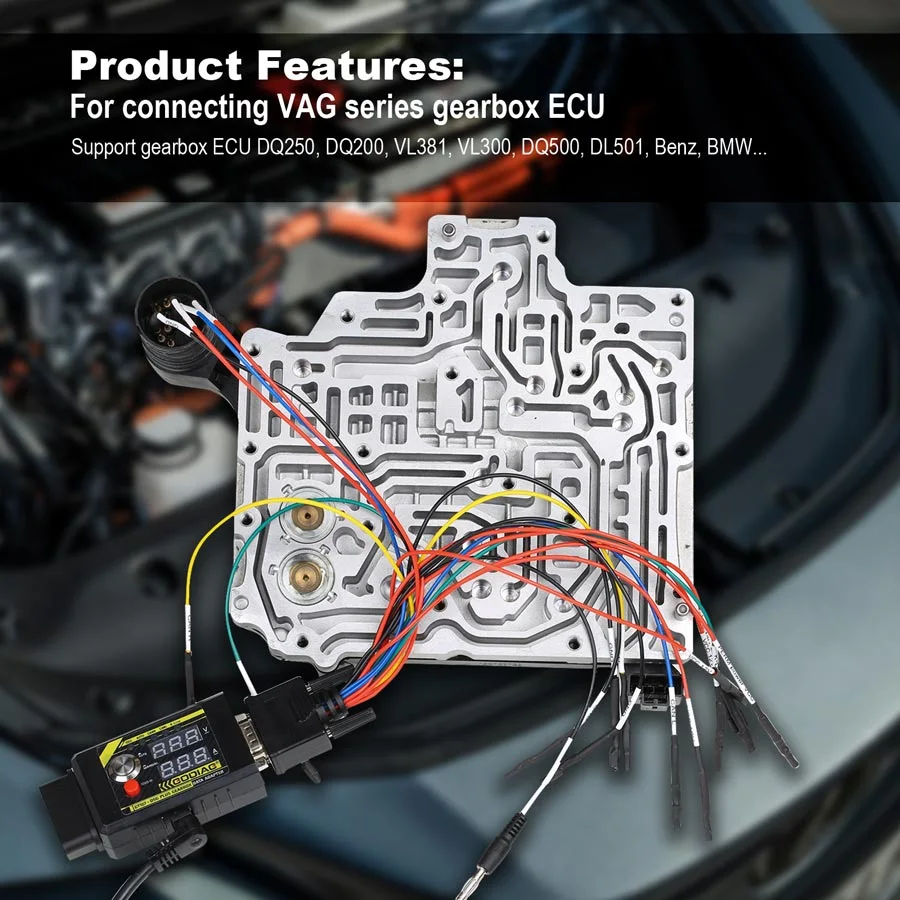
- VAG gearbox ECU examples: DQ250, DQ200, VL381, VL300, DQ500, and DL501.
- Other source-listed applications: Renault DC0 / DC4, Gen2; Honda LUK UDCT; Mercedes-Benz and BMW gearbox ECUs.
- External tool/software examples: PCMFlash, PCMTuner, KESS V2, and supported J2534 / OBD2 reading, writing, or diagnostic equipment.
Note: Gearbox models such as DQ200, DQ250, and DQ500 are application names, not software. Mercedes-Benz and BMW are separate brand applications, not VAG models. The supplied text does not specify their complete gearbox model coverage.
Note: GT107+ provides the connection and power-control interface. Actual reading, writing, cloning, adjustment, diagnosis, and repair depend on the selected external tool, software, gearbox ECU, and connection method.
Voltage, Current and Communication Monitoring
- Voltage display: shows the operating voltage supplied to the connected gearbox ECU in the described powered state. A severe voltage drop can help identify a possible wiring or short-circuit problem.
- Current display: shows gearbox ECU operating current to assist in assessing its working condition.
- Communication indicators: show CAN-bus and K-line communication activity.
Note: The supplied description does not specify display accuracy, measurement ranges, or automatic fault diagnosis. A voltage drop is a troubleshooting indication, not conclusive proof of a specific fault.
Controls, Interfaces and Connection Accessories
- Automatic / manual simulated ignition-power switch.
- Built-in CAN termination with a 120Ω switch.
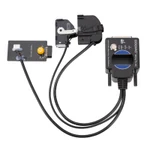
- Detachable gold-plated DB9 gearbox ECU cable interface for application-specific or DIY connections.
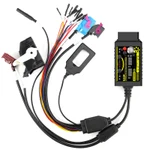
- DB9 DSG gearbox universal conversion jumper / Boot-mode cable and probe described in the supplied material.
- Power cord with battery clips for drawing power from the vehicle battery.
Note: Set the 120Ω termination and connect the DB9 leads according to the selected gearbox ECU wiring definition. The supplied text does not establish a complete package inventory or inclusion of a DC power adapter.
Auto and Manual Ignition-Power Modes
Auto — ignition button released: the supplied guide describes a 0V / 0A display before the connected programming setup switches the ECU power on.
Manual — ignition button pressed: the adapter displays the supplied operating voltage and gearbox ECU current in the described powered setup.
The supplied PCMFlash workflow uses Auto for supported automatic power-controlled reading/writing. Manual is described for diagnosis and the supplied KESS V2 examples.
Note: Select Auto or Manual according to the external tool and procedure. The 0V / 0A statement is not a claim that the display remains at zero throughout an Auto-mode programming operation.
PCMFlash / PCMTuner Connection and Operation
- Before connecting power, leave the function buttons released / popped up as directed in the supplied procedure.
- Connect GT107+ to the gearbox ECU using its correct wiring definition.
- Use a stable regulated 12 V DC supply with adequate current capacity verified for the selected gearbox ECU and procedure.
- Select Auto or Manual ignition-power mode as required by the selected programming setup.
- Connect the compatible J2534 passthrough interface and use the supported PCMFlash / PCMTuner application.
- Perform the supported gearbox ECU reading or writing operation according to the external tool prompts.
Vehicle-Battery and On-Vehicle Use
The supplied description allows power to be drawn from the vehicle battery through the battery-clip power lead. The “Used on the Car” section repeats the ECU-specific connection, power, mode-selection, and external-tool procedure above.
Note: Battery power does not make GT107+ a standalone programmer. On-vehicle use still requires the appropriate ECU connection, supported external interface/software, and procedure; the source does not establish universal plug-and-play OBD coverage.
KESS V2 and Diagnostic Equipment: Manual Mode
- With function buttons released before power connection, wire GT107+ to the supported gearbox ECU according to its pinout.
- Use a stable regulated 12 V DC supply with adequate current capacity verified for the selected gearbox ECU and procedure.
- Press the ignition-power button to select Manual.
- Connect the supported OBD2 reading/writing tool or diagnostic device.
- Perform the supported operation using the external device’s instructions.
Note: The supplied heading names DQ200, DQ250, and DQ500 KESS V2 examples. Listing other gearbox families in the connection description does not guarantee every function is available through KESS V2 on every ECU.
Specifications
Specifications
| Parameter | Details |
|---|---|
| Brand / model | GODIAG / GT107+ |
| Product type | DSG / transmission-control-unit connection adapter |
| Displays | Voltage and current; accuracy and ranges not established |
| Communication indicators | CAN-bus / K-Line |
| Ignition-power selection | Auto / Manual; procedure-dependent |
| CAN termination switch | 120 ohms |
| Interfaces | OBD2 female; detachable DB9 gearbox connection; DC power input |
| Source-listed gross package weight | 0.4 kg; not a logistics billable-weight instruction |
| Published package-size tuple | 23 × 11 × 4 cm; axis labels not provided |
| Illustrated device-size tuple | 3.74 × 1.57 × 0.98 in; source image axes not named |
Compare
Compare
GODIAG GT107+ DSG Plus VS GT107 DSG

Product FAQ
Ask a questionIs GT107+ a standalone TCU programmer?
No. It provides gearbox connections, power control and monitoring. Reading, writing, cloning and diagnosis require compatible external equipment, software and any required licenses.
Which gearbox families are listed?
The source examples include DQ200, DQ250, DQ500, DL501, VL300 and VL381, plus Renault DC0/DC4 Gen2 and Honda LUK UDCT applications. Confirm your exact ECU and external software function before purchase.
Does this item include a 7-in-1 or 9-in-1 cable set?
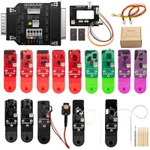
Those are separate bundles. This item is the GT107+ single adapter identified by this. Check the confirmed physical package rather than the contents of a related listing.
What do Auto and Manual mean?
They select simulated ignition-power control for the connected workflow. The correct mode depends on the external tool and ECU procedure. A pre-switching 0V/0A display in Auto is not the expected reading for every stage of operation.
Does a voltage drop prove the gearbox ECU is faulty?
No. A drop can be a troubleshooting indication. Check power delivery and wiring before drawing a conclusion. The display is not an automatic fault diagnosis.
Are PCMFlash or KESS licenses included?
No external software license is listed in the standard package. Check the interface, module and license required by the chosen external software provider.
Can I use the same pinout and power setup for every gearbox?
No. Use verified wiring and power instructions for the exact ECU. The available source statements differ on current capacity, so a universal current recommendation is not supplied here.
Customer reviews
Highest rated firstNo reviews yet.