
1 / 8
GT110 FOR VW Skoda Seat CAN-Bus UDS 4th Generation IMMO System Test Platform Cable with POGO PIN to Read & Write POGO PIN Data
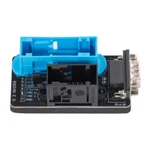
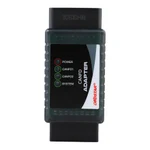
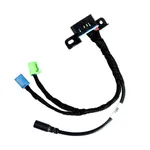
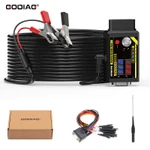
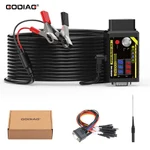
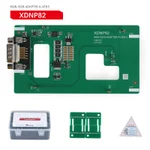
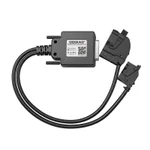
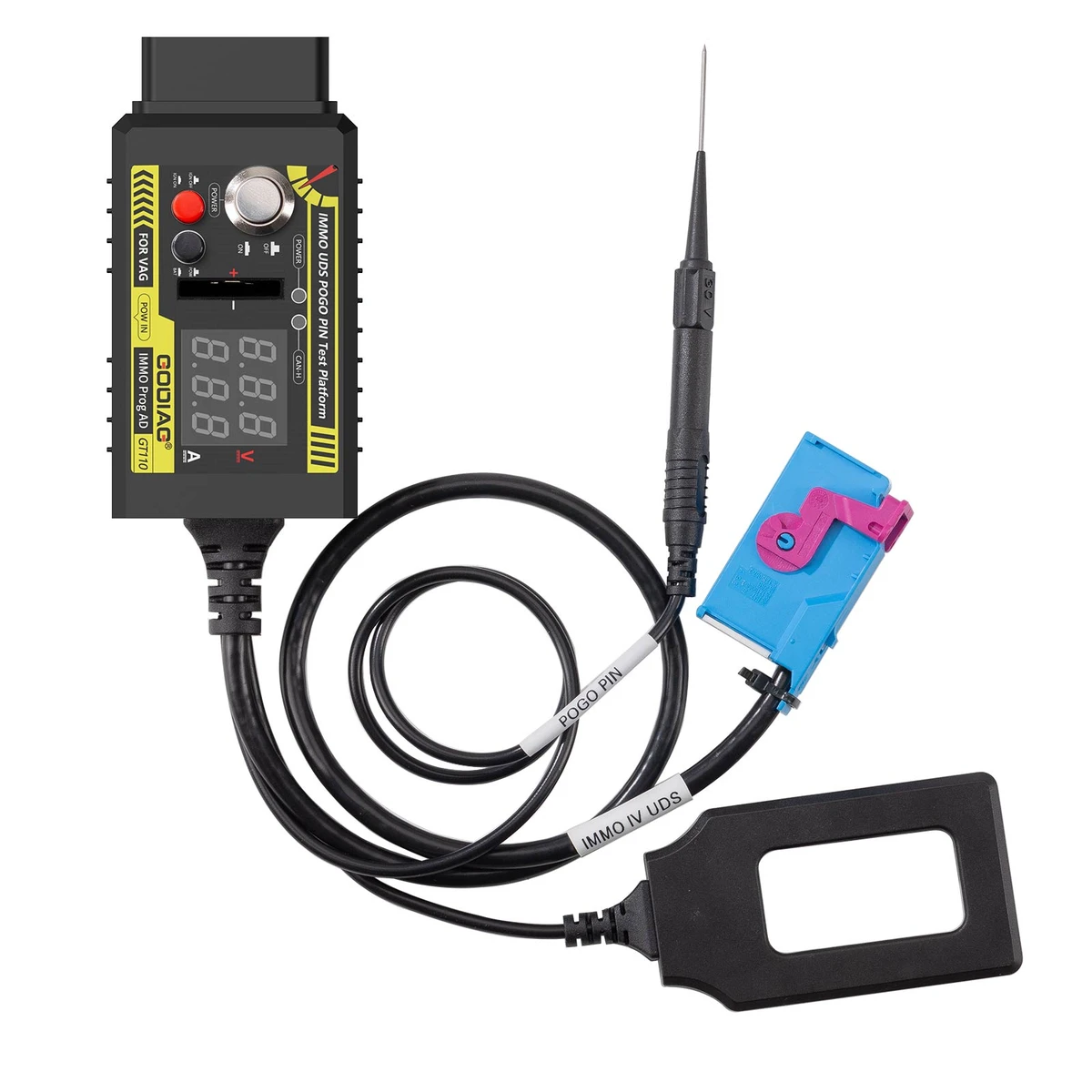
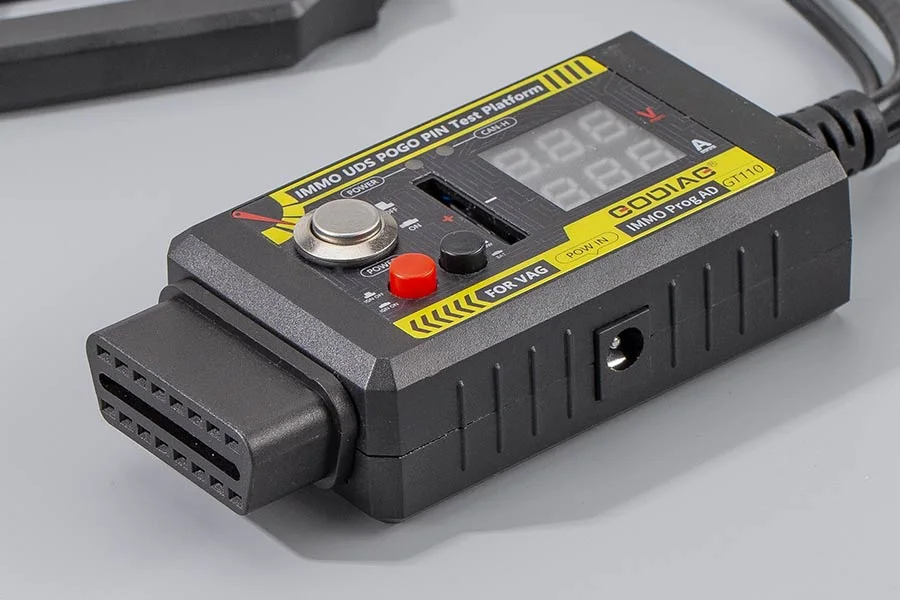
The GODIAG GT110 is an off-vehicle dashboard IMMO test platform cable with a POGO PIN / boot probe for supported CAN-Bus UDS fourth-generation IMMO applications. It provides a standard OBD2 dashboard connection, working voltage and current displays, simulated ignition control, a CANH UDS communication indicator, and CR2032 remote-key battery testing.
€45€50
Quantity
Delivery & shipping options
- Standard delivery
- Free
- Dispatch from
- EU
- Total incl. shipping:
- €45
- Estimated delivery
- 8–15 Working Days
- Returns
- 30 days from delivery
Frequently Bought Together
GODIAG VAG Test Platforms Kits
Overview
Overview
GT110 is described for Volkswagen, Skoda, and Seat UDS dashboard key programming and off-vehicle data reading and writing through a POGO PIN / boot probe. Audi is also named in the supplied introduction, without specific models or years. Additional functions include key and instrument synchronization testing, offline IMMO instrument diagnosis, instrument IMMO data reading and writing, mileage repair, key matching, and emergency-start sensing-area detection. These operations require compatible diagnostic or key programming equipment and the correct dashboard connection.
Package list
| Item | Qty |
|---|---|
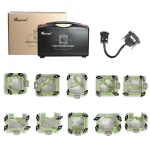
| GODIAG GT110 | 1 |
Description
Description
GODIAG GT110 CAN-Bus UDS IMMO Test Platform Cable with POGO PIN
The GODIAG GT110 is an off-vehicle dashboard IMMO test platform cable with a POGO PIN / boot probe for supported CAN-Bus UDS fourth-generation IMMO applications. It provides a standard OBD2 dashboard connection, working voltage and current displays, simulated ignition control, a CANH UDS communication indicator, and CR2032 remote-key battery testing.
Dashboard Programming and IMMO Functions
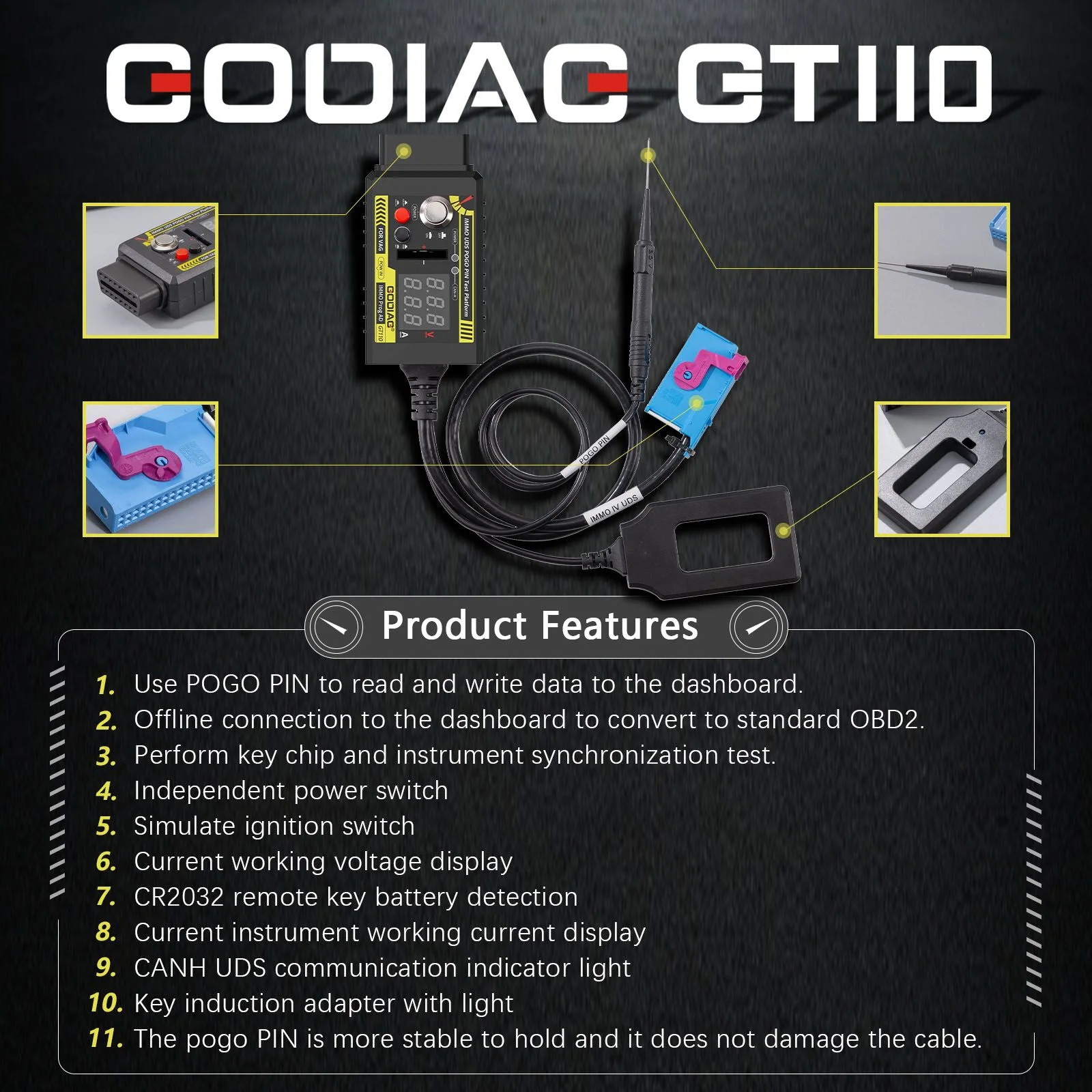
- Read and write supported dashboard data using the POGO PIN / boot probe.
- Connect a dashboard off-vehicle to a standard OBD2 connection.
- Perform key chip and instrument synchronization testing.
- Carry out supported offline IMMO instrument diagnosis and IMMO data reading and writing.
- Support instrument mileage repair and key matching with suitable equipment.
Note: Volkswagen, Skoda, and Seat are named for UDS dashboard programming. Audi is also listed in the supplied introduction, but no model-year or dashboard coverage list is provided. Compatibility is not stated here as every UDS dashboard or every vehicle of these brands.
Controls, Displays and Indicators
- Independent power switch.
- Simulated IGN ignition switch.
- Buzzer: audible prompts for ignition start and shutdown.
- Working voltage display.
- Instrument working current display.
- CANH UDS communication indicator light.
- CR2032 remote-key battery detection.
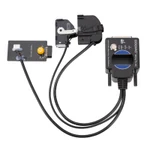
- Key induction adapter with a light.
- POGO PIN probe for the corresponding dashboard contact point.
Compatible Equipment Listed
HEX V2; VAGCOM VCDS 5053; VAS5054A; VAS6154; SUPER VAG K+CAN; OBDSTAR; Lonsdor; AVDI; ZEDFULL; VVDI2; Key Tool Plus; X300 DP Plus; SUPER VAG; AUTEL.
Note: The equipment list includes device names, families, and brands. Available functions depend on the connected device, its software, and the actual dashboard. The cable alone does not provide the programming functions of those devices.
POGO PIN Usage Steps
- Connect the power supply with the power switch OFF.
- Press the IGN ignition switch so that IGN is ON.
- Connect the instrument plug.
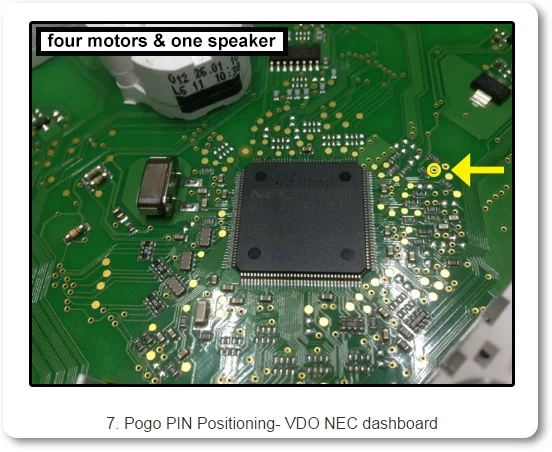
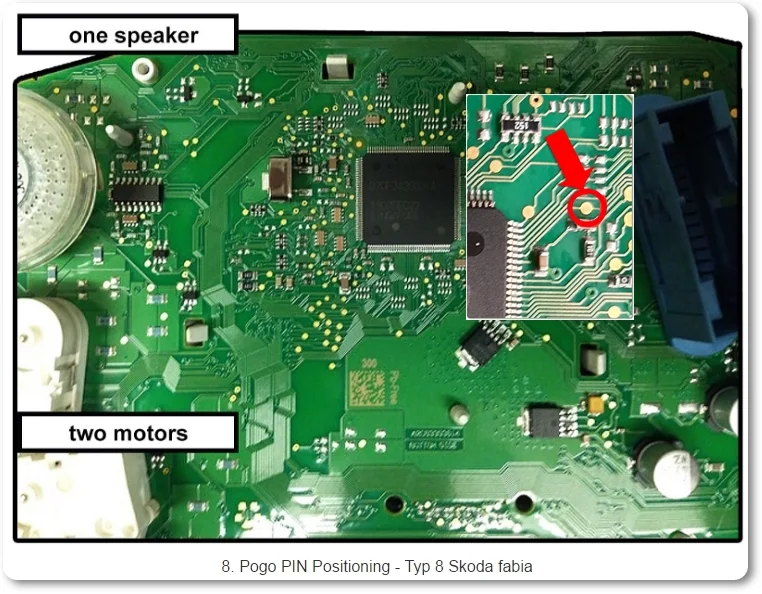
- Locate the correct POGO PIN connection point for the dashboard and contact it with the probe.
- Turn the power switch ON for approximately 3–5 seconds. According to the supplied instructions, a flashing instrument ABS light indicates entry into POGO PIN read/write mode.
Note: The dashboard-specific probe contact point must match the instrument being connected. The supplied material does not specify a universal pinout or power-supply rating; these are not added here. Follow the corresponding instrument connection instructions.
Emergency-Start Sensing-Area Detection
Following the supplied description, press the vehicle’s start switch and move the device’s key identifier near the suspected sensing area. A flashing or illuminated identifier light indicates the vehicle’s emergency-start key sensing area.
For vehicles supporting the described function, placing a smart key with a depleted battery in that area allows the vehicle to recognize the key for emergency starting.
Note: Emergency-start sensing-area detection is a separately described function. The supplied material does not identify a vehicle coverage list for it or establish that it applies to every GT110 dashboard programming application.
Feature Overview
The supplied comparison highlights simulated ignition control, CANH indication, voltage and current displays, CR2032 battery testing, key-to-instrument synchronization detection, and emergency-start sensing-area recognition.
Key Identifier Light: Test Result Guide
The supplied instructions give the following interpretations:
- Briefly flashes, then turns off: indicates normal IMMO and key chip operation in the described test.
- Continues flashing: indicates a key-to-IMMO mismatch; key matching / reprogramming is required according to the guide.
- Does not flash: indicates an IMMO system fault according to the guide; inspect the vehicle’s IMMO system.
Note: These are the supplied guide’s interpretations. An indicator pattern alone does not establish a specific failed component.
Compare
Compare
GODIAG GT110 vs Other Brands
Downloads
Product FAQ
Ask a questionNo product questions have been published yet. Need to check something before buying? Ask our team.
Customer reviews
Highest rated firstNo reviews yet.