
DiagMaster
EU ShipFree Shipping

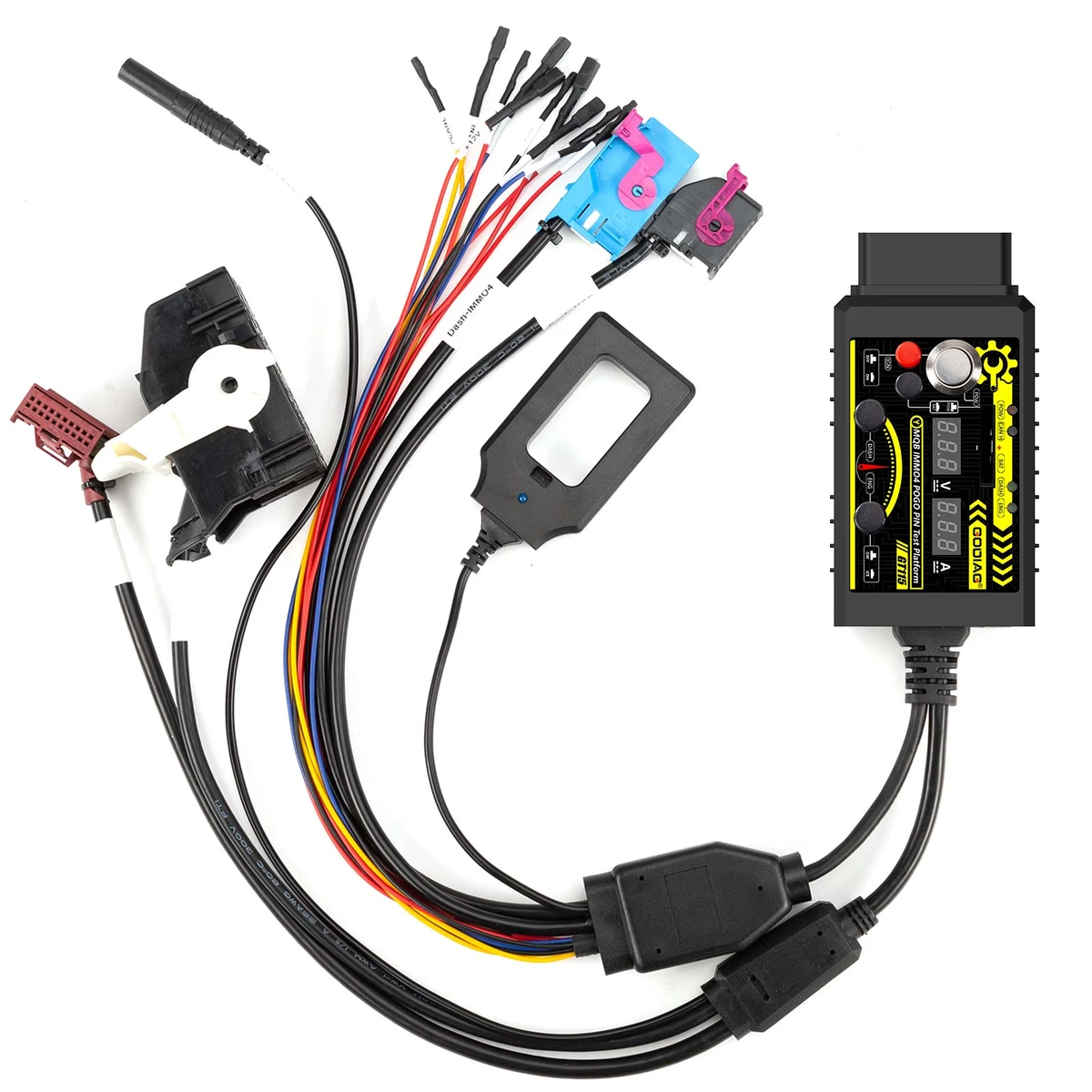
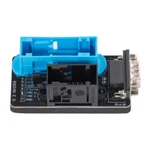
GODIAG GT115 For V-A-G MQB IMMO4 CAN-Bus UDS 4th Generation IMMO System Test Platform with POGO PIN to Read & Write Data

BrandGODIAGItem No. DC-GDG-ADP-000059Physical product

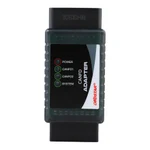
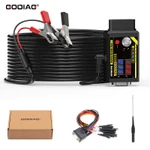
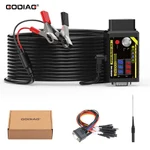
GODIAG GT115 is a VAG MQB IMMO4 CAN-Bus UDS connecting cable and test platform for off-vehicle IMMO programming, key matching, and diagnostics. It provides POGO PIN dashboard data access, key/IMMO synchronization checks, voltage/current displays, and CR2032 battery voltage detection.

€71€79
In Stock
Quantity
1

Delivery & shipping options

Standard delivery
Free
Dispatch from
EU
Total incl. shipping:
€71
Estimated delivery
8–15 Working Days

Overview

The GT115 provides off-vehicle connections for dashboard data reading/writing, key synchronization checks, and independent engine/power expansion module diagnosis. It also supports gateway-based engine, power-module, and BCM communication/programming tests. The platform displays the connected supply voltage and module current. The supplied five-step procedure describes entering POGO PIN read/write mode using the main power switch, IGN switch, instrument plug, and probe.

Package list
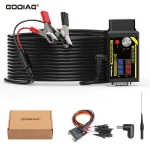
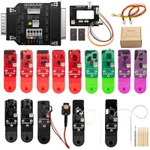
Package contents for the selected product option
ItemQty
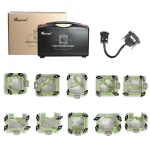
GODIAG GT1151

Description

GODIAG GT115 VAG MQB IMMO4 CAN-Bus UDS Test Platform with POGO PIN

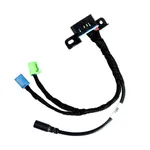
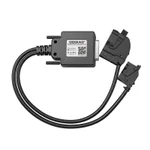
GODIAG GT115 is a connecting cable and test platform for VAG MQB IMMO4 CAN-Bus UDS systems. It provides off-vehicle connections for IMMO programming, key matching, and diagnostics.

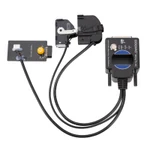
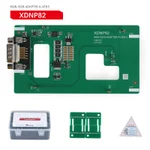
Its POGO PIN connection supports dashboard data reading and writing, with a more stable hold that avoids damage to the cable.

MQB architecture spans vehicles from superminis to large family cars and replaces the PQ25, PQ35, and PQ46 platform generations described in the original introduction.

GODIAG GT115 Functions

  1. Checks synchronization between the key and the vehicle IMMO module.
  2. Supports independent diagnosis of engine and power expansion modules.
  3. Supports communication diagnosis and programming tests for engine and power modules through the gateway module.
  4. Supports 4th-generation IMMO POGO PIN data reading/writing and key synchronization detection.
  5. Connects the BCM module to the gateway module for communication diagnosis and programming tests.
  6. Supports gateway module detection.
  7. Displays the connected power supply voltage.
  8. Displays the operating current of the connected module.
  9. Supports CR2032 battery voltage detection.
  10. Provides POGO PIN access for dashboard data reading and writing.

Note: For BCM-to-gateway communication diagnosis and programming tests, press the corresponding switch when required.

GT115 Connection Diagram Download

Free Download: GODIAG GT115 Connection Diagram

File size: 35 MB.

How to Use the POGO PIN

  1. Connect the power supply with the main power switch turned OFF.
  2. Turn ON the IGN ignition power switch.
  3. Connect the instrument cluster plug.
  4. Locate the POGO PIN connection point for the corresponding instrument cluster and connect the probe.
  5. Turn ON the main power switch and wait 3–5 seconds. A flashing ABS light indicates entry into POGO PIN read/write mode.


Product FAQ

Ask a question

No product questions have been published yet. Need to check something before buying? Ask our team.

Customer reviews

Highest rated first

No reviews yet.

Chat with us