
GODIAG
GD101 J2534
€23View details
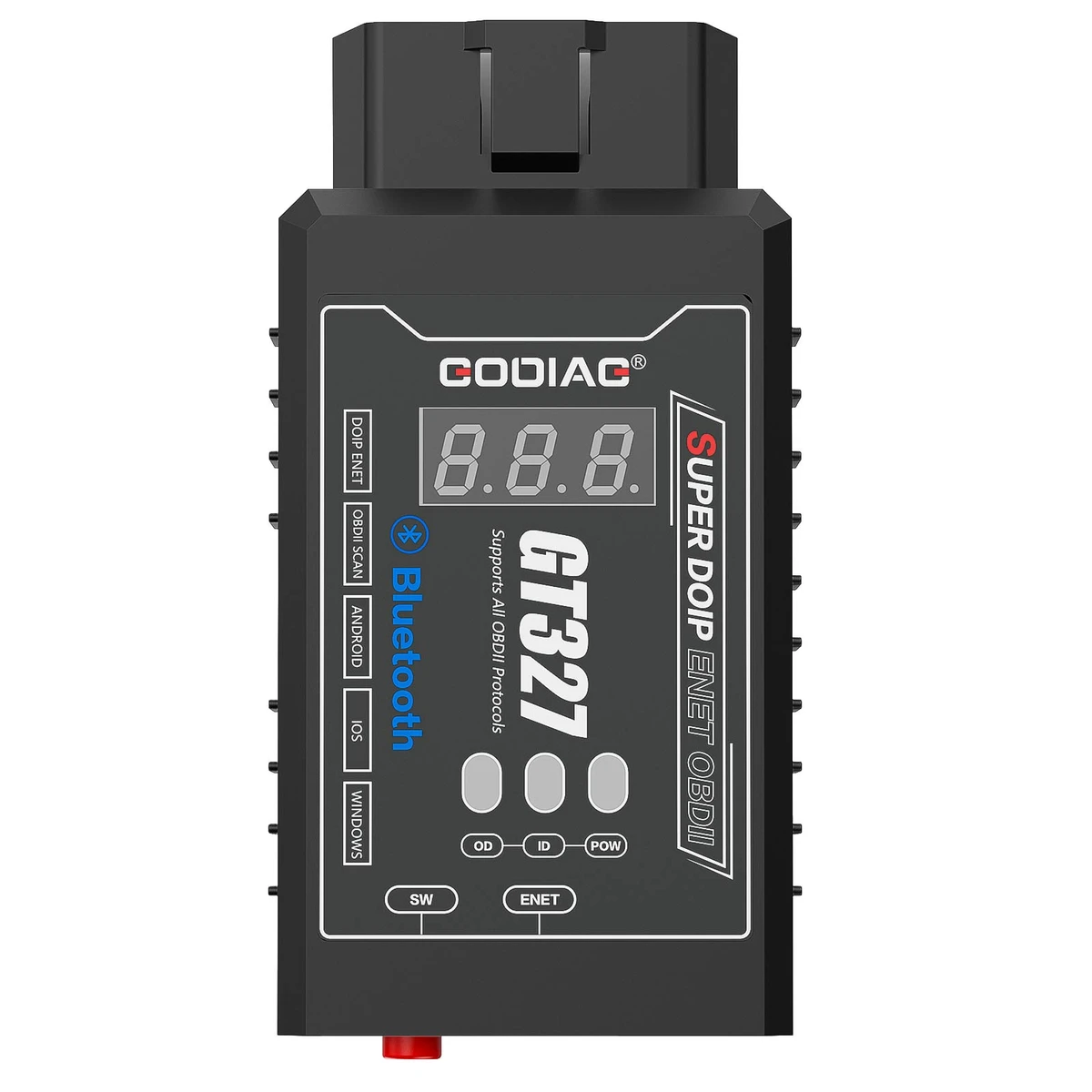
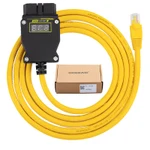
GODIAG GT327 combines Bluetooth 4.0 standard OBDII diagnostics with a wired Ethernet connection for supported DOIP / ENET diagnostic, programming, and coding software. It supports iOS, Android, and Windows applications as described, with a 9–30V vehicle-interface range, voltage display, and an audible warning below 11V. Software is not included.
Designed for automotive maintenance technicians and DIY users, GT327 connects to compatible phone apps by Bluetooth for OBDII code reading, code clearing, and live data. For supported advanced vehicle functions, connect it to a computer by Ethernet and use the appropriate DOIP / ENET software. Mobile Bluetooth and computer Ethernet are separate connection workflows. The supplied vehicle categories include motorcycles, cars, trucks, commercial vehicles, and SUVs; actual support requires the appropriate vehicle interface, protocol, and software.
| Bluetooth version stated | 4.0 |
|---|---|
| Platforms named | iOS; Android; Windows |
| Vehicle-interface voltage range stated | 9–30V |
| Low-voltage alarm | Audible warning below 11V |
| Standard diagnostics | Read/clear OBDII trouble codes; live data |
|---|---|
| Mobile connection | Bluetooth; no Wi-Fi in the supplied phone workflow |
| Computer connection | Ethernet for compatible DOIP / ENET software |
| Advanced operations | Supported diagnosis; programming; coding with corresponding software |
Showing 8 of 12 specifications
| Item | Qty |
|---|---|
| GODIAG GT327 SUPER DOIP ENET OBDII host | 1 |
| ENET Ethernet cable (3 meters long) | 1 |
| Item | Qty |
|---|---|
| PDF manual | 1 |
GODIAG GT327 combines Bluetooth 4.0 standard OBDII diagnostics with a wired Ethernet connection for supported DOIP / ENET diagnostic, programming, and coding software. It supports iOS, Android, and Windows applications as described, with a 9–30V vehicle-interface range, voltage display, and an audible warning below 11V. Software is not included.
Note: The supplied phone workflow uses Bluetooth, not Wi-Fi. Ethernet is used separately for the computer DOIP / ENET workflow. Software and function availability depend on the connected vehicle, application, and any required software access; no software is included.
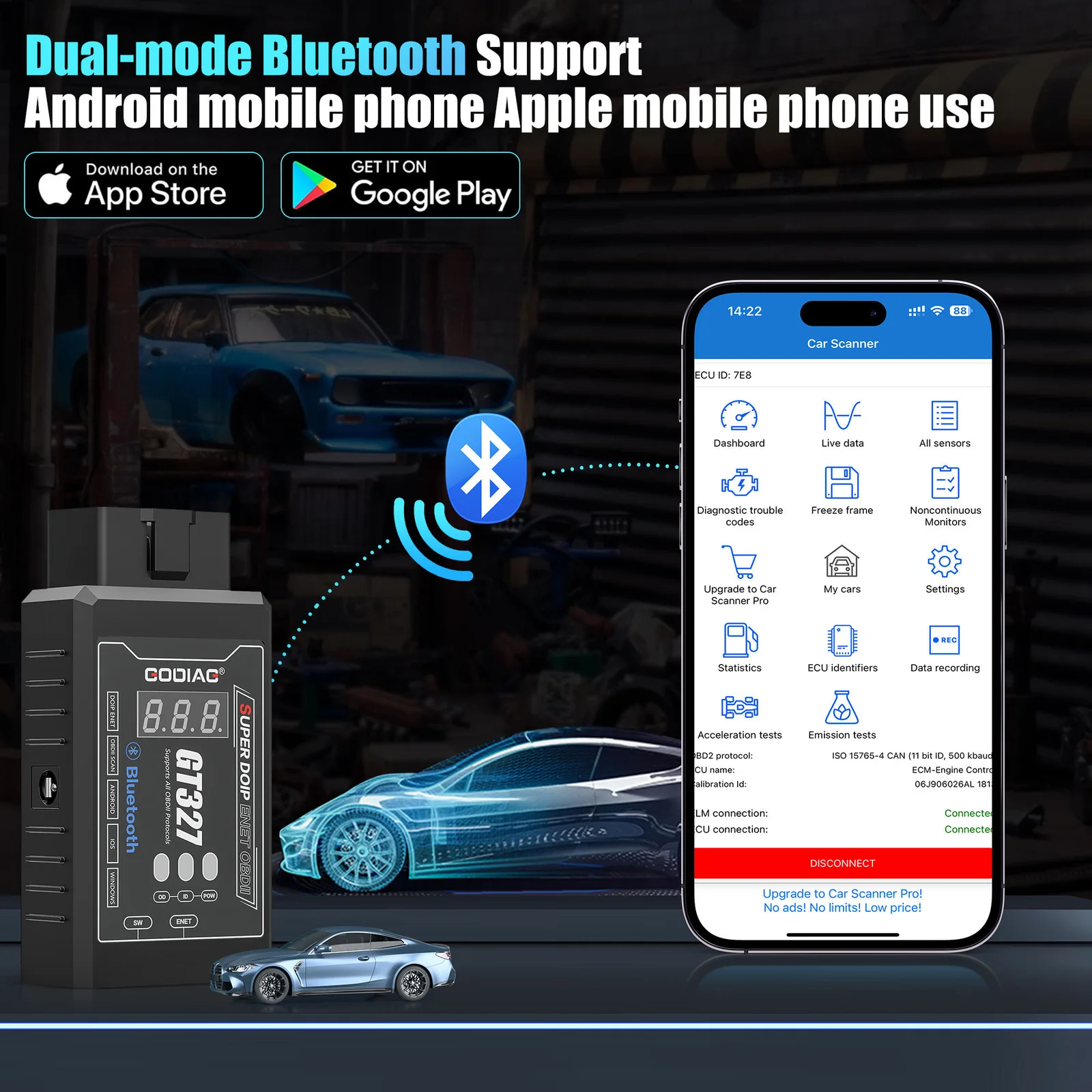
The supplied description names motorcycles, cars, trucks, commercial vehicles, and SUVs within the stated voltage range.
For suitable DOIP / ENET applications, the supplied brand examples are BMW, Mercedes-Benz, Volkswagen, Audi, Land Rover, Bentley, Lamborghini, Jaguar, Volvo, and Geely.
Note: Vehicle category, brand, or voltage alone does not establish compatibility. Confirm the actual diagnostic connection, protocol, and software support; programming and coding are not promised for every vehicle of a named brand.
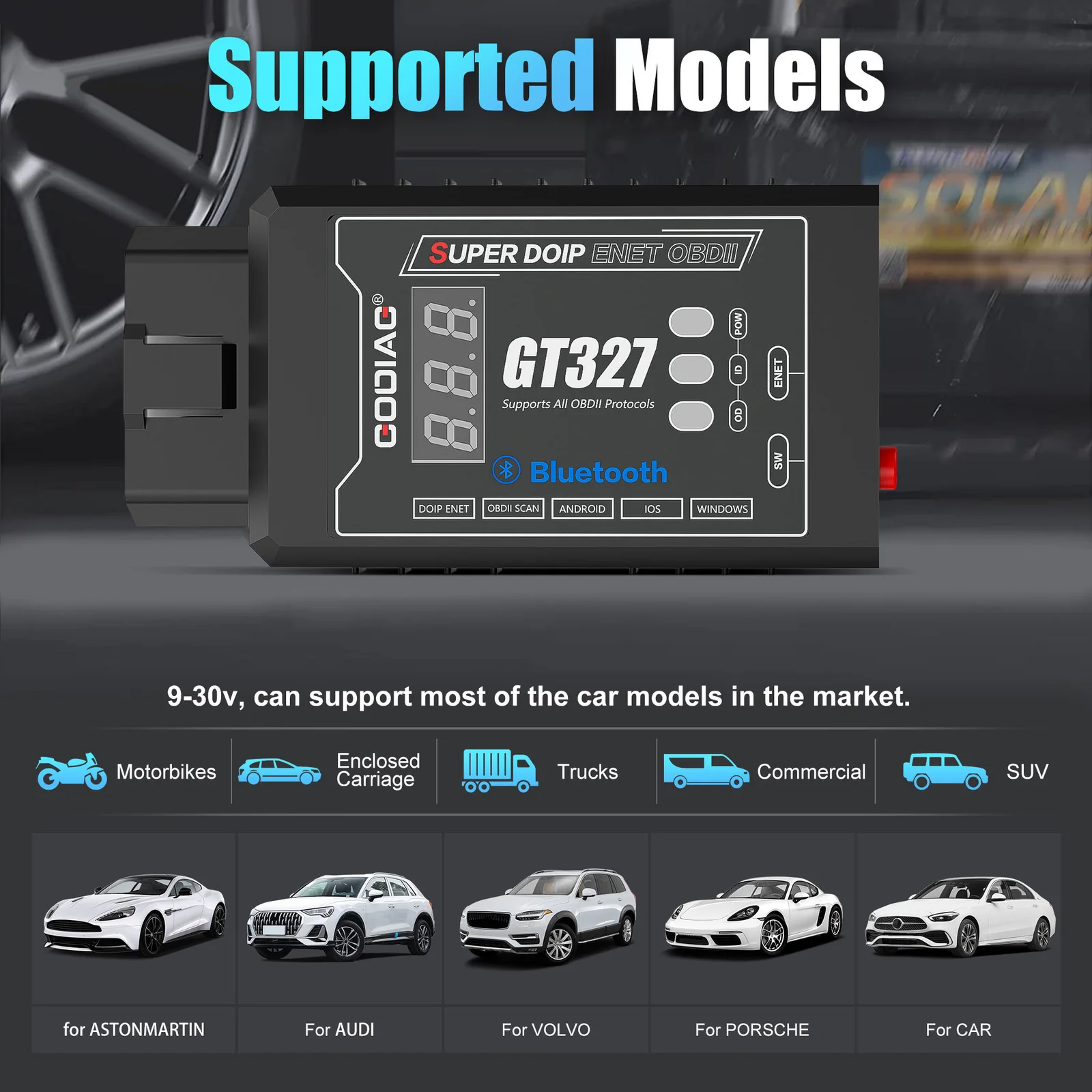
Note: These are software names supplied for compatibility reference, not bundled software or a guarantee of every function. Select the application and connection mode appropriate to the task. “ProMasters Only Phone App” is retained as listed and is not interpreted as an exclusive-app requirement.
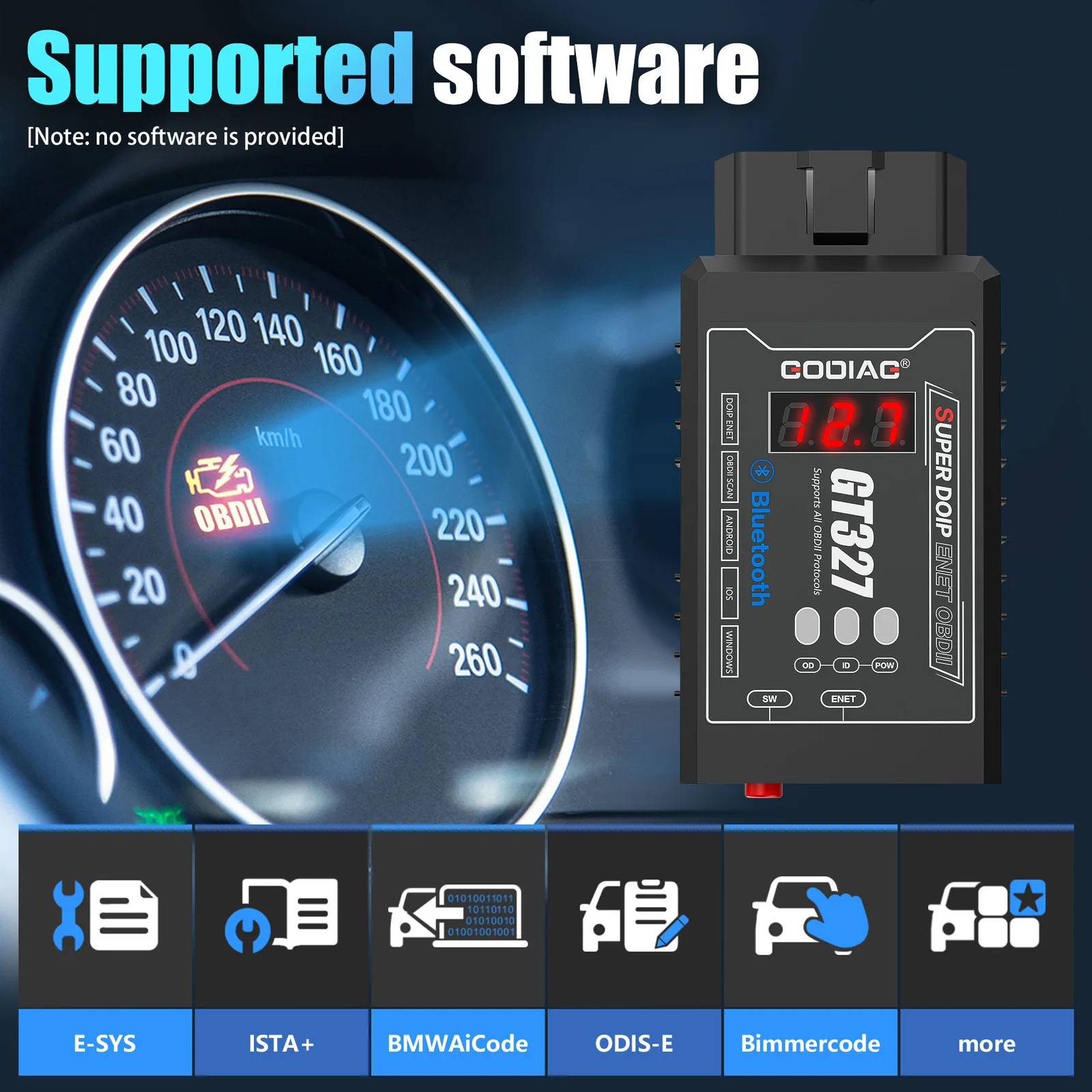
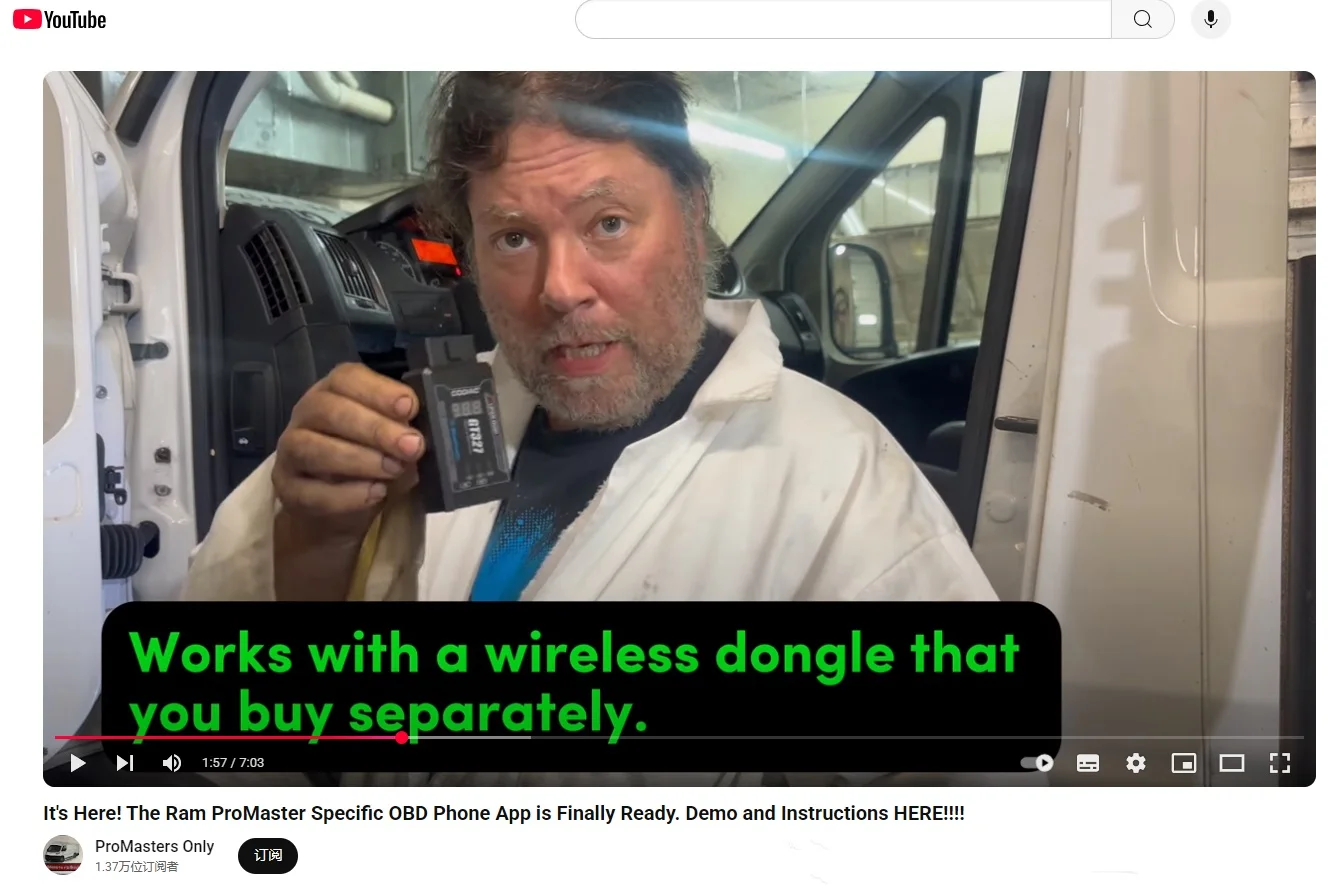
ProMasters Only app example from the source page:
Additional wired communication: DOIP / ENET via Ethernet cable connection.
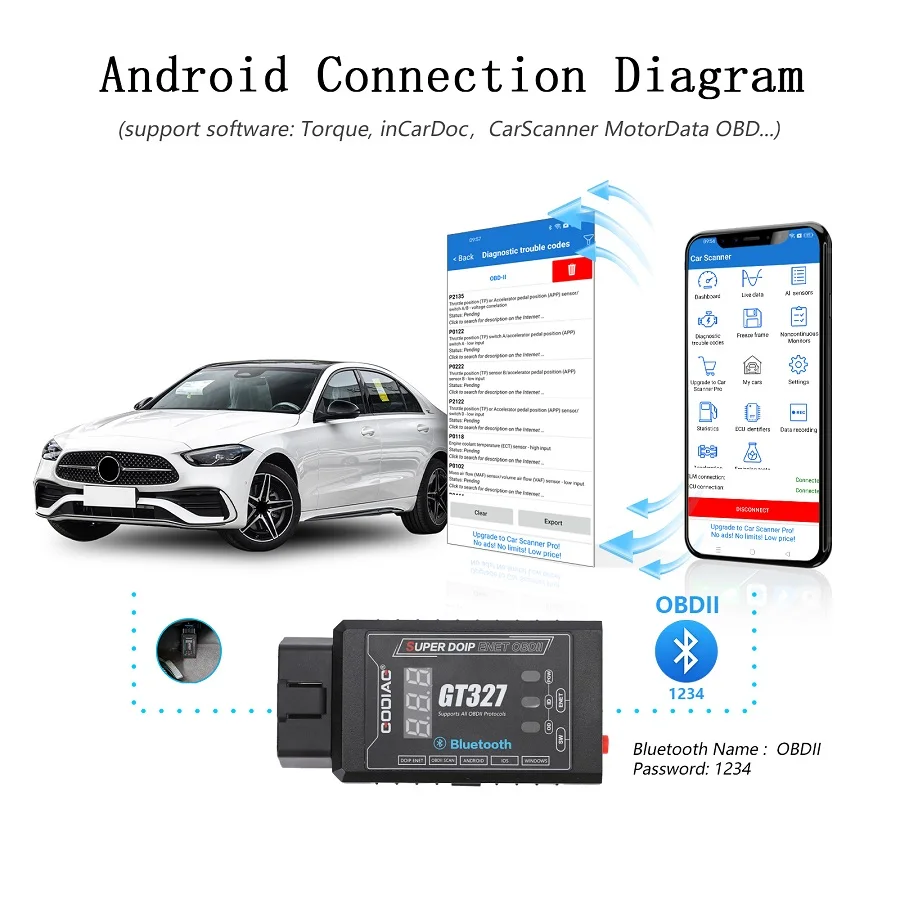
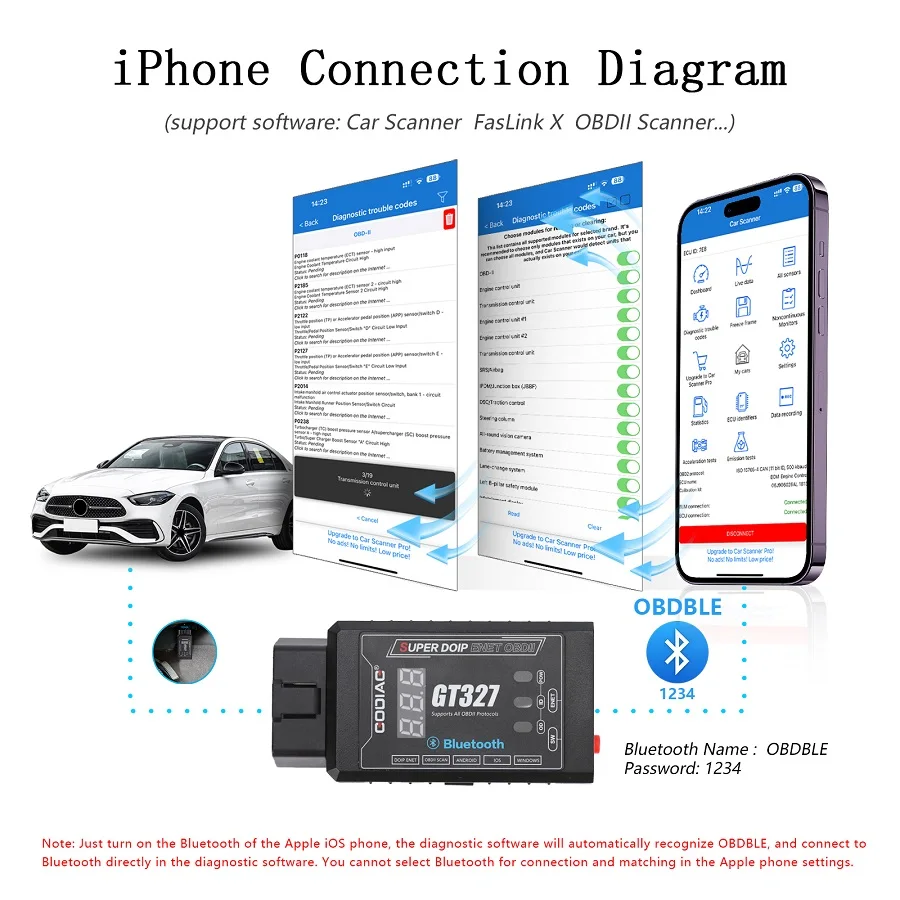
Note: The source uses both “OBD BLE” and “OBDBLE” spellings for the iPhone Bluetooth name. Follow the available device entry and app-specific connection instructions. App availability, pricing, and settings are not fixed by this description.
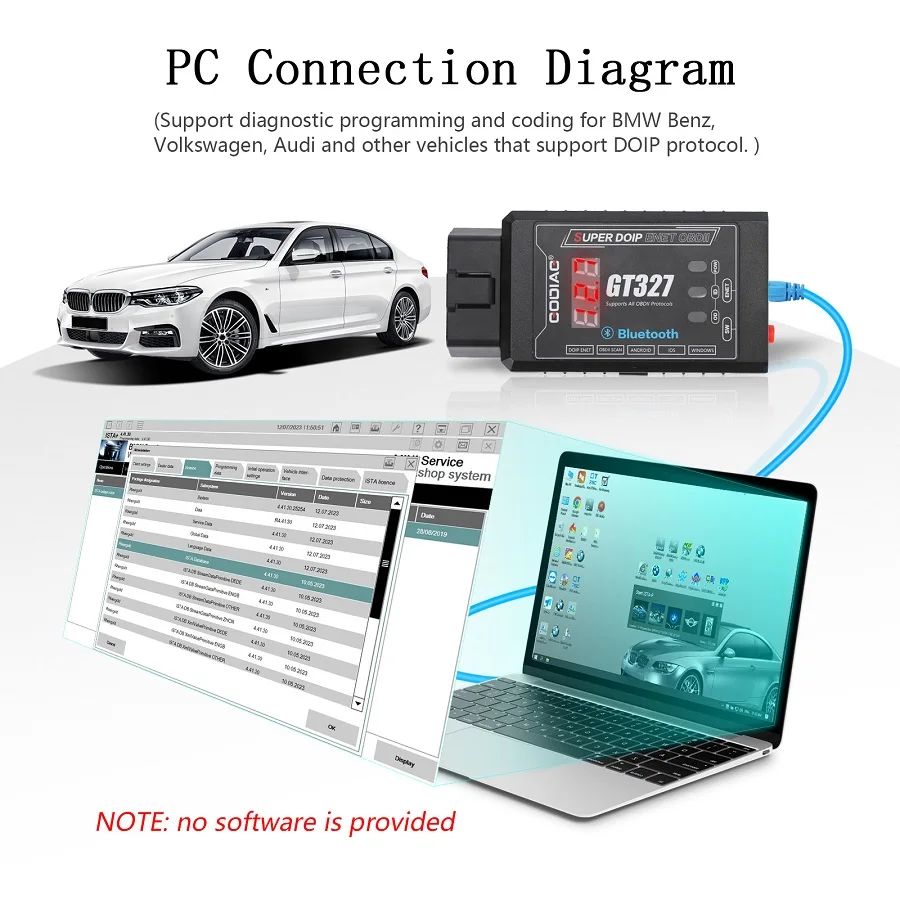
Connect GT327 to a computer by Ethernet cable and use the corresponding vehicle-specific diagnostic software for supported DOIP / ENET diagnostics, programming, or coding.
Note: The supplied material does not give a complete computer setup procedure. No additional switch sequence or network configuration is inferred here.
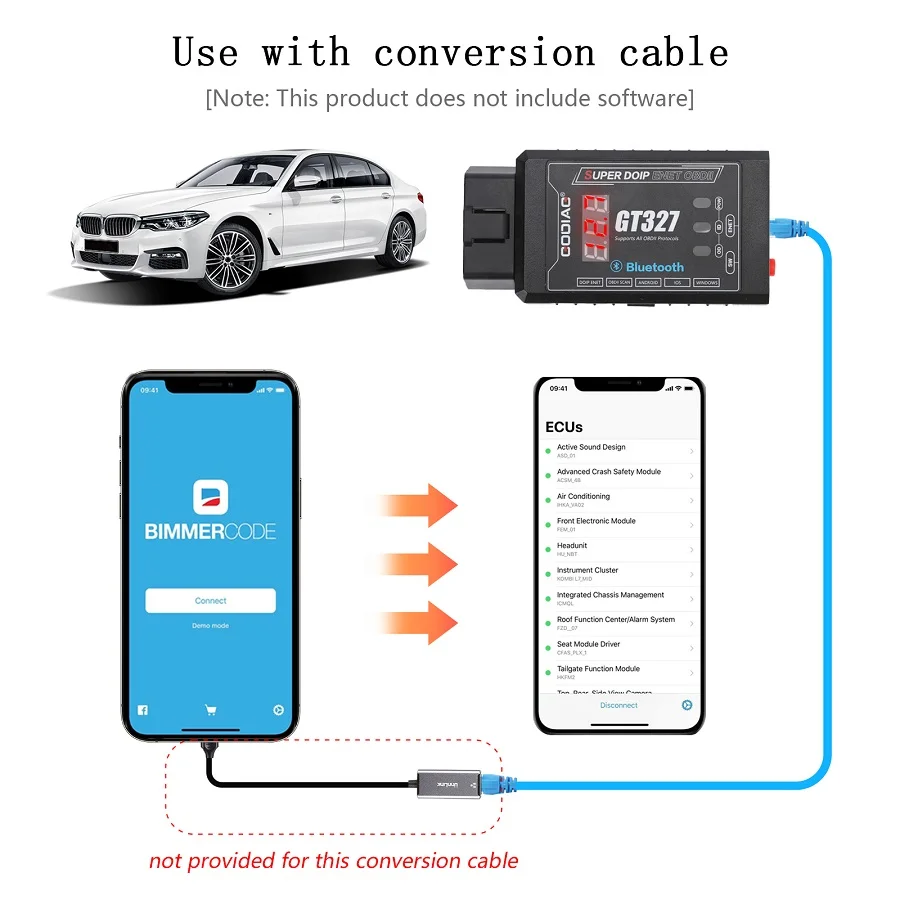
The source image shows a separate phone connection example using BimmerCode and a conversion cable between the phone and the GT327 Ethernet connection.
Note: The illustrated conversion cable is not included. Software is not provided. The image does not establish support for every phone, conversion cable, or vehicle; confirm the intended combination with the application’s connection requirements.
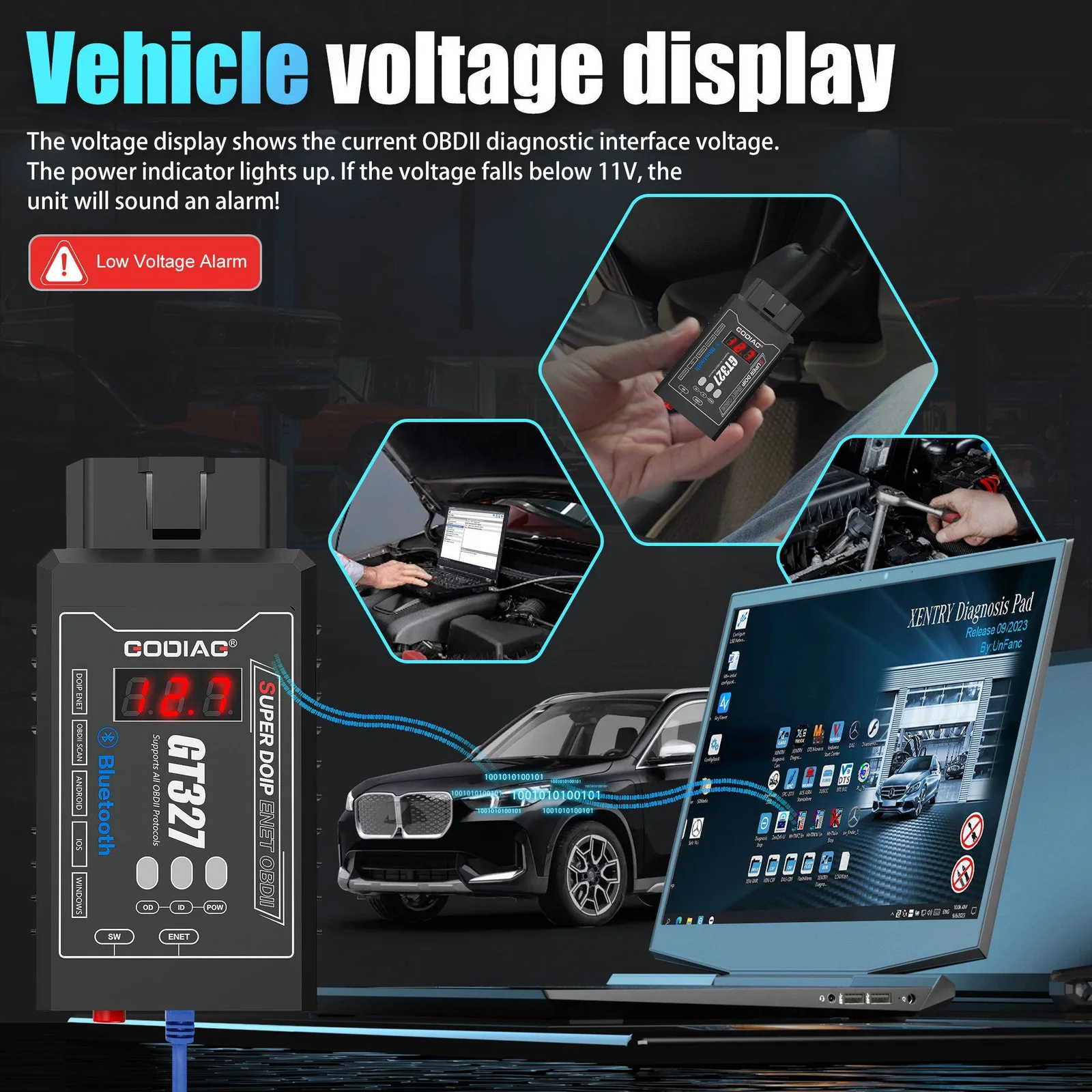
If the diagnostic-interface voltage is below 11V, the device sounds an alarm. The supplied instructions advise charging the vehicle battery with a dedicated battery charger when this warning occurs.
| Parameter | Details |
|---|---|
| Bluetooth version stated | 4.0 |
| Platforms named | iOS; Android; Windows |
| Vehicle-interface voltage range stated | 9–30V |
| Low-voltage alarm | Audible warning below 11V |
| Standard diagnostics | Read/clear OBDII trouble codes; live data |
| Mobile connection | Bluetooth; no Wi-Fi in the supplied phone workflow |
| Computer connection | Ethernet for compatible DOIP / ENET software |
| Advanced operations | Supported diagnosis; programming; coding with corresponding software |
| Android Bluetooth name | OBD II |
| iPhone Bluetooth name in source | OBD BLE / OBDBLE |
| PIN options in supplied instructions | 1234 / 0000; use app-specific procedure |
| Wired communication | DOIP / ENET via Ethernet |
It is a versatile diagnostic tool designed to interface with a vehicle's onboard diagnostic system. It reads trouble codes, monitors real-time vehicle parameters, and supports advanced functions like DOIP and ENET protocols for programming and coding.
The scanner works with iOS, Android, and Windows devices, offering broad compatibility for mobile diagnostics and computer-based software.
No, the device does not include software. However, it is compatible with various third-party apps like Torque, CarScanner, BMW E-SYS, and others, which can be downloaded separately.
Download a compatible app (e.g., Torque, CarScanner). Insert the device into the vehicle's OBDII port. Turn on Bluetooth and pair with "OBD II" using the password 1234 or 0000. Configure the app settings for diagnostics.
Download a compatible app (e.g., Car Scanner, FasLink X). Insert the device into the vehicle's OBDII port. Use the app to connect to "OBDBLE." Configure the app settings for diagnostics.
Connect the device to your computer using the provided Ethernet cable. Install vehicle-specific diagnostic software that supports DOIP/ENET (e.g., BMW E-SYS, VAG ODIS-E). Perform advanced diagnostics, programming, or coding.
No reviews yet.