
DiagMaster
EU ShipFree Shipping

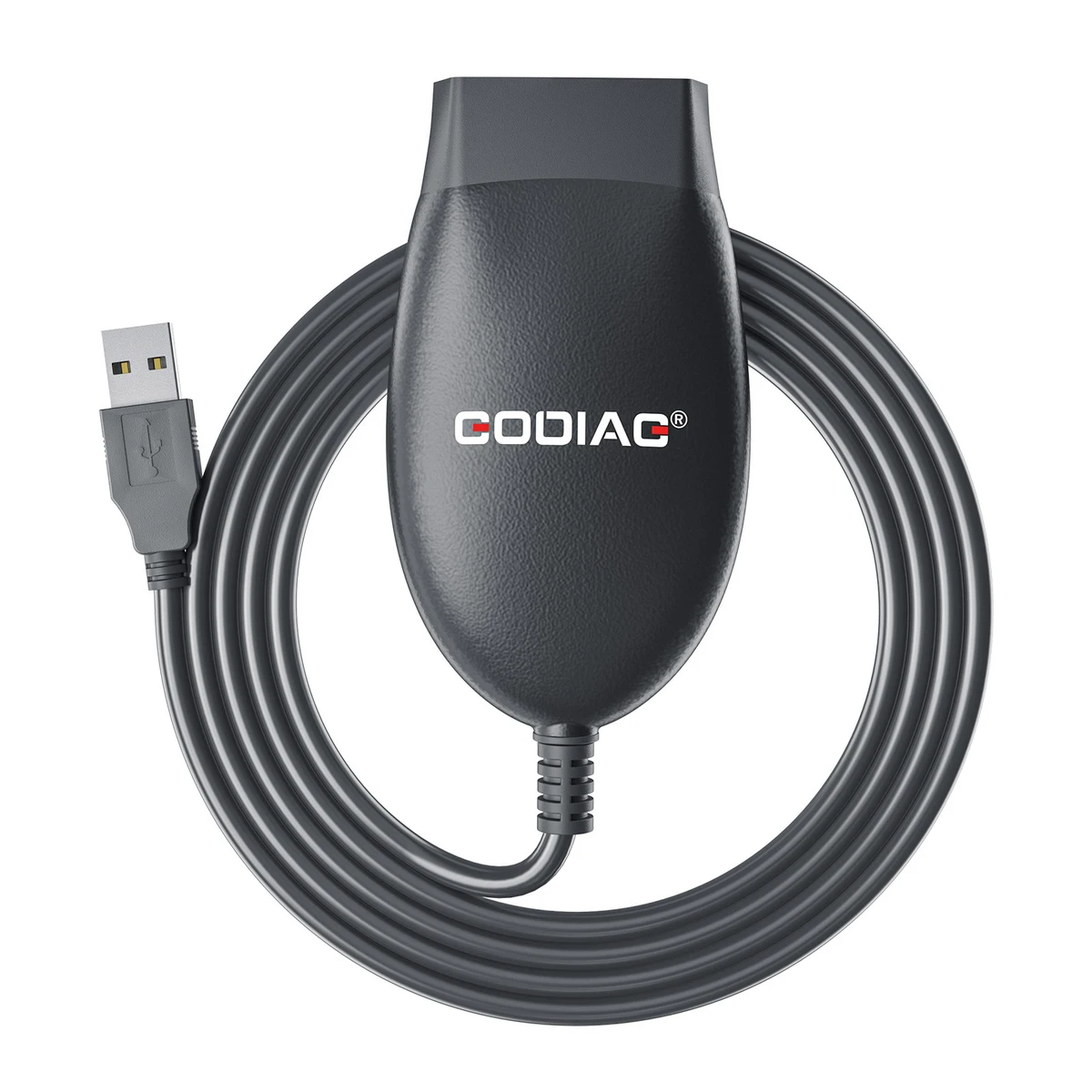
GD101 J2534 Passthru Diagnostic Cable for Ford Mazda/ Honda/ Toyota/ Renault/ Forscan/ ScanMaster/ SDD/ ELM327/ J1979

BrandGODIAGItem No. DC-GDG-DIA-000023Physical product

GODIAG GD101 is a USB-to-OBD2 diagnostic interface with J2534 passthrough and ELM327-compatible modes and automatic mode switching. It supports application-specific diagnostics and J2534 ECU reprogramming with compatible Windows software. The supplied specifications include 8–18V DC vehicle input, USB 2.0, and an OBDII-16 vehicle connector. MS-CAN is not supported.
€23€25
In Stock
Quantity
1

Delivery & shipping options

Standard delivery
Free
Dispatch from
EU
Total incl. shipping:
€23
Estimated delivery
8–15 Working Days

Overview

GD101 connects a Windows computer to a supported vehicle for use with compatible applications such as Honda HDS, Toyota Techstream, JLR SDD, FORScan, ScanMaster, ODIS, and Renault CLIP. Protocol support includes high-speed CAN, ISO9141, ISO14230, and J1850 PWM/VPW, with programming-voltage and ground-switching functions. Available operations depend on the vehicle, software version, driver, and supported communication pins; software language lists and historical compatibility examples are not universal coverage guarantees.

Package list
Package contents for the selected product option
ItemQty
GODIAG GD101 J2534 interface1

Description

GODIAG GD101 J2534 Passthru Diagnostic Cable

GODIAG GD101 is a USB-to-OBD2 diagnostic interface with J2534 passthrough and ELM327-compatible modes and automatic mode switching. It supports application-specific diagnostics and J2534 ECU reprogramming with compatible Windows software. The supplied specifications include 8–18V DC vehicle input, USB 2.0, and an OBDII-16 vehicle connector. MS-CAN is not supported.

Note: GD101 is a GODIAG interface. The supplied comparison with Tactrix Openport 2.0 describes similar functionality; it does not identify this product as a Tactrix device or guarantee identical compatibility.

J2534 and ELM327-Compatible Functions

  • J2534 passthrough and ELM327-compatible modes in one device, with automatic mode switching.
  • Supported diagnostics through compatible J2534 and ELM327-based applications.
  • ECU reprogramming in J2534 mode, including programming voltage for supported procedures.
  • The supplied offer describes free diagnostic software for J1979-compatible vehicles.
  • Compact interface for USB connection between a computer and the vehicle.

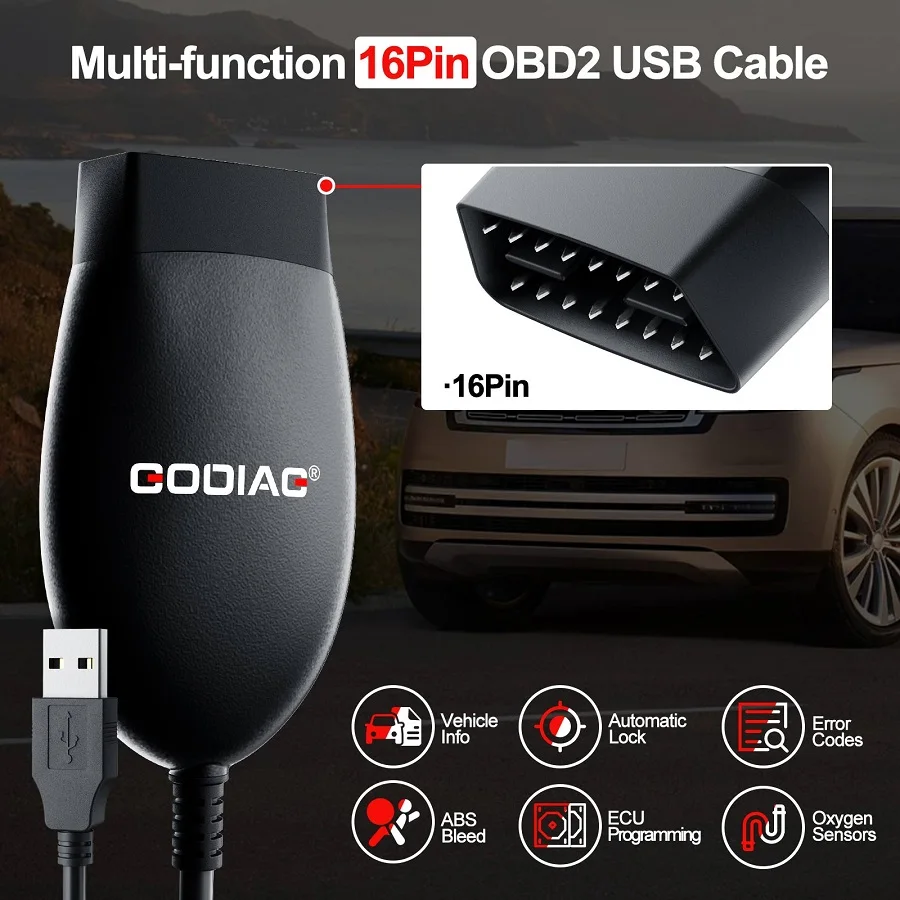
Note: Functions illustrated on the promotional image, including ABS bleeding, automatic locking, and programming, depend on the actual software and vehicle. The interface alone does not establish availability of every operation.

Windows and Driver Requirements

The supplied compatibility specification lists Windows 8 / 10 / 11 and 32-bit / 64-bit support. Windows 7 is not supported. Check the operating-system and driver requirements of the selected application separately.
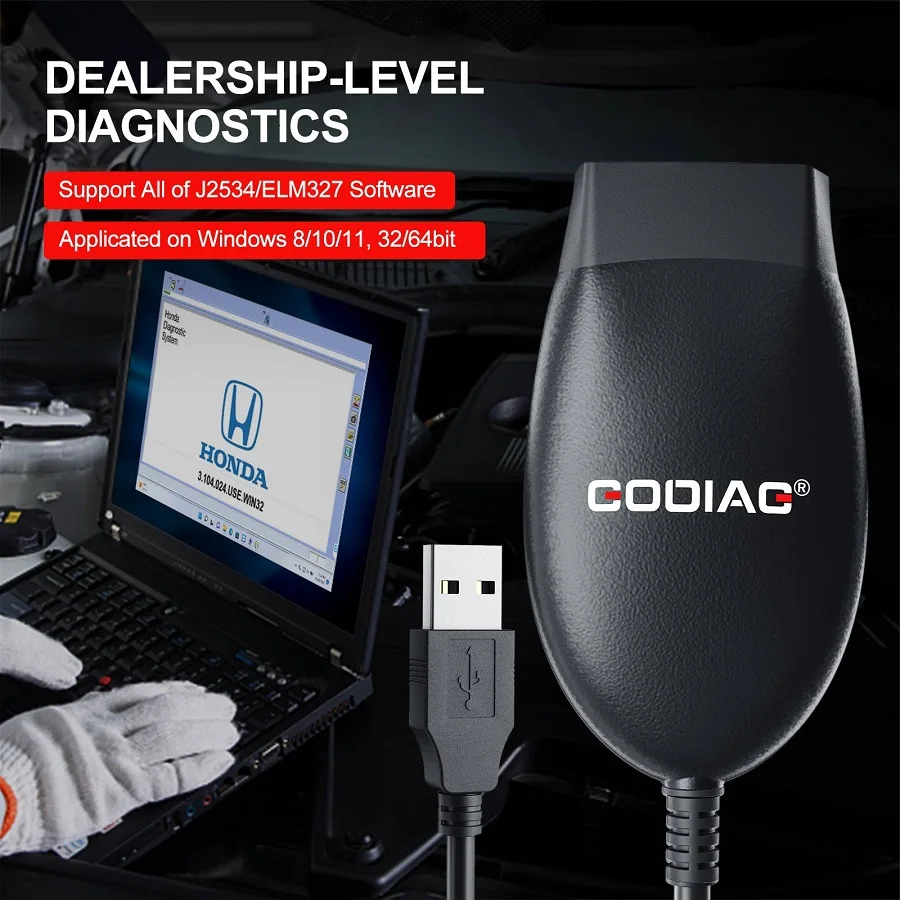
The supplied download reference names GODIAG J2534 Driver V2.3. Use the appropriate GODIAG driver and installation instructions for the actual device.

Note: Driver V2.3 is a supplied version reference, not a claim that it is the latest release. Free J1979 diagnostic software does not establish that every named third-party application, license, activation, or update is included.
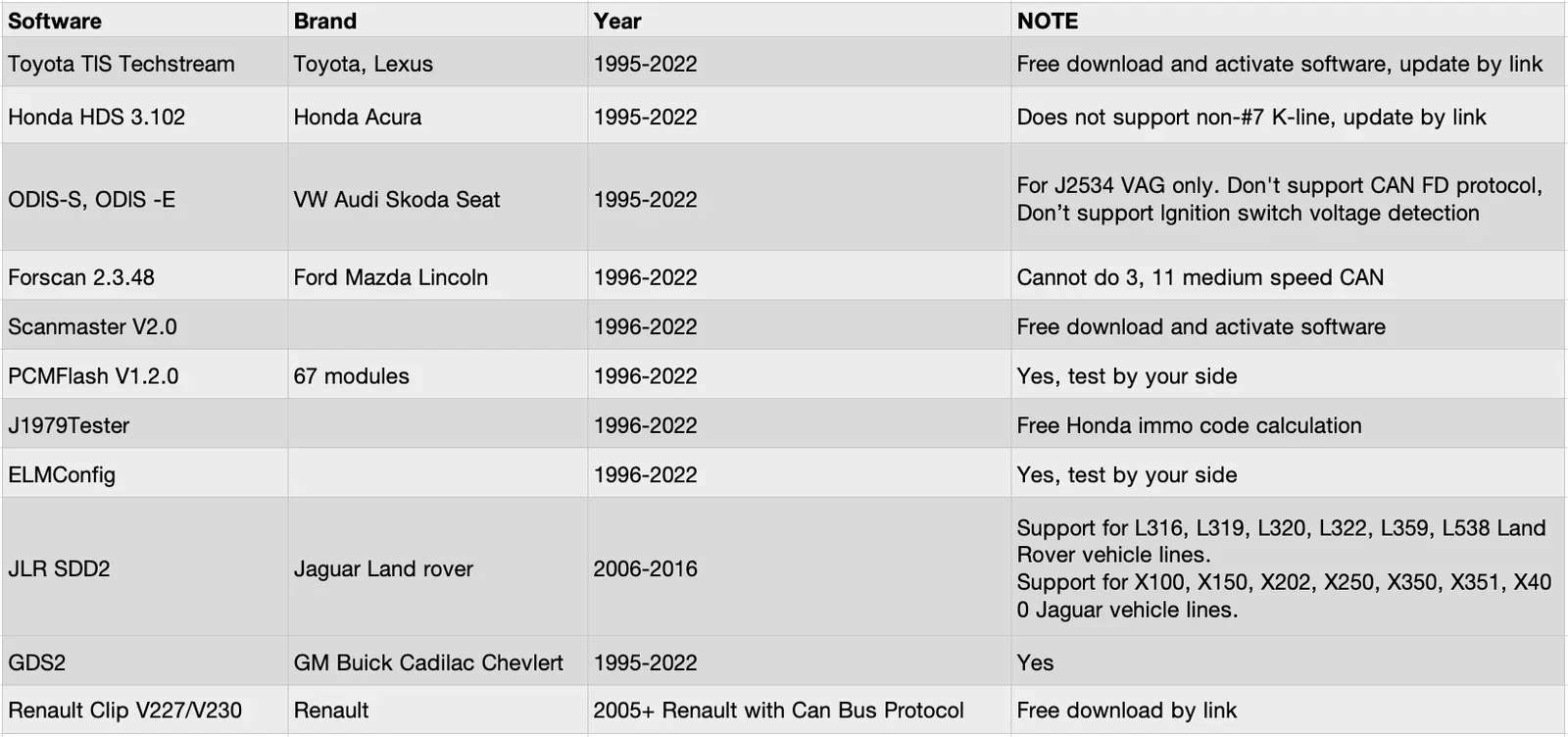
Software Compatibility: Supplied Version Examples

  • Honda HDS: 3.104.024.
  • Toyota Techstream: V17.30.011.
  • JLR SDD: V163.
  • FORScan: 2.3.48.
  • ScanMaster: V2.1.
  • VAG ODIS: 9.1.0.
  • Renault CLIP: V227 / V230.
  • Other named ELM327 application example: ELMConfig.

Note: The table is a historical reference. Its software versions and year ranges do not establish support for all vehicles in those years. Differences from the text, such as HDS 3.102 and ScanMaster V2.0, are separate source-version examples. PCMFlash entries require checking the selected module; the image does not establish support for every PCMFlash function.

Communication and Application Limitations

  • No MS-CAN: the supplied FORScan reference specifically excludes medium-speed CAN on OBD pins 3 and 11.
  • The ODIS row states no CAN FD protocol support and no ignition-switch voltage detection.
  • The HDS table row excludes K-line applications using pins other than pin 7.
  • Renault CLIP V227 testing is described for 2005-and-newer Renault CAN-bus applications.

Note: Do not interpret a software name or broad J2534/ELM327 compatibility statement as support for every module, protocol, vehicle, or function.

Vehicle Examples in the Supplied Description

  • Land Rover with JLR SDD: L316, L319, L320, L322, L359, L538.
  • Jaguar with JLR SDD: X100, X150, X202, X250, X350, X351, X400.
  • Honda with HDS: Accord, Civic, CR-V, City.
  • Toyota / Lexus: Camry, RAV4, Corolla, Prius, and Lexus applications.
  • VAG with ODIS: Volkswagen, Audi, SEAT, Škoda.
  • GM with GDS2: Buick, Chevrolet, Cadillac.

Note: These are source-listed examples, not a complete coverage list. Confirm the exact vehicle, module, function, and communication requirements before use.

Protocol and Pin Configuration

  • ISO15765: standard and extended frames.
  • ISO11898-2 high-speed CAN: OBD pins 6 and 14; up to 1000 kbps as specified.
  • ISO9141 / ISO14230 K-line hardware: OBD pins 7 and 15.
  • J1850 PWM: OBD pins 2 and 10; IFR and 2× speed mode.
  • J1850 VPW: OBD pin 2; 4× speed mode.
  • Programming voltage: OBD pin 12 or 13; up to 20V.
  • Short-to-ground function: OBD pin 9 to OBD pin 5.
  • ELM327-compatible command set: version 1.3a.

Note: The 20V value refers to the programming-voltage output function, not the allowed vehicle power input. Pin capabilities do not override software-specific restrictions such as the HDS K-line limitation above.
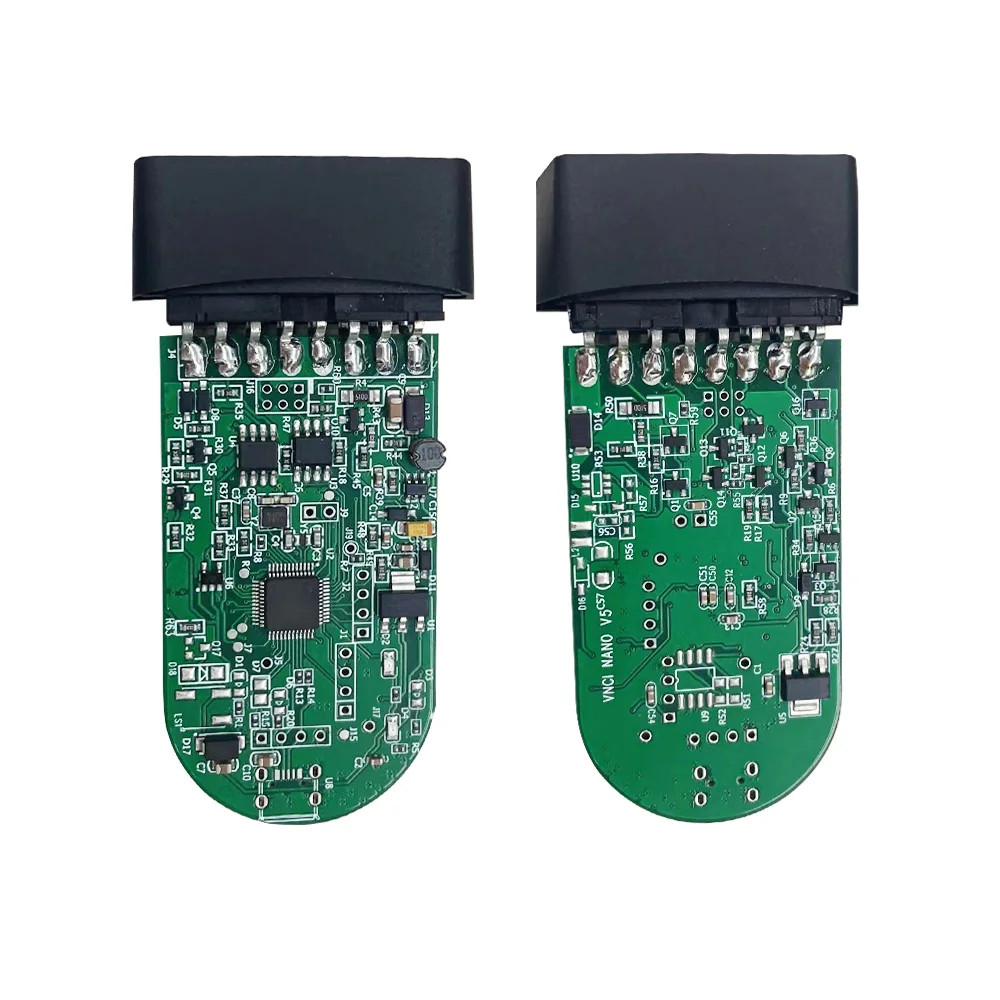
Hardware Specifications

  • Vehicle input: 8–18V DC.
  • Vehicle connection: molded DLC3 / OBDII-16 connector.
  • Host connection: USB 2.0.
  • Dimensions: 95 × 55 × 23 mm.
  • Environmental temperature stated: −20°C to 45°C (−4°F to 113°F).

Software Languages Listed in the Supplied Material

Language availability belongs to the selected software and version, rather than a selectable language in the cable itself.
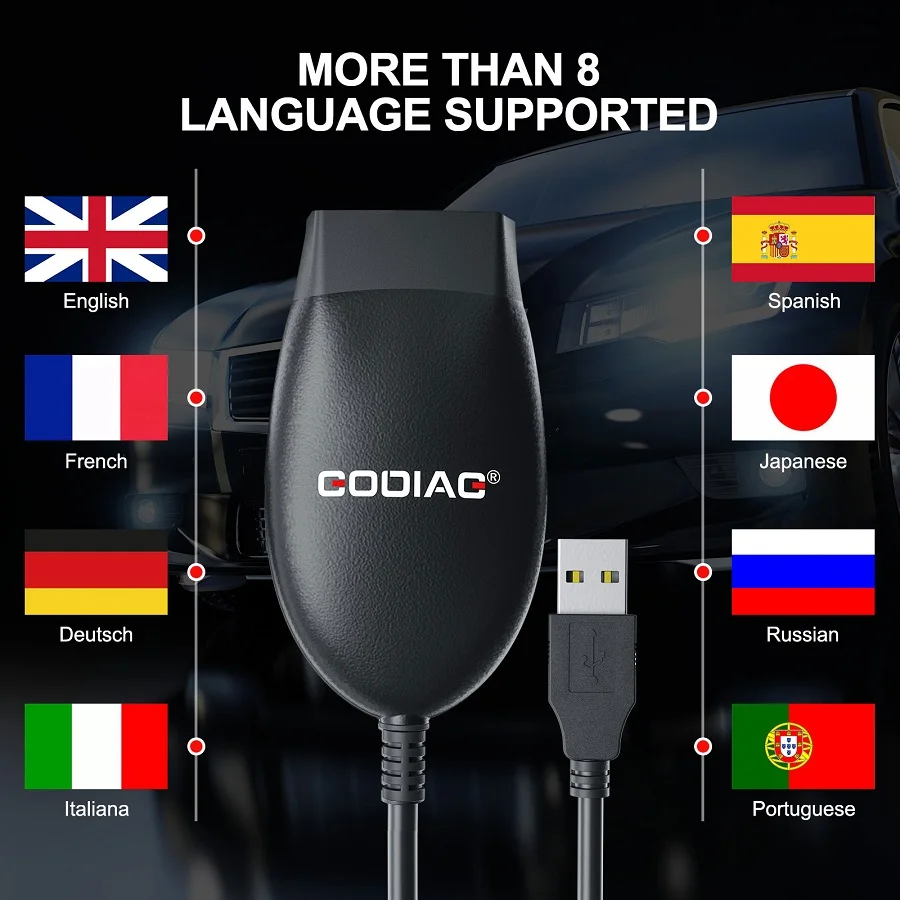
  • ODIS: English, Japanese, Portuguese, Romanian, Korean, Dutch, Polish, Turkish, Spanish, French, Italian, Croatian, Danish, German, Swedish, Finnish, Slovenian, Czech, Russian, Greek, Chinese.
  • Toyota: English, French, Spanish, Japanese, German, Italian, Russian, Turkish, Chinese.
  • Honda: English, German, Czech, Dutch, Finnish, French, Greek, Hungarian, Italian, Norwegian, Polish, Portuguese, Russian, Slovenian, Spanish, Swedish, Turkish, Japanese, Chinese.
  • JLR SDD: German, English, Spanish, French, Italian, Dutch, Portuguese, Russian, Japanese, Chinese, Korean.
  • Forscan: English, Russian, Polish, Italian, German, Hungarian, Turkish, French, Latvian, Bosnian, Finnish, Romanian, Portuguese, Traditional Chinese, Simplified Chinese, Czech, Lithuanian, Slovak, Ukrainian.
  • ScanMaster ELM327: English, Czech, German, Spanish, French, Hungarian, Italian, Polish, Serbian, Turkish, Danish, Croatian.
  • Pcmflash: English, Russian.
  • Can Clip Renault: English, German, Danish, Spanish, Finnish, French, Italian, Norwegian, Dutch, Portuguese, Romanian, Swedish.

Note: These are the supplied language lists. Confirm availability in the installed application; no third-party software entitlement is implied.
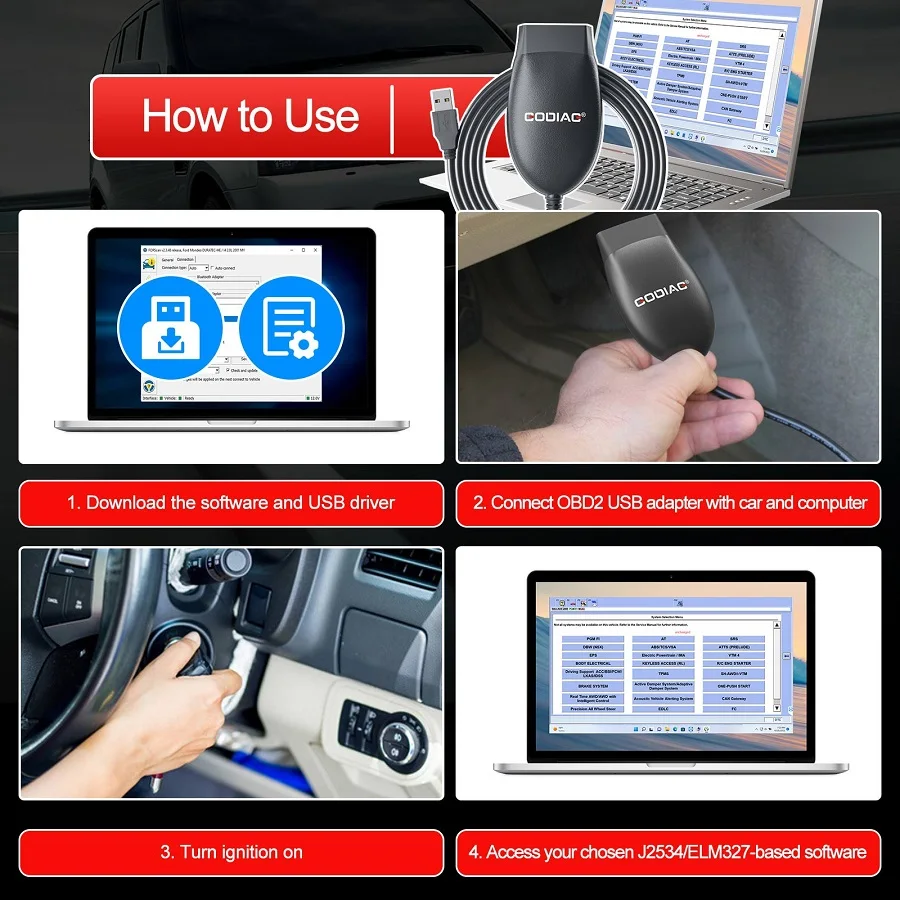
Basic Connection and Firmware Update

  • Download and install the appropriate driver and supported diagnostic software.
  • Connect GD101 to the vehicle OBD2 connector and computer USB port.
  • Switch ignition on as directed by the selected diagnostic procedure.
  • Select the appropriate interface / connection in the application and perform supported operations.

For firmware updating, the supplied instructions say to open the device startup software, connect the interface, and select Upgrade Firmware.

Historical Update Records

  • August 16, 2023: J2534 driver V2.3; Renault CLIP V227 testing on 2005+ Renault CAN-bus applications.
  • March 31, 2023: software V2.1 and firmware V1.8.
  • The March record extends J2534 J1850 VPW transmit-message size to 4128 bytes and lists fixes for PyOBD connection and ISO9141 VIN reading in ELM327 mode.

Note: These dated records are not presented as the latest available software or firmware. Customer feedback in the supplied material is anecdotal and is not used as proof of universal stability, flashing speed, or vehicle coverage.


Compare

GODIAG GD101 J2534 vs. VXDIAG VCX SE vs. SVCI J2534:

Product FAQ

Ask a question

No product questions have been published yet. Need to check something before buying? Ask our team.

Customer reviews

Highest rated first

No reviews yet.

Chat with us