
GODIAG
GD101 J2534
€23View details
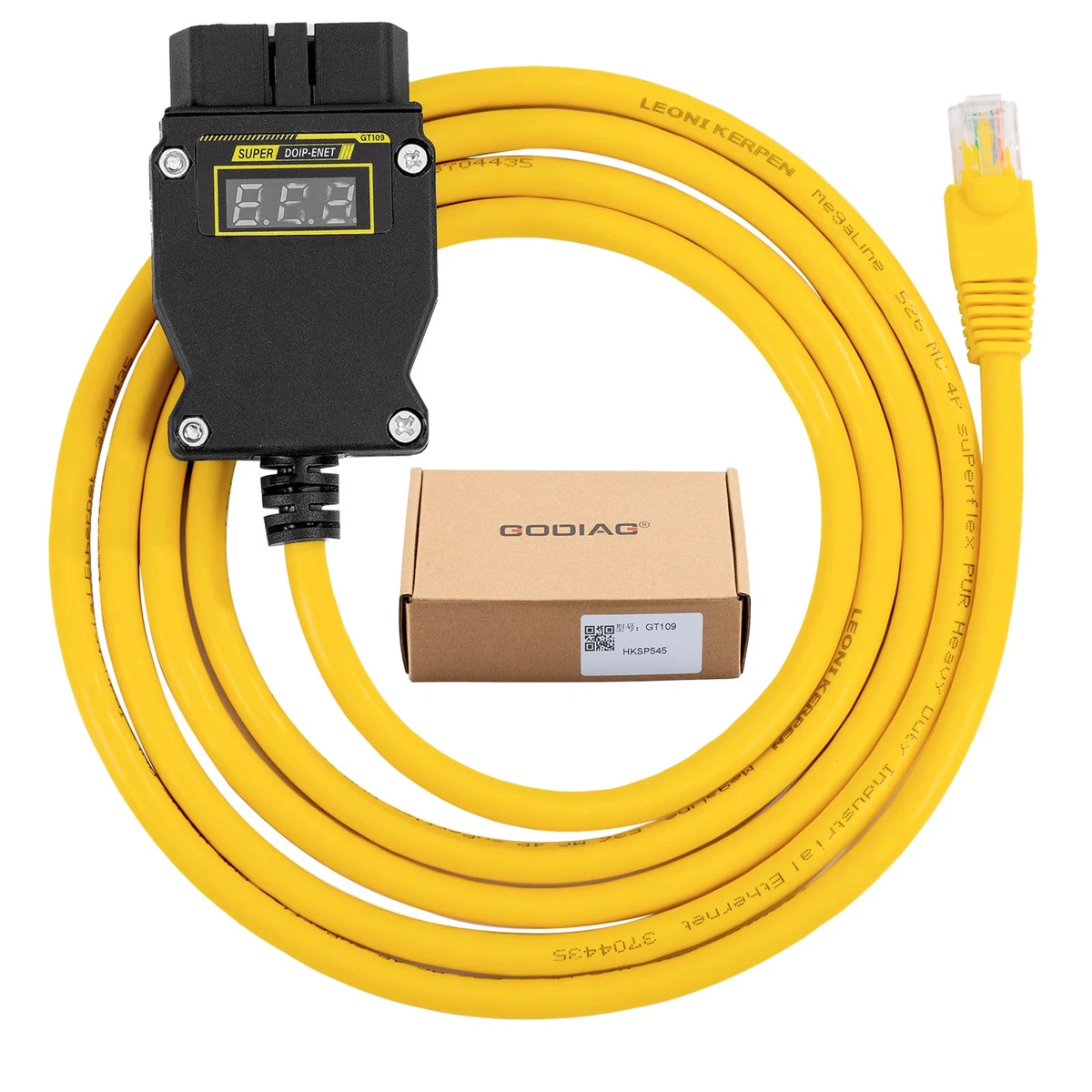
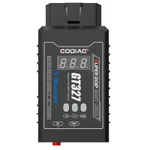
GODIAG GT109 is a wired DOIP / ENET adapter for supported diagnostic, programming, and coding applications. It displays the vehicle diagnostic-interface voltage and provides a low-voltage alarm at approximately 11V. Use it with the correct vehicle-specific software and connection setup; software is not included. Supported BMW mobile-app setups require a suitable Ethernet-to-mobile adapter, which is not included by default.
GT109 connects compatible vehicle diagnostic interfaces to a computer by Ethernet, or to a supported mobile app using a suitable conversion adapter. The supplied brand examples include BMW, Mercedes-Benz, Volkswagen, Audi, Land Rover, Volvo, and Geely with the required DOIP/ENET communication support. Actual coverage depends on chassis, installed modules, software, and the intended operation; vehicle brand or model year alone is not sufficient.
| Item | Qty |
|---|---|
| GODIAG GT109 DOIP-ENET | 1 |
GODIAG GT109 is a wired DOIP / ENET adapter for supported diagnostic, programming, and coding applications. It displays the vehicle diagnostic-interface voltage and provides a low-voltage alarm at approximately 11V. Use it with the correct vehicle-specific software and connection setup; software is not included. Supported BMW mobile-app setups require a suitable Ethernet-to-mobile adapter, which is not included by default.
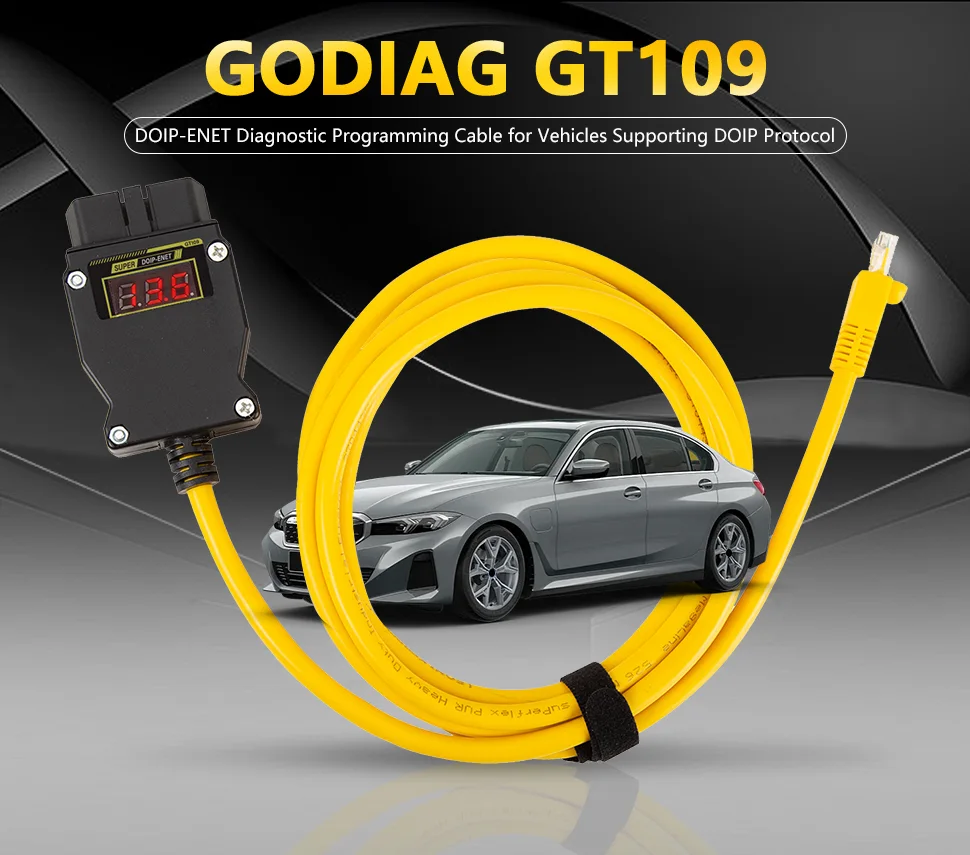
Note: The adapter provides the communication connection; it does not include software or create software authorizations. The user must obtain suitable software and follow its required configuration and operating procedures.
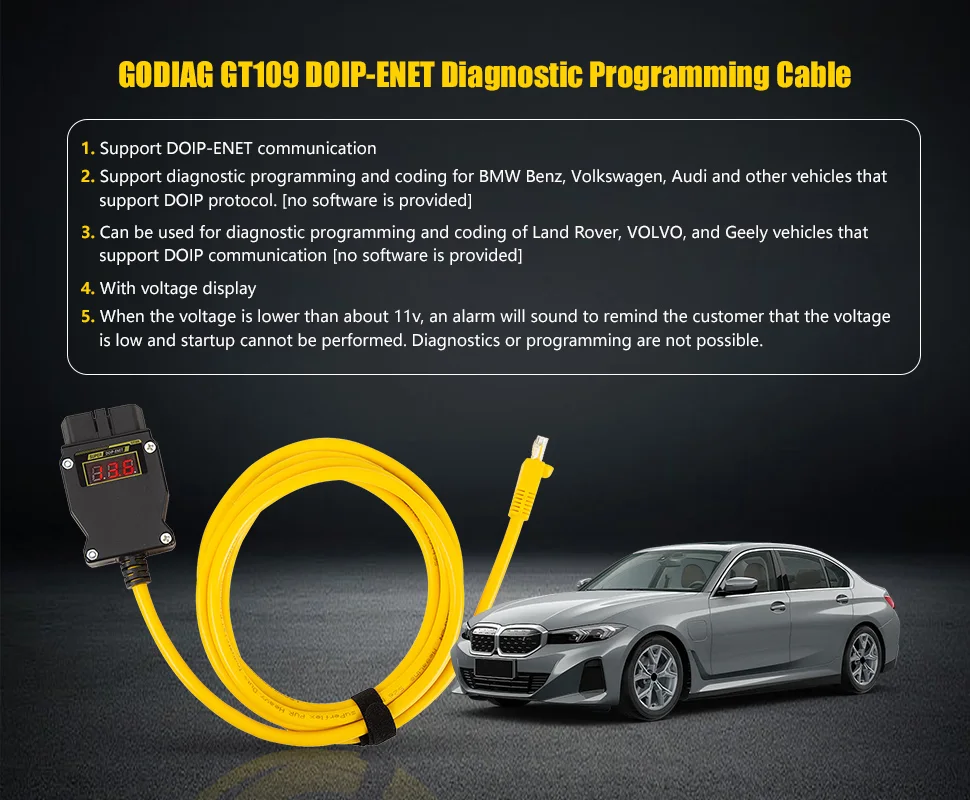
Note: The warning is intended to help avoid low-voltage operating problems. The supplied material does not establish a guaranteed hardware interlock that automatically blocks the vehicle or software, or protection against every programming failure.
Vehicle-specific software examples named in the supplied material include E-SYS, ISTA / Rheingold, ODIS-E, Pathfinder, and Xentry. The supplied software image also names BMW AiCode.
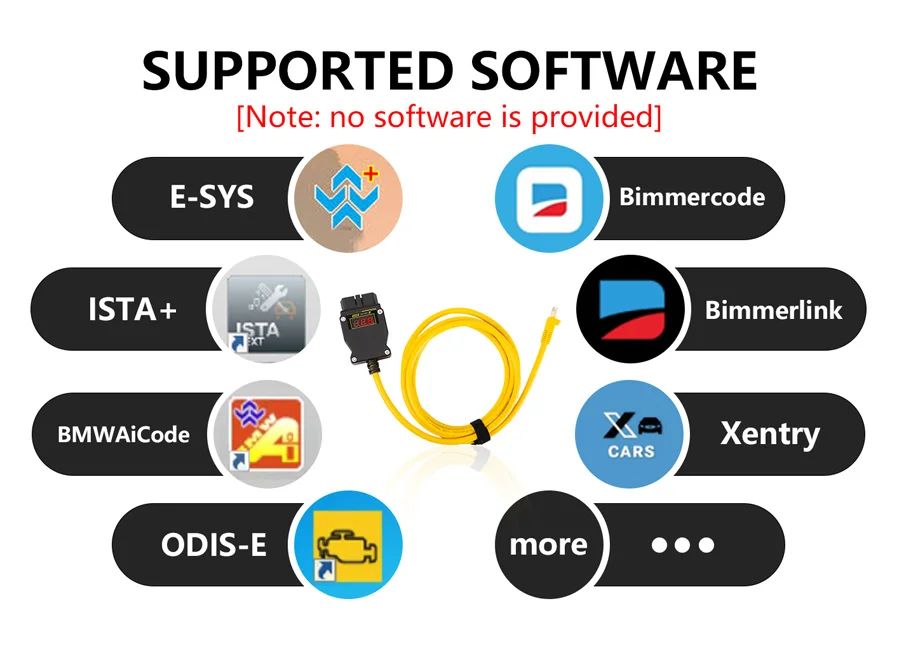
Connect GT109 between the supported vehicle interface and the computer’s Ethernet connection, then use the correctly configured application for the required vehicle and task.
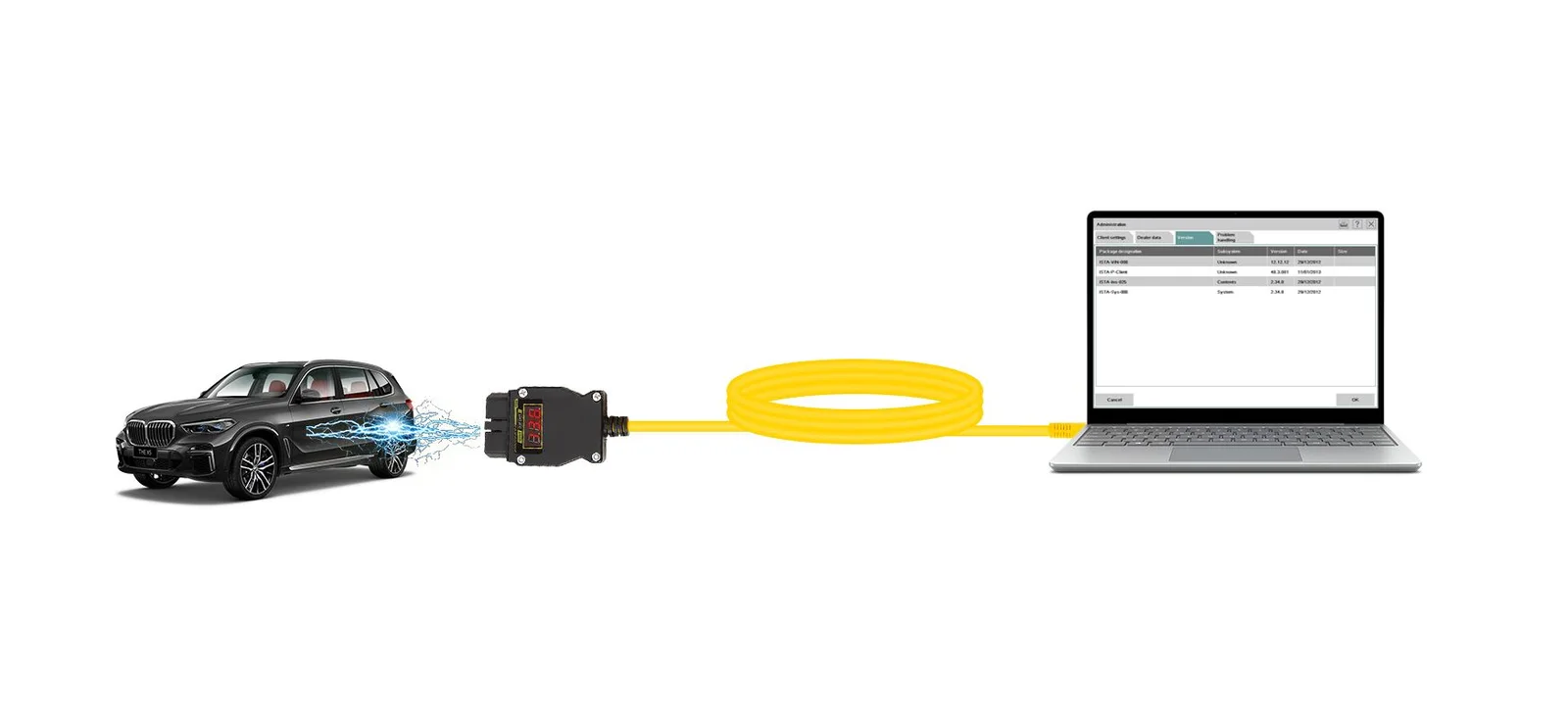
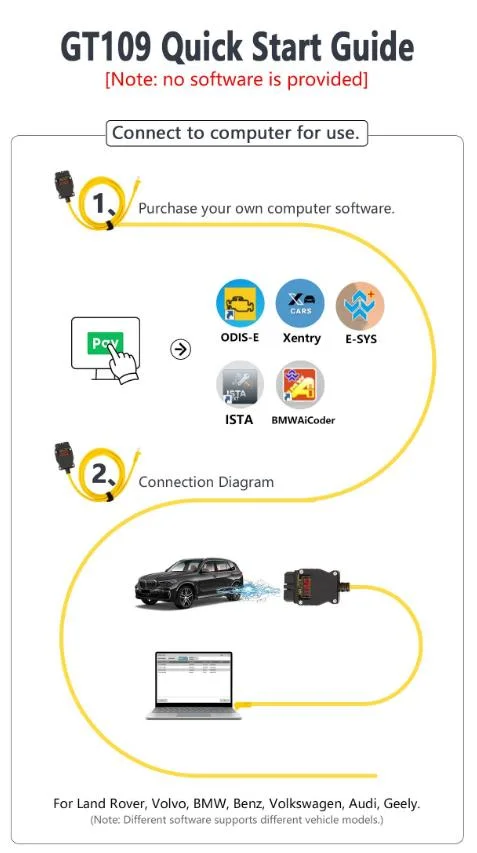
Note: ICOM and ECOM are interface/equipment names, not application software, and are not listed here as included software. The source also mentions INPA and ISIS without precise setup details; no universal compatibility with those environments is asserted. Different programs support different vehicles and operations.
The supplied description identifies Mercedes-Benz DOIP applications and states that the Xentry setup requires appropriate configuration files and patches.
Note: No patch file, download link, installation path, or software-version instructions were supplied. Do not interpret the product image or this description as a complete Xentry setup procedure. Obtain the correct configuration guidance for the actual software and vehicle.
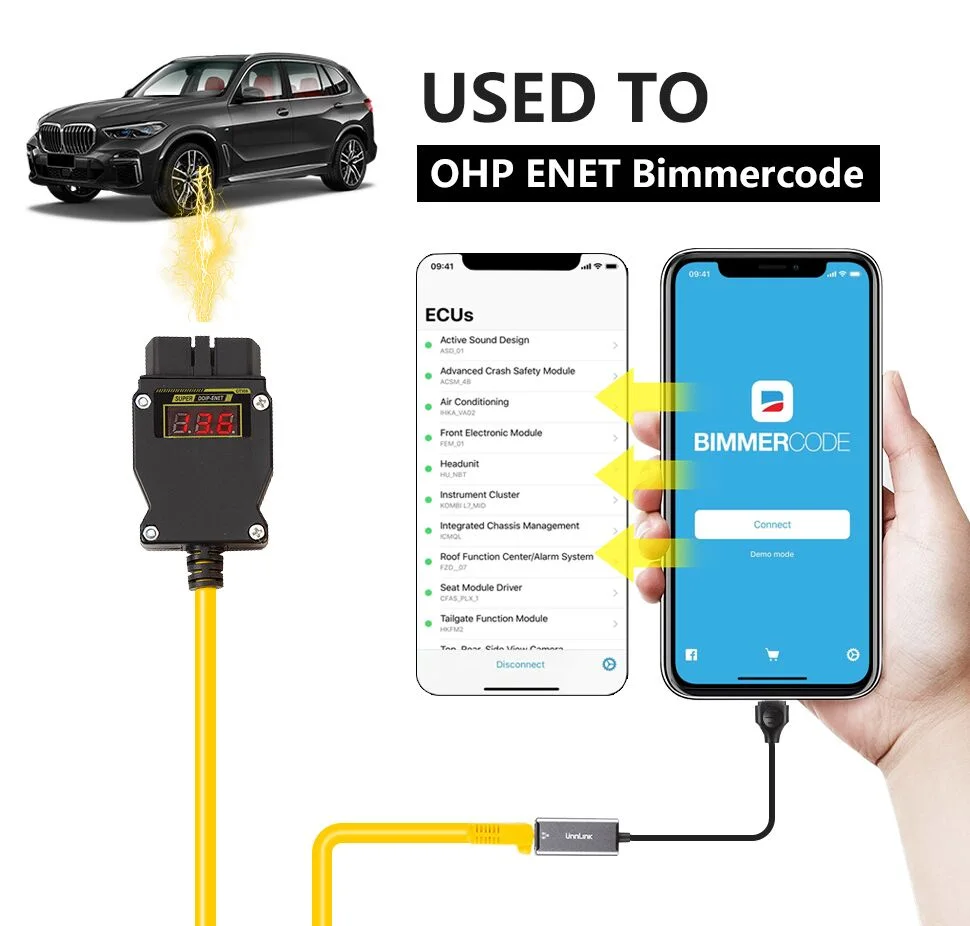
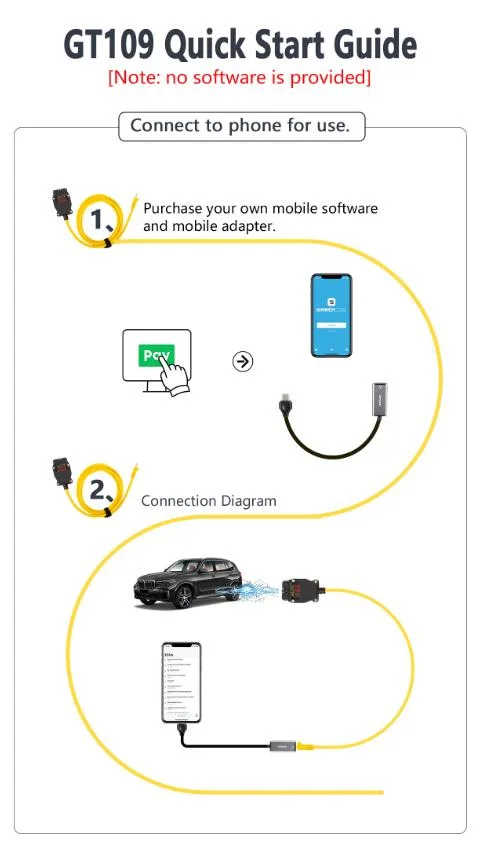
Note: The USB Type-C / Ethernet conversion adapter is not included by default. Connector shape alone does not establish phone, operating-system, app, or vehicle compatibility. The mobile examples supplied are BMW-related app workflows, not proof of mobile support for every brand or every desktop program.
Obtain BimmerCode through its official Apple App Store or Google Play distribution and follow the application’s purchase and adapter instructions.
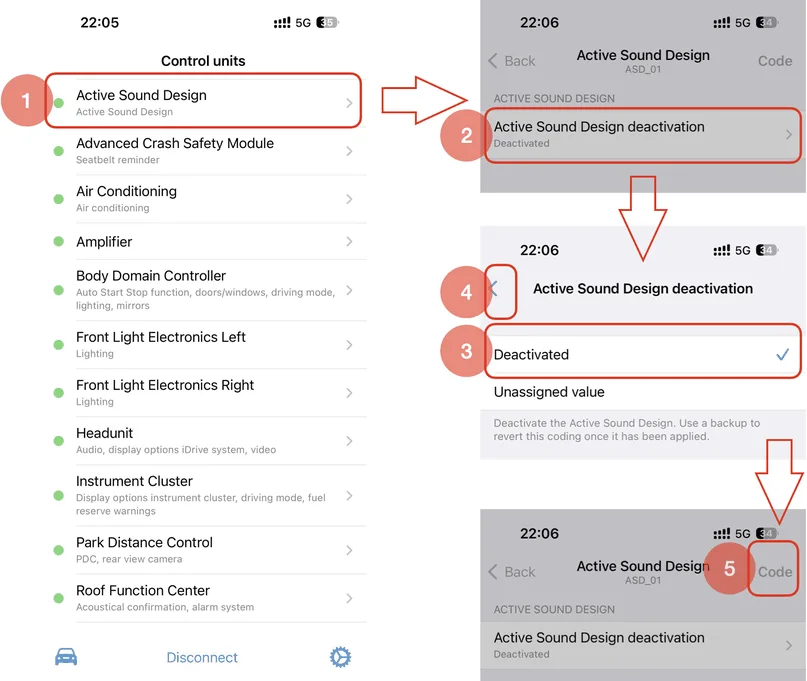
Source example: Active Sound Design setting:
Source example: Body Domain Controller setting:
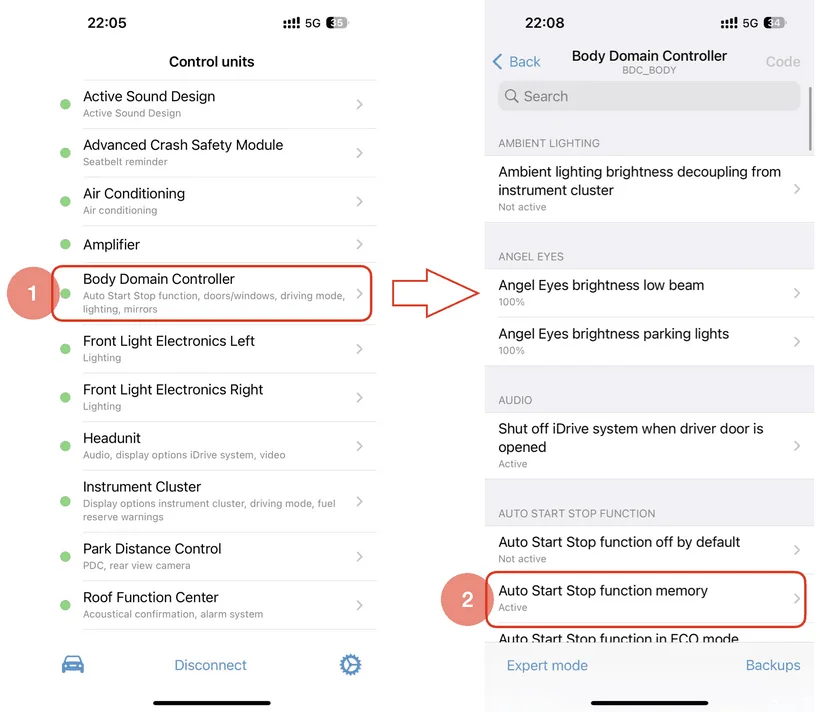
Note: The screenshots are examples of app functions, not proof those settings are available on every vehicle. They do not show an app-store purchase procedure. Software and app licenses are not included.
BimmerCode official adapter compatibility · BimmerCode official connection instructions
The source names the following families: 1 Series; 2 Series / M2 / Active Tourer / Gran Tourer; 3 Series / M3; 4 Series / M4; 5 Series / M5; 6 Series / M6; 7 Series; 8 Series; X1; X2; X3 / X3M; X4 / X4M; X5 / X5M; X6 / X6M; X7; Z4; i3; i8; MINI; and Toyota Supra.
Note: The broad source year ranges are not reproduced as guaranteed ENET coverage: several start before the relevant ENET-supported chassis. BimmerCode’s official ENET cable entry lists F, G, and I series; general support for an E/R-series vehicle by an app is not proof that an ENET cable can connect to it. Check the exact chassis, installed modules, and intended software, including MINI and Supra applications.
Note: These are source-reported examples, not a verified full coverage table. No “almost all Audi models after 2022” guarantee is made. Mixed platform labels and ambiguous names in the source are not used to infer platform or model compatibility.
No product questions have been published yet. Need to check something before buying? Ask our team.
No reviews yet.